ClickUp or Excel isn't really a fair fight on paper — one's a work management platform, the other's a spreadsheet application. But in practice, plenty of teams are still running entire projects out of a shared Excel file, and plenty of ClickUp workspaces get built without anyone asking whether the team actually needed all of it.
The real question isn't which tool is "better." It's which one matches how your team's work actually behaves. Here are the five differences that should actually decide it.
1. ClickUp or Excel: What Each Tool Is Actually Built For
Excel is built for numbers — calculations, formulas, pivot tables, financial models. It's exceptional at anything that's fundamentally a math problem dressed up as a spreadsheet.
ClickUp is built for work — tasks, ownership, deadlines, status, collaboration. It's exceptional at anything that's fundamentally a "who's doing what by when" problem.
The ClickUp or Excel decision gets easier the moment you're honest about which of those two categories your actual use case falls into. A budget model belongs in Excel. A project with owners, deadlines, and moving statuses belongs in ClickUp. Most teams run into trouble when they try to force one tool to do the other's job.
2. ClickUp or Excel: Real-Time Collaboration
ClickUp was built around this exact problem — the whole point is that tasks are commentable, assignable, and trackable by nature. In the ClickUp or Excel comparison, this is the sharpest line: Excel is a shared document, ClickUp is a shared workflow.
3. ClickUp or Excel: Automation and Workflow Logic
Excel can automate calculations natively and, with enough macro or scripting knowledge, can automate certain repetitive actions too. But it wasn't designed for workflow automation — moving a task forward, notifying someone, changing an assignee based on a status change.
That's core to what ClickUp does out of the box: automations that move tasks, assign people, or trigger notifications based on rules, without a single line of code. If your team's Excel file has ever needed a "did anyone check on this yet?" column that someone has to manually scan, that's usually the clearest sign the ClickUp or Excel answer has already tipped toward ClickUp.
4. ClickUp or Excel: Structure vs Flexibility
Excel's biggest strength is also its biggest weakness for team workflows: it's infinitely flexible. You can build anything in a spreadsheet, which is exactly why every team's Excel tracker ends up looking completely different, held together by whoever built it first, and fragile the moment that person leaves.
ClickUp trades some of that raw flexibility for structure — Spaces, Lists, statuses, and views that keep a team's work legible to everyone, not just the person who originally set it up. In the ClickUp or Excel comparison, this is a genuine tradeoff, not a one-sided win: a solo analyst building a custom financial model wants Excel's flexibility. A team of ten tracking shared, ongoing work wants ClickUp's structure.
5. ClickUp or Excel: Reporting and Visibility
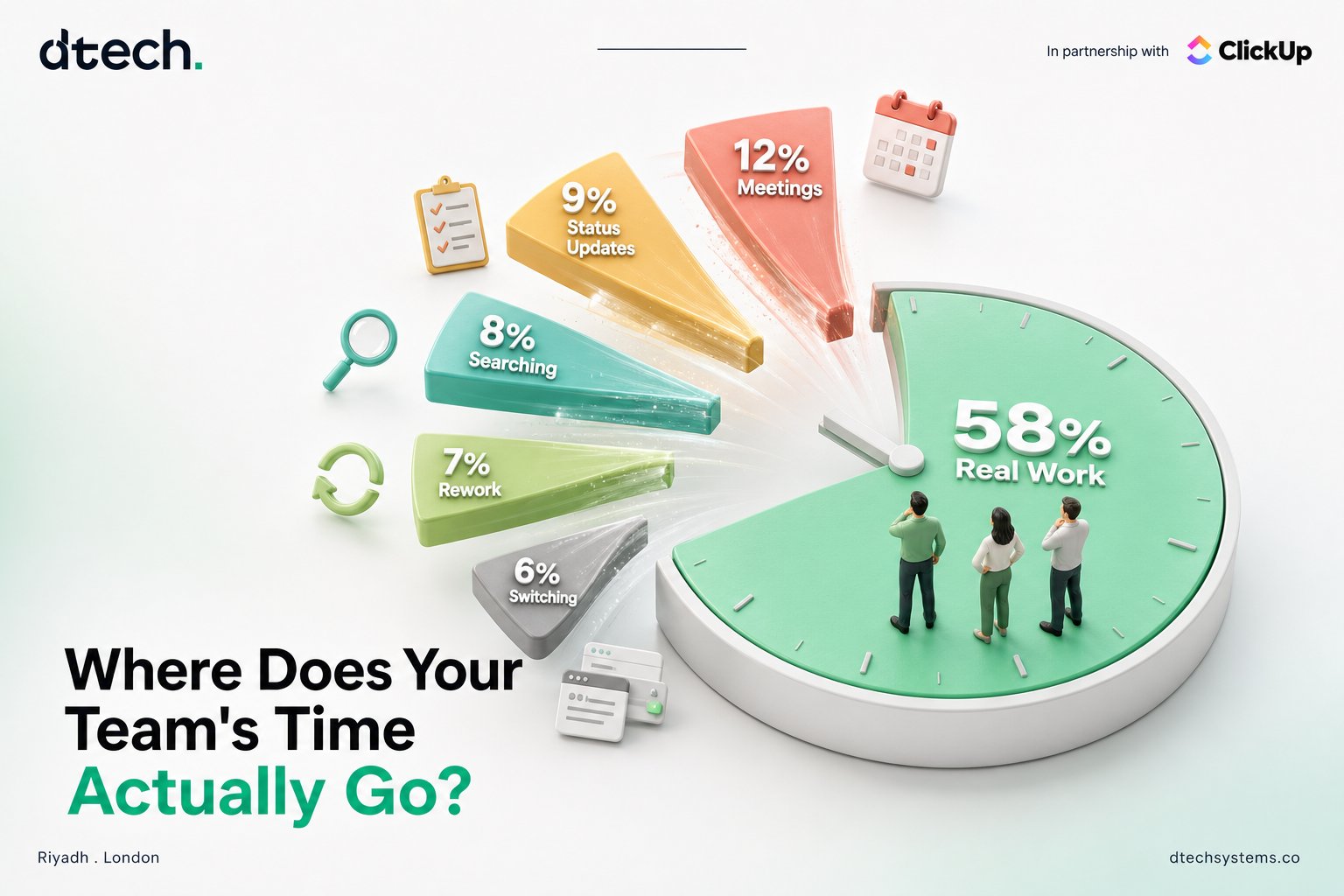
Getting a clear status update out of a shared Excel tracker usually means someone manually reviewing rows, cross-referencing tabs, and summarizing it into an email or a meeting. That process doesn't scale, and it's rarely up to date by the time anyone reads it.
ClickUp's dashboards pull live status directly from the same tasks the team is already updating, so reporting doesn't require a separate manual effort — it reflects the current state of the work in real time. This is often the single biggest time-cost difference in the ClickUp or Excel comparison for teams past a certain size.