SERVICES
Consulting, Build, Adoption & Support.One Team.
Every engagement runs through four stages, consulting, implementation, adoption and support, so your system works on day one and keeps working after it.
Your engagement




HOW AN ENGAGEMENT RUNS
Four Stages.One Working System.
Each stage has its own owners and deliverables, and nothing is built until the process behind it is agreed and documented.
STEP 1 · START HERE
Business Consulting.Groundwork First.
Strategic groundwork, so your ClickUp system matches how the business runs today and where it is heading next.
- Process mapping workshops
- Organisational structure analysis
- Defining KPIs and how they are surfaced
- Scope definition and solution design
STEP 2 · THE TECHNICAL BUILD
Implementation.Built to Scope.
We turn the agreed scope into a working ClickUp system. The build only starts once your processes are refined and documented.
- Space, Folder and List hierarchy
- Custom fields, statuses and task types
- Automations for status changes and update alerts
- Views, dashboards and reusable templates
- Role-based permission testing and QA
STEP 3 · MAKE IT STICK
Adoption.Into Daily Habit.
Configuration becomes habit. This is change management for your people, not just product training, so the return shows up in everyday work.
- Live training for specific teams
- One-to-one coaching for managers
- Dtech-led walkthroughs and starter workflows
- Change-management check-ins
- Post-launch office hours with Q&A

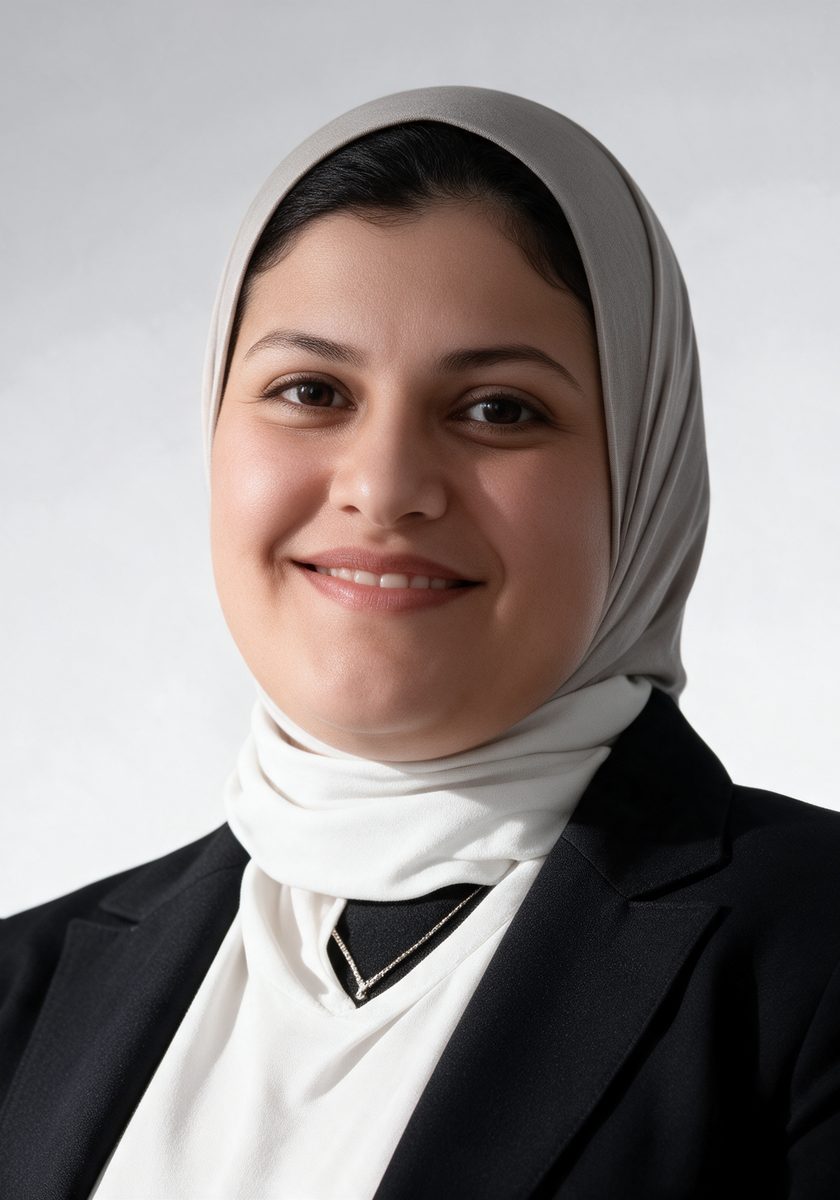


 Led by JeneleneAdoption Expert
STEP 4 · KEEP IT RUNNING
Support.Help After Go-Live.
On-demand help after go-live, to keep things running and fix issues as your teams and processes change.
- Troubleshooting automations and integrations
- Adding statuses, custom fields or views
- Answering your team’s “how do I…?” questions
- Adjusting permissions or view settings
- Escalation support for platform bugs
BOOK THE FIRST HOUR
Let theResults Speak.
As a ClickUp Diamond Partner, we are measured on real adoption, not hours billed. If the first session works, your team will ask for more. If it does not, we stop there.
Book a Free Hour