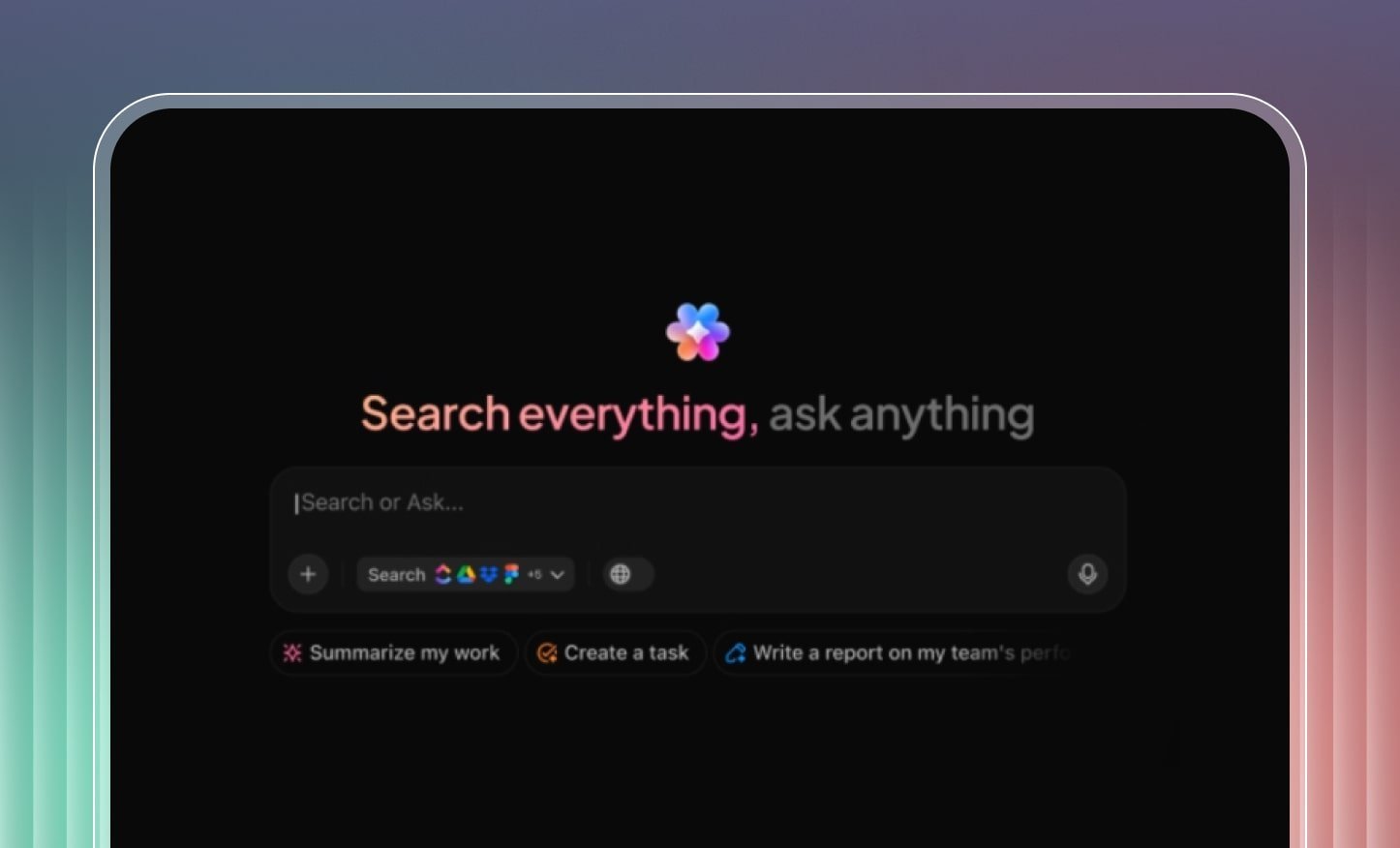
What is ClickUp Brain MAX?
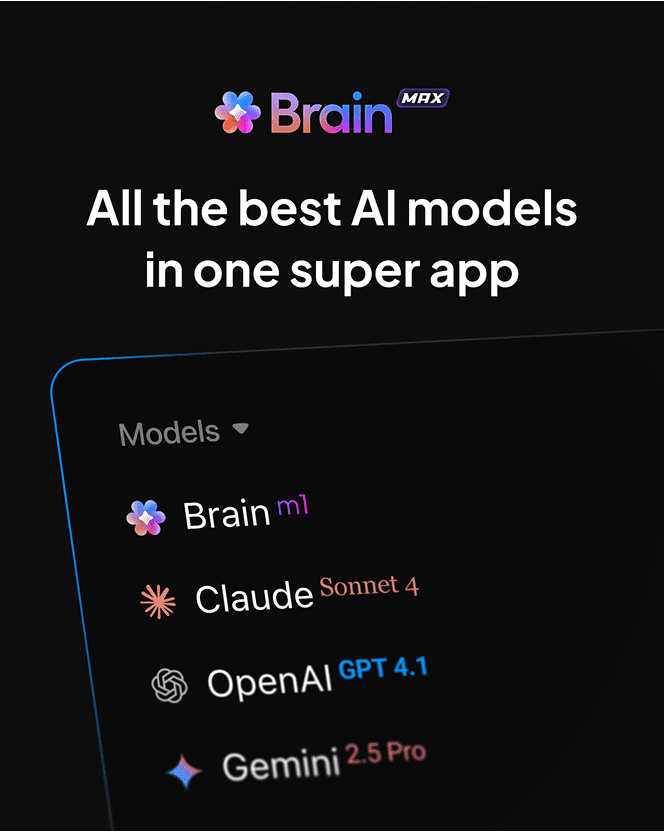
Brain MAX is an AI desktop companion for Windows and macOS (macOS 13+), designed to unify your work across ClickUp, the web, and apps like Google Drive, Figma, GitHub, and SharePoint. It leverages leading AI engines including ClickUp Brain, ChatGPT (GPT‑4.1), Claude (Sonnet 4, Opus 4), and Gemini (2.5 Pro, 2.5 Flash) to help you find, create, and act on information faster.
With Brain MAX, you can:
- Search across all your tools with one query.
- Dictate notes, emails, and content with Talk to Text, up to 3x faster than typing.
- Automate repetitive tasks using reusable prompts and workspace Q&A.
- Stay focused with integrated calendars, recent files, and context-driven suggestions.
Key Features
1. Unified Search Across Apps and the Web
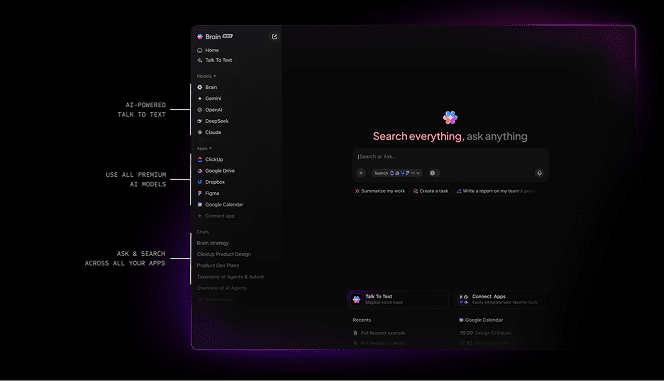
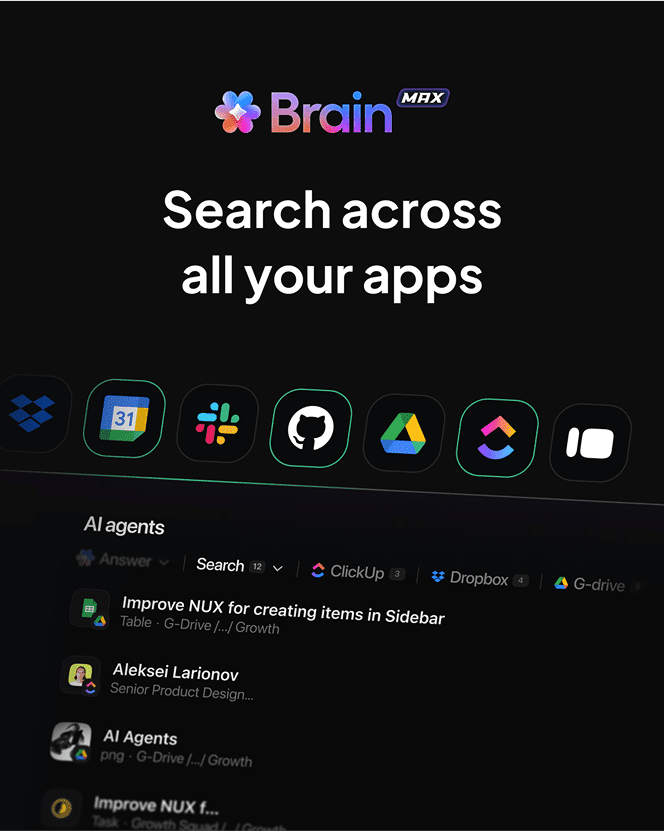
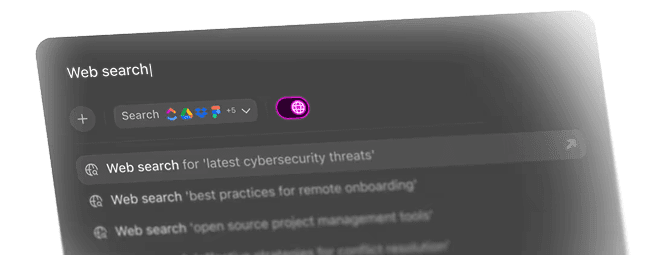
- Search Anything: Instantly search ClickUp tasks, Docs, web results, or files in connected apps.
- Smart Suggestions: Brain MAX learns from your queries for faster, more accurate results.
- App Filters: Focus results on Google Drive, Figma, or any linked app.
- Asset Mentions: Use @mentions to reference tasks, Docs, or teammates.
2. Multiple AI Models
- Choose from ClickUp Brain (default), ChatGPT, Claude, or Gemini for different needs.
- Only ClickUp Brain accesses your workspace data; other models handle general AI tasks.
3. Talk to Text: Hands-Free Voice Productivity
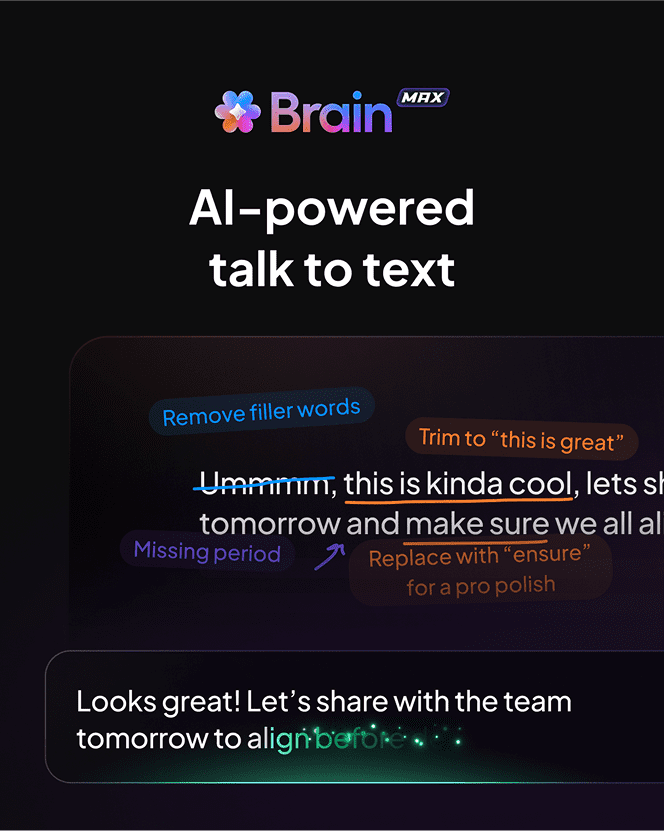
Talk to Text lets you dictate directly into Brain MAX or any app, emails, meeting notes, search queries, or documents.
Why it’s a game changer:
- 3x faster than typing: Speak at 120–150 words per minute vs. typing at 40–50.
- Hands-free workflows: Dictate notes or tasks while multitasking.
- AI-enhanced output: Auto-correct grammar, clean filler words, or polish your tone.
How it Works:
- Hold the fn key (or custom shortcut) to start recording.
- Release to stop, your speech is converted to text instantly.
- Works in Brain MAX search, any text field, or web/app inputs.
Customization:
- Style Modes: Minimal (raw), Smart (corrected), or Polished (professional).
- Dictionary: Add names and terms for accurate transcription.
- Shortcuts: Customize hotkeys for starting/stopping recording.
- Languages: Set your preferred output language.
Usage Limits (Trial and Paid):
- Free/Business Plans: 2,000–10,000 words (trial).
- AI Talk to Text Add-On: 25,000 words per Workspace (doesn’t reset).
- AI Autopilot Bundle: Unlimited, fair-use transcription.
Access transcripts under Talk in the sidebar; copy, export, delete, or replay audio as needed.
4. Saved Prompts and Workspace Q&A
- Save prompts for recurring queries or automation.
- Ask workspace-specific questions and get instant, context-aware answers.
5. Home Cards and Dashboard Customization
- AI-driven suggested actions based on your work.
- View calendar events, recent files, and connected app assets.
- Show or hide cards for a clean, personalized dashboard.
6. Integrations: Work Without Switching Tabs
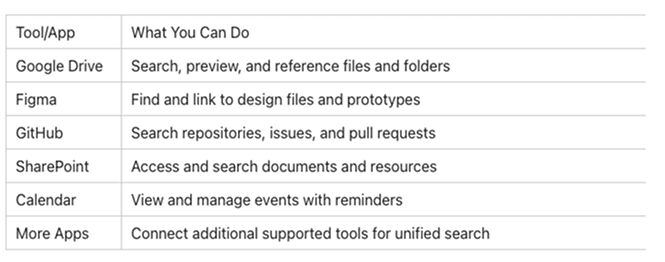
Brain MAX connects to your most-used tools, enabling unified search and contextual actions.
How It Works:
- Connect apps via the Apps section in the sidebar.
- Authorize Google Drive,
- Figma, GitHub, SharePoint, and more.
- Search across all apps or filter by one for targeted results.
- @mention assets or pull in related emails, files, and events.
Calendar Integration: See today’s meetings and reminders without leaving Brain MAX.
Why It Saves Time:
- Save up to 1 hour per day by reducing app switching (based on ClickUp surveys).
- Search and retrieve files in seconds, no need to check Drive, email, or Figma separately.

Supported Integrations Summary
7. Appearance, Shortcuts, and Settings
- Themes: Light, Dark, or System mode.
- Floating Brain: Keep a mini toolbar for Talk to Text and search.
- Auto-Launch: Start with your computer.
- Custom Shortcuts: Speed up navigation and recording.
8. Security and Privacy
- Brain MAX does not share your data with AI models.
- SSO and 2FA are fully supported.
- All integrations use ClickUp’s secure authentication.

Getting Started with Brain MAX
- Download: Get Brain MAX for macOS or Windows.
- Sign In: Use your ClickUp account (Free Forever Workspace created if new).
- Connect Apps: Link Drive, Figma, GitHub, and more.
- Customize: Adjust appearance, Talk to Text settings, and shortcuts.
- Start Working: Use the Home or New Chat button to search, dictate, and automate.
FAQs
- Do I need a ClickUp account? Yes, but one is created for free if you don’t have one.
- Is my data used to train AI? No, your data is secure and not used for training external AI models.
- How do updates work? Brain MAX updates automatically; restart if needed.
Why It’s Faster and Smarter
- Talk to Text: Up to 3x faster than typing, cutting meeting notes and emails from 5 minutes to 1.
- Unified Search: Save up to 1 hour daily by skipping manual app switching.
- Instant Context: View related files, emails, and events without leaving Brain MAX.
- ClickUp Brain MAX is more than a productivity tool, it’s an AI-powered partner that centralizes your work, speeds up your writing and searching, and saves hours every week. Whether you’re dictating, searching, or integrating tools, Brain MAX helps you work smarter, faster, and without friction.
Conclusion
- Ready to supercharge your workflows with ClickUp Brain MAX?
- As Saudi Arabia’s only verified ClickUp reseller, Dtech Systems can help you implement Brain MAX, connect your apps, and train your teams to get the most out of AI-driven productivity.
- Contact Dtech Systems today to get started.