Tasks, subtasks and milestones
CLICKUP DIAMOND PARTNER · SAUDI ARABIA
Moving offMicrosoft Project?
Move your plans, Gantt charts and PMO reporting to ClickUp, with a partner that plans and runs the migration with you.
WHY NOW
Project OnlineHas Been Retired.
Microsoft retired Project Online on 30 September 2026. Its projects and data can no longer be opened there. Teams on Project desktop or Project Server are also looking for a modern, cloud home for their PMO.
- Project OnlineRetired · 30 Sep 2026Projects and data can no longer be opened
- Project desktopLooking for a cloud homePlans live in files on people’s machines
- Project ServerLooking for a cloud homeA server your team has to keep running
WHAT MOVES TO CLICKUP
Your Plans Move.Your PMO Keeps Working.
Dependencies and Gantt timelines
Owners, dates and workload
Portfolio dashboards for the PMO
HOW THE MOVE WORKS
One Project First.Then the Rest.
- 01
Review
We look at your current plans and decide what to move and what to rebuild.
- 02
Design
We map your portfolio into a ClickUp structure for programmes, projects and reports.
- 031 PROJECT
Pilot
We move one project first and check it with your team.
- 04ALL PROJECTS
Move and train
We move the rest, rebuild dependencies and dashboards, and train your PMO in Arabic or English.
AN HONEST NOTE
No Direct Import.A Planned Move.
ClickUp can't open .mpp files directly. Plans are exported to Excel or CSV and imported, and links between tasks are rebuilt in ClickUp. That's why we plan and run the move with you.
plan.mpp
Can’t open directly
ClickUp
- plan.mppYour plan
- Excel or CSVExported
- ImportedTasks, dates, owners
- Links rebuiltIn ClickUp, with you
CLIENT STORIES
PMOs we've helped
Published with each client’s approval.
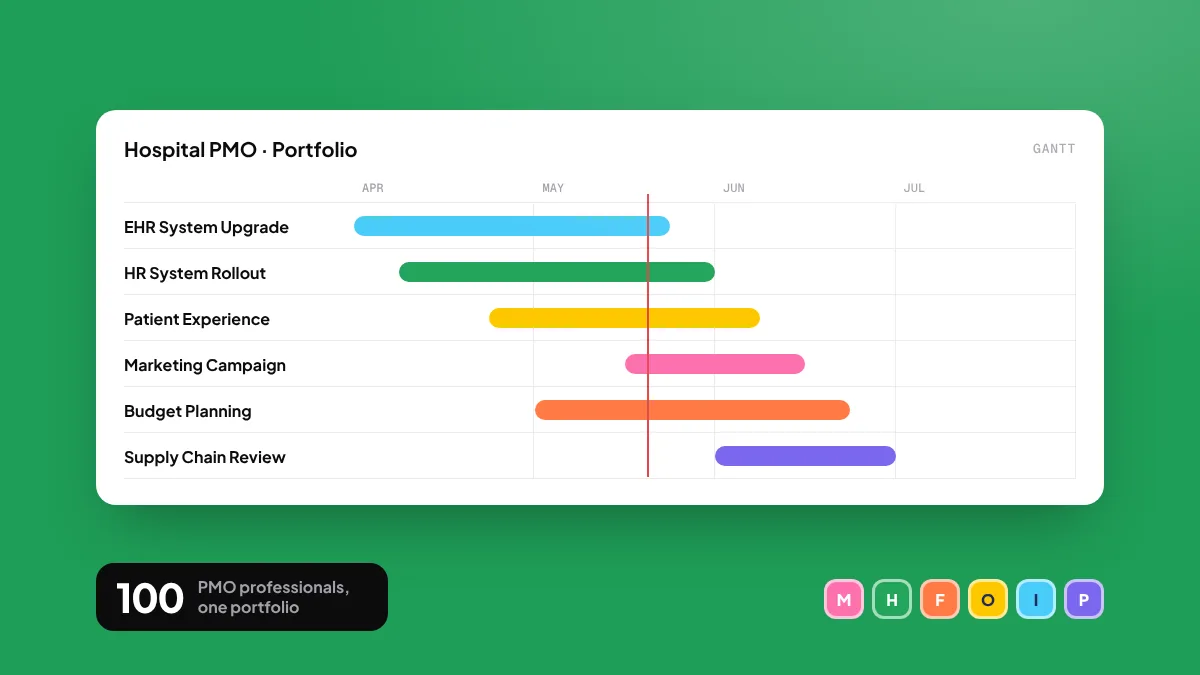

A 100-person hospital PMO moved from spreadsheets and email to one ClickUp workspace
- People
- 100
- Duration
- 18 months
- Delivery
- On time, in budget
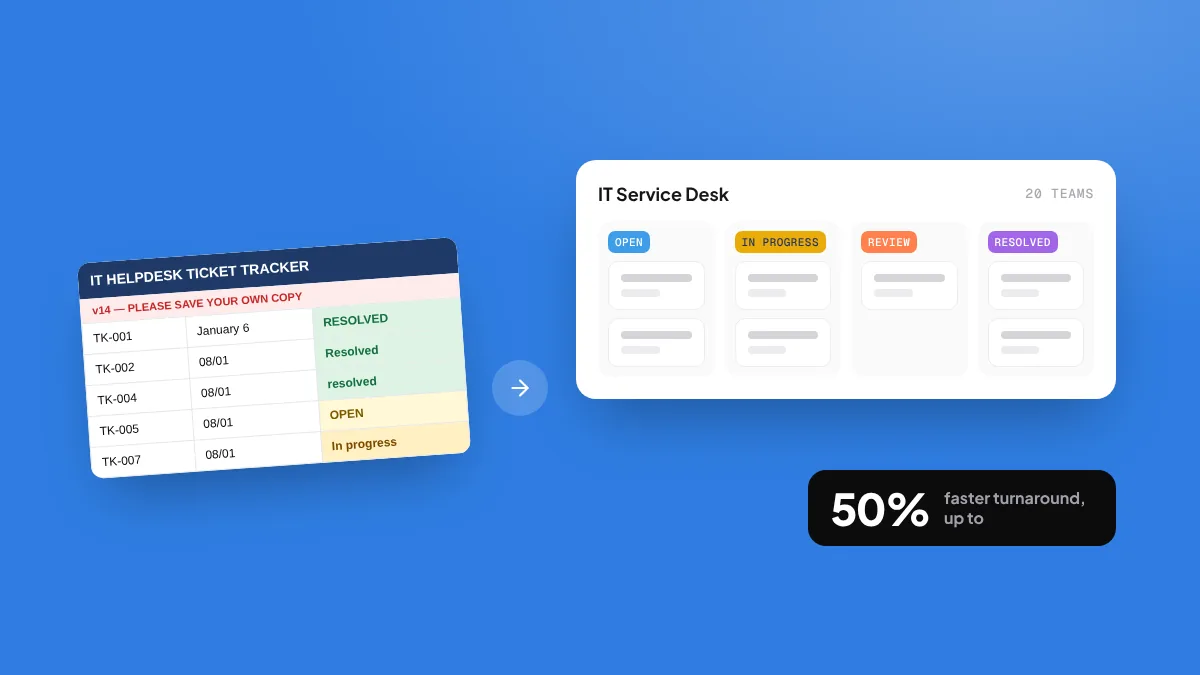
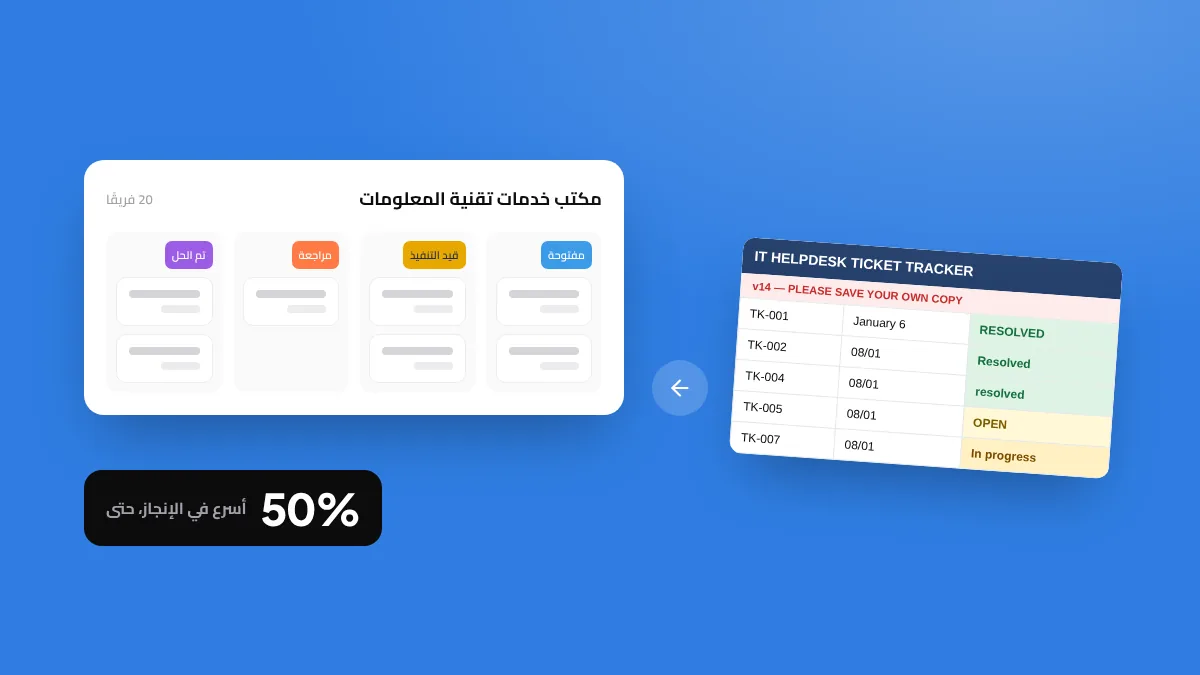
20 IT teams moved from spreadsheets to one ClickUp workspace
- Turnaround
- Up to 50% faster
- People
- 140–160
- Delivery
- On time, in budget










 200+projects delivered
FREE MIGRATION SESSION
Plan your movein one free session
Bring one of your project plans. In 30 minutes we show how it looks in ClickUp and outline your migration plan.
Chat on WhatsAppThanks. Now pick a time.
Choose a slot that suits you. We will confirm on WhatsApp.
QUESTIONS
Migration,Answered.
Can we keep our project history?
Yes. Active projects move into ClickUp, and finished projects can be archived there or kept as exported files.
Do we need to stop work during the move?
No. We move one project at a time, and your old plans stay read-only for a short overlap period.
Can ClickUp show Gantt charts and the critical path?
Yes. ClickUp's Gantt view shows dependencies, milestones and the critical path.
What about Project Online data after retirement?
Microsoft no longer gives access to it. If you exported your plans or still have .mpp files, we can work from those.
Do you train our PMO team?
Yes, in Arabic or English: project managers, team members and the people who read the reports.
How long does a migration take?
It depends on how many projects you have. You get a timeline after the free session.