If you're building a case for AI agents for operations teams, the hardest part isn't convincing anyone that AI belongs in the stack. It's figuring out which of the dozen "agent" categories vendors are pitching actually map to a real, recurring bottleneck in how your team works.
Operations is one of the functions where this distinction matters most. Ops teams sit at the intersection of people, process, and constant exceptions — the kind of work that's repetitive enough to automate and unpredictable enough to need judgment in the same breath. That's exactly the environment AI agents were built for, provided you point them at the right problems.
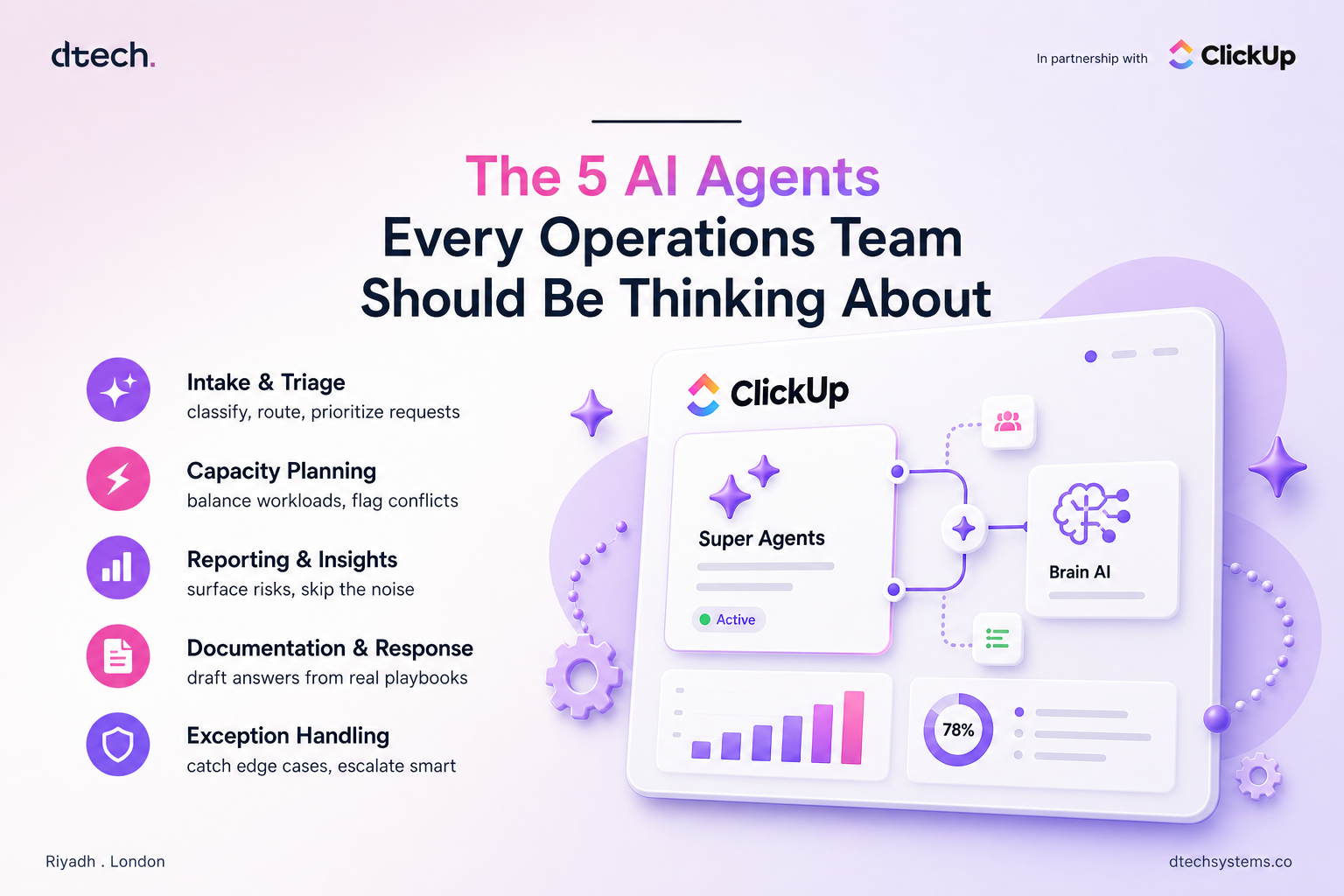
Here are the five categories of AI agents for operations teams worth understanding before you build or buy anything — what each one actually does, and where it delivers value fastest.
1. AI Agents for Operations Teams: Intake and Triage Agents
Every ops team has an intake problem somewhere — new requests, tickets, onboarding forms, vendor submissions — arriving faster than anyone can manually sort them. An intake and triage agent reads each item as it comes in, classifies it, pulls in relevant context, and routes it to the right owner or queue.
This isn't the same as a routing rule. A rule can send "billing" tickets to the billing queue. A triage agent can read an ambiguous request, recognize it actually involves both billing and account access, flag the priority level based on the customer's history, and route it accordingly — all before a human sees it.
Where it delivers value fastest: high-volume intake points where misrouting costs time — support queues, procurement requests, internal IT tickets, new-hire onboarding forms.
2. AI Agents for Operations Teams: Capacity and Resource Planning Agents
Ops teams spend a disproportionate amount of time answering one question: who has room to take this on? Capacity planning is exactly the kind of judgment call that used to require someone manually checking calendars, workloads, and time-off requests across a dozen tabs.
A capacity and resource planning agent checks a request — a project assignment, a time-off approval, a shift swap — against real-time team workload and existing coverage, and either approves it, flags a conflict, or recommends an alternative. It's not just checking one calendar; it's reasoning across the whole team's current state.
Where it delivers value fastest: teams managing shift coverage, project staffing, or approval workflows where capacity constantly shifts and manual cross-referencing eats hours every week.
3. AI Agents for Operations Teams: Reporting and Insight Agents
Instead of a flat list of a hundred open items, this type of agent can tell a team lead: these three projects are at risk, this vendor SLA is about to breach, this queue is trending toward a backlog. That's judgment applied to reporting — deciding what matters, not just displaying what happened.
Where it delivers value fastest: teams drowning in status updates, weekly reporting cycles, or multi-project oversight where the real risk is something quietly slipping through unnoticed.
4. AI Agents for Operations Teams: Documentation and Response Agents
Operations runs on repeatable communication — policy answers, process explanations, first-pass responses to internal or vendor questions. A documentation and response agent drafts these based on the specific context of the request, pulling from your actual playbooks and knowledge base rather than a fixed template.
This is different from a canned-reply automation. A canned reply sends the same text regardless of what was actually asked. A response agent reads the specific question, checks it against your documented process, and drafts something that actually answers it — leaving a human to review and send rather than write from scratch.
Where it delivers value fastest: teams fielding repetitive-but-not-identical questions — policy clarifications, vendor coordination, internal process support — where a template falls short but a full manual response wastes time.
5. AI Agents for Operations Teams: Exception and Escalation Agents
Every process has edge cases the standard workflow wasn't built to handle. An exception and escalation agent watches for these — a request that doesn't fit the normal pattern, an approval that's been sitting too long, a metric that's drifted outside its expected range — and decides whether it needs to escalate, and to whom.
This is the category that most directly separates AI agents for operations teams from ordinary automation. A rule can flag "overdue" items. An exception agent can look at why something is overdue, judge whether it's a genuine problem or a known delay pattern, and decide whether escalation actually adds value right now.
Where it delivers value fastest: complex, multi-step processes with real consequences for something falling through the cracks — compliance workflows, vendor SLAs, cross-team handoffs.
Choosing the Right Starting Point
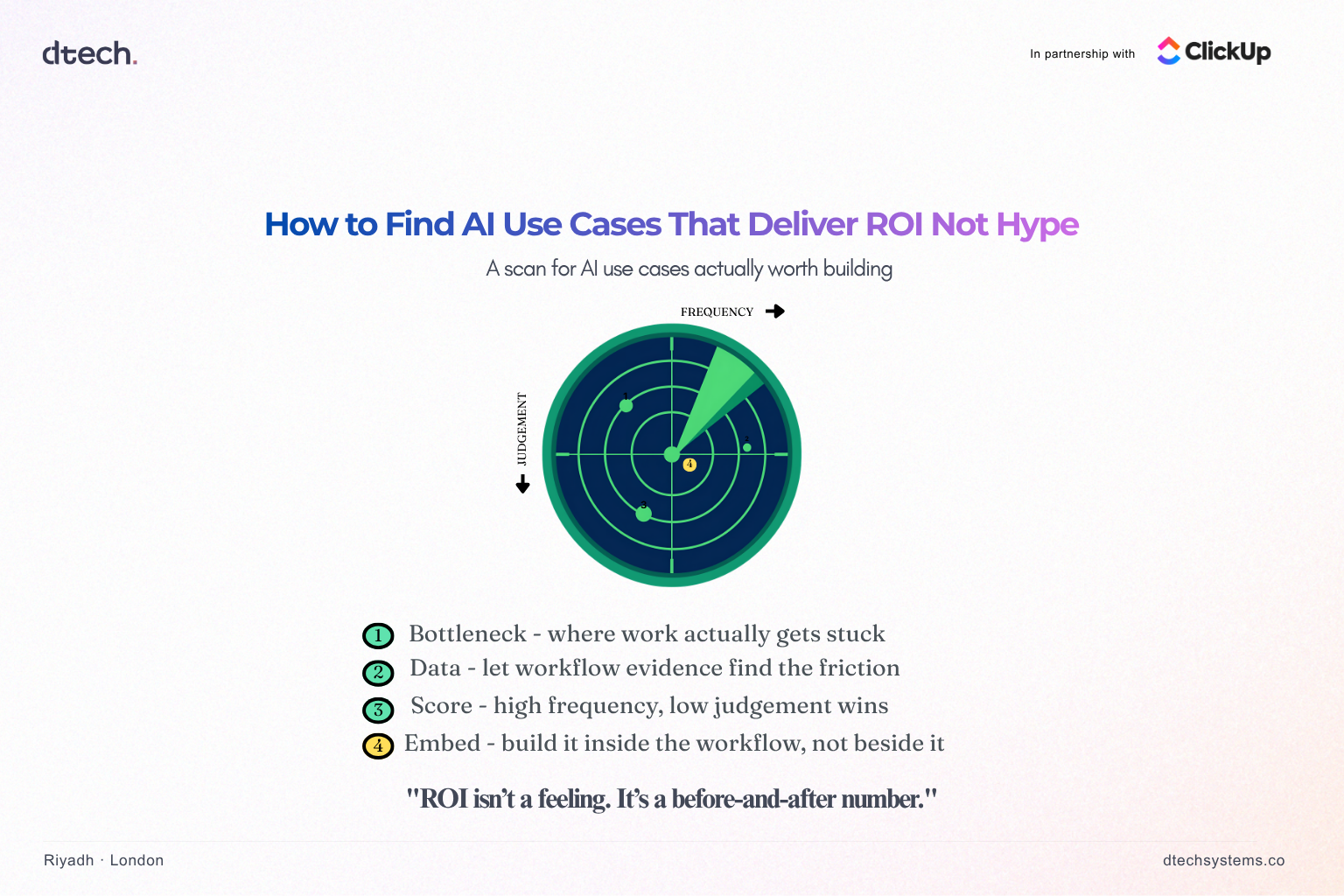
Ask which of your recurring bottlenecks involves a genuine decision — something that depends on context and changes case by case — versus one that's really just a rule you haven't automated yet. AI agents for operations teams earn their cost on the decision side of that line. Rules still belong on rules.
Gartner's research on the shift toward agentic operations found that by 2029, a large majority of enterprises will run AI agents to help operate their infrastructure and workflows, compared to a small fraction today — a signal that this shift from reactive, manual response to AI-assisted operations is accelerating fast, not slowing down.
What This Looks Like Inside ClickUp
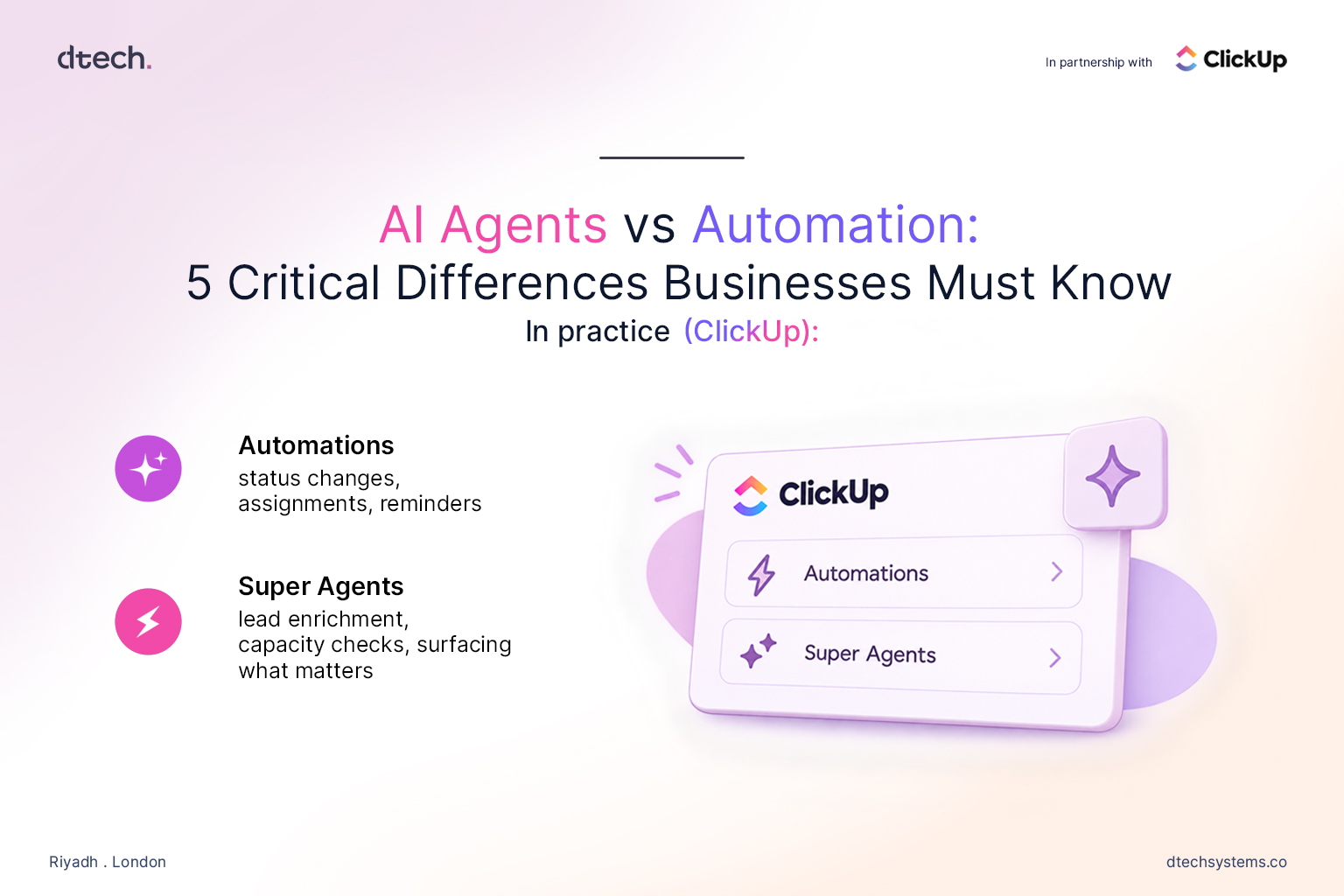
Inside ClickUp, this maps directly onto Super Agents— configurable AI teammates that operate with full context of your workspace rather than a single isolated task. A Super Agent can be set up to handle intake triage, check capacity before approving a request, surface what needs attention across projects, draft a first-pass response, or watch for exceptions that need escalation — the same five categories above, built inside the workspace your team already runs on.
The advantage isn't just having the agents — it's that they share context with everything else already tracked in the workspace, so they're reasoning against real, current data instead of a static snapshot.