When it comes to AI agents vs automation, most businesses are asking the wrong question. They're not asking "which one do we need" — they're asking "how do we get one of whatever everyone else is calling AI." That's how companies end up overpaying for intelligence they don't need, or underbuilding a process that actually required judgment all along.
Every product update this year ships with the same headline: "now powered by AI agents." Every vendor pitch leads with autonomy and intelligence. If you're trying to figure out what your business actually needs, the noise has gotten loud enough to bury the one question that matters. This guide breaks the AI agents vs automation comparison down properly — the definitions, the cost implications, the common mistakes, and the practical framework you can apply to any process in your business starting today.
1. AI Agents vs Automation: The Core Definition
The starting point of any AI agents vs automation decision is understanding that these are not two versions of the same thing. One isn't a "better" upgrade of the other. They are built to solve fundamentally different kinds of problems.
Automation is deterministic. It runs on a fixed set of rules: if X happens, do Y. There's no interpretation, no judgment, no "it depends." You define the trigger, you define the action, and it fires the same way every single time, regardless of context.
→ Where does a task sit waiting on a person for days before anyone notices?
→ Where does the same manual step get repeated across dozens of tickets, deals, or campaigns a week?
→ Where does someone spend an hour finding information that should take five minutes?
→ Where does a handoff between teams routinely lose context?
In the AI agents vs automation comparison, the distinction comes down to one line: automation executes, agents decide. Once a business internalizes that, the conversation stops being "which one is better" and becomes "which parts of our workflow actually need judgment, and which parts just need to run reliably."
2. AI Agents vs Automation: Cost and Complexity
Cost is where the AI agents vs automation decision has real financial weight, and it's where a lot of businesses get burned.
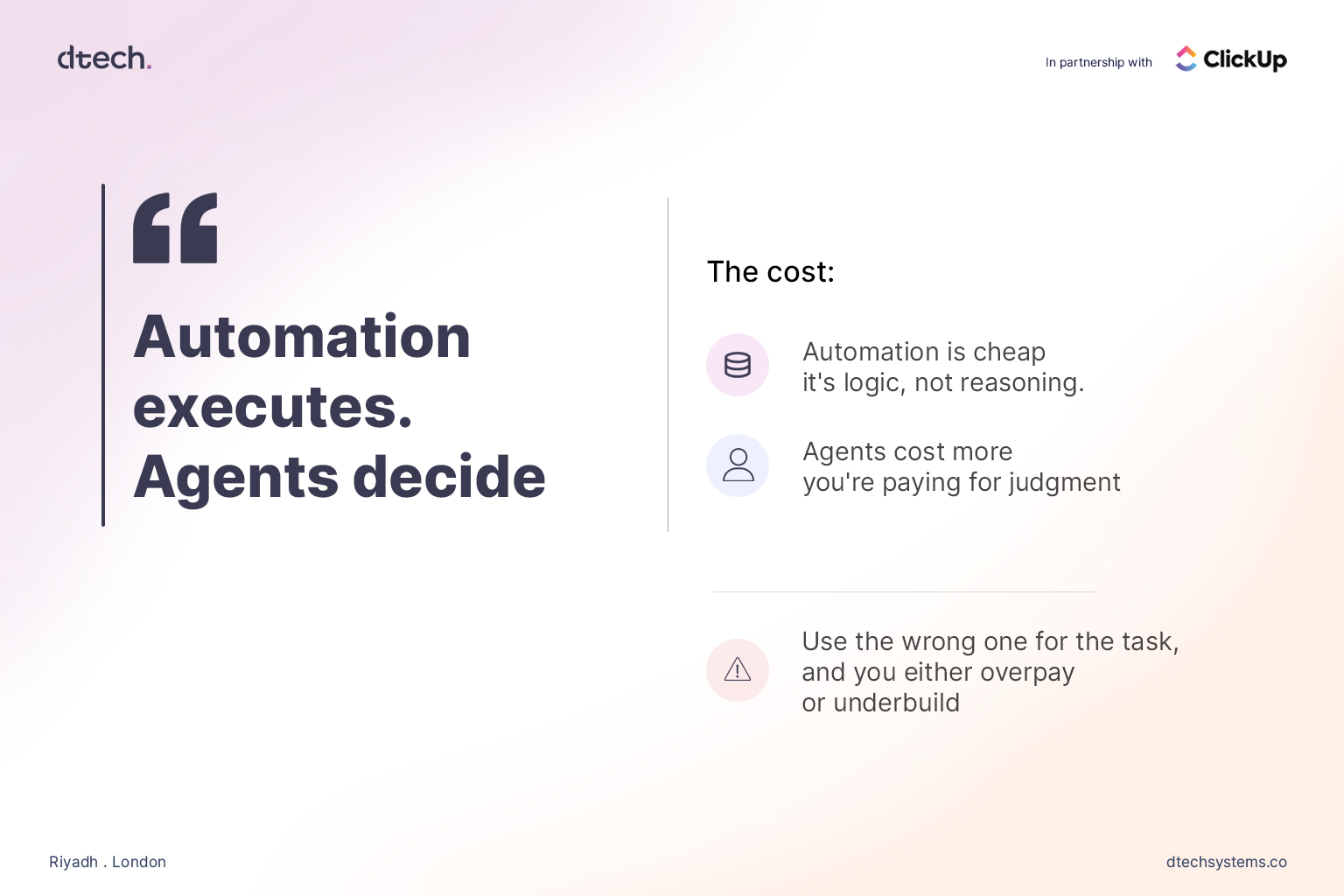
Automation is cheap to build and cheap to run. It's logic, not reasoning — a rule engine executing the same instruction every time it's triggered. There's no ongoing "thinking" cost, no token spend, no variability in output. Once it's configured correctly, it just runs.
AI agents cost more, because you're paying for judgment, not just execution. Every decision an agent makes involves interpreting context, which means compute, and which means a price tag that scales with how much reasoning you're asking for. That's not a reason to avoid agents — it's a reason to be deliberate about where you deploy them.
This is where businesses tend to go wrong in one of two directions:
Underbuilding: Forcing a static, rule-based workflow to handle a task that genuinely requires judgment. The rule can't account for the exceptions, the edge cases, the "it depends" scenarios — so it either breaks, or it quietly produces the wrong outcome without anyone noticing until it's a bigger problem
3. AI Agents vs Automation: Where Companies Get It Wrong
The most common mistake in the AI agents vs automation debate isn't picking the wrong tool — it's skipping the workflow audit entirely.
Here's the pattern: a business sees a competitor announce an "AI agent." They don't want to be left behind. They buy or build an agent and point it at a process that was never clearly defined in the first place — inconsistent task ownership, messy or incomplete data, no shared definition of what "done" actually looks like across the team.
The agent doesn't fix any of that. It can't. An agent making decisions inside a broken workflow just makes bad decisions faster and with more apparent confidence. Nothing has actually been solved — the chaos has just been automated and given a more convincing voice.
Only after answering those questions do they know where automation belongs and where an agent belongs — and in what order to build them.
4. AI Agents vs Automation: Sequencing Matters
There's a sequencing mistake baked into most AI adoption efforts: companies try to deploy agents before they've automated the basics. That's backwards, and it's an expensive way to learn the lesson.
If your task statuses aren't updating reliably, if your team is manually reassigning work that should route itself, if reminders are falling through the cracks — none of that gets fixed by adding an agent on top. It gets fixed by automation. Clean, rule-based automation is the foundation. It's what makes your underlying data trustworthy and your workflow legible enough for an agent to operate inside without immediately going off the rails.
Skip that foundational step, and you're asking a decision-making system to make decisions based on incomplete or inconsistent information. The output will look confident. It won't be reliable — and confident, unreliable output is often worse than no automation at all, because it erodes trust in the system faster than a visible failure would.
Get the automation layer right first. Then decide, deliberately, where judgment genuinely needs to enter the picture — and that's where an AI agent belongs in the stack.
5. AI Agents vs Automation: What This Looks Like in ClickUp
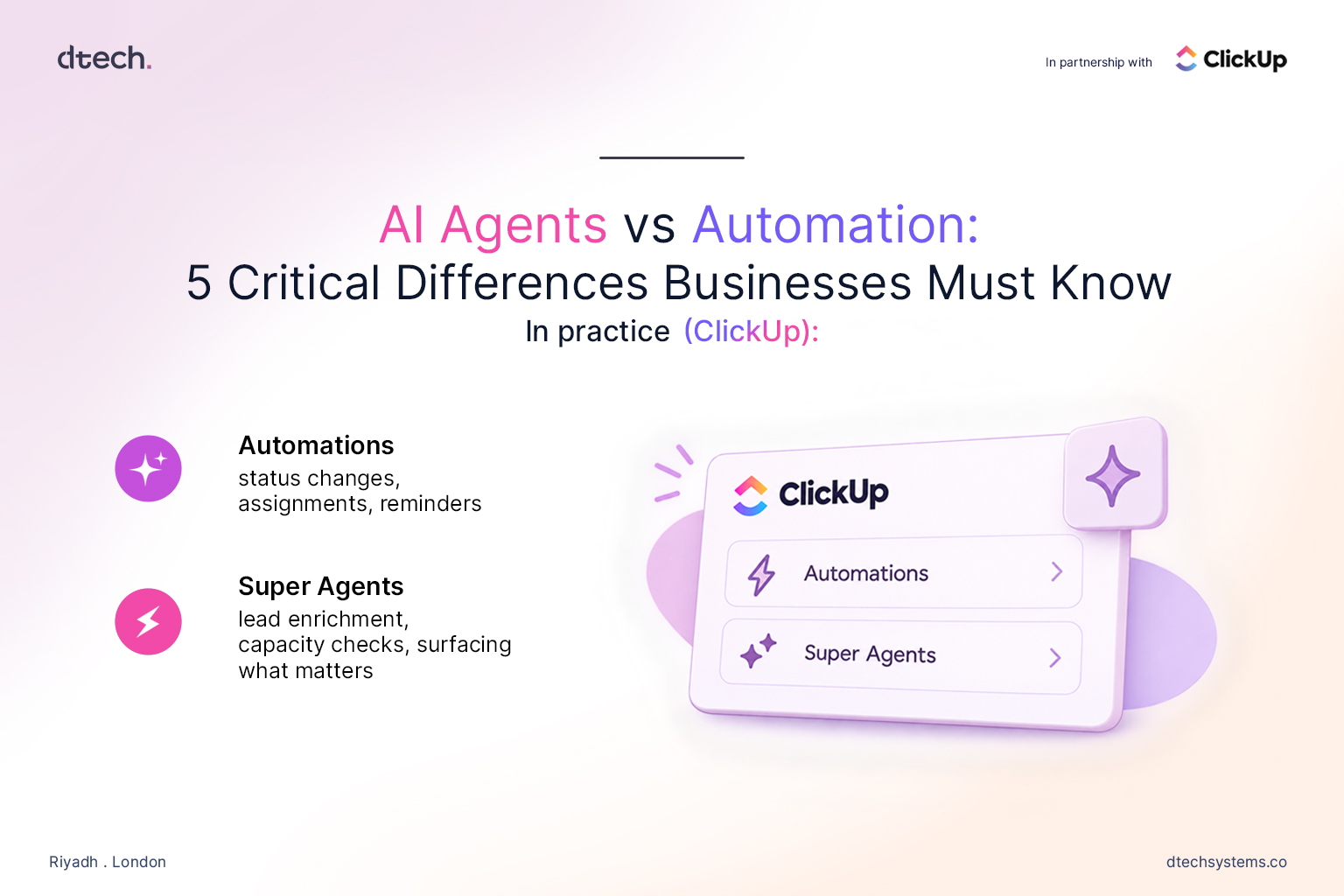
Automations handle the deterministic layer: status changes, task assignments, recurring work, due-date reminders, and notifications when something needs attention. None of it requires interpretation. None of it should cost you agent-level compute or complexity. It's rules, running reliably, in the background, exactly the way they were configured to.
Super Agents handle the judgment layer. A new lead comes in — a Super Agent researches it, enriches the record with relevant context, and flags whether it's genuinely worth a rep's time before anyone manually touches it. A time-off request comes in — a Super Agent checks it against team capacity and existing coverage instead of someone manually cross-referencing five different calendars. Across a busy workspace, instead of a flat, undifferentiated list of a hundred open tasks, an agent can surface what actually needs attention right now and explain why.
You don't have to pick one paradigm for your entire business. The AI agents vs automation line gets drawn task by task, process by process, inside the same workspace.
The One Question to Ask Before You Buy Anything
Before adding any AI tool — agent or otherwise — to your stack, there's one question worth asking about the specific task in front of you:
Is this a decision, or is this a rule?
If it's a rule — if the right action is always the same action, regardless of context — automate it. Do it now. It's cheap, it's fast to configure, and it removes the manual work without adding unnecessary cost or complexity.
Everything else — the tools, the hype, the "we're an AI-first company" branding — is noise dressed up as strategy. The businesses that actually benefit from this moment aren't the ones with the most AI. They're the ones who took the time to understand the AI agents vs automation distinction and built accordingly, task by task.