Leading a ClickUp Rollout? Avoid These 5 Mistakes
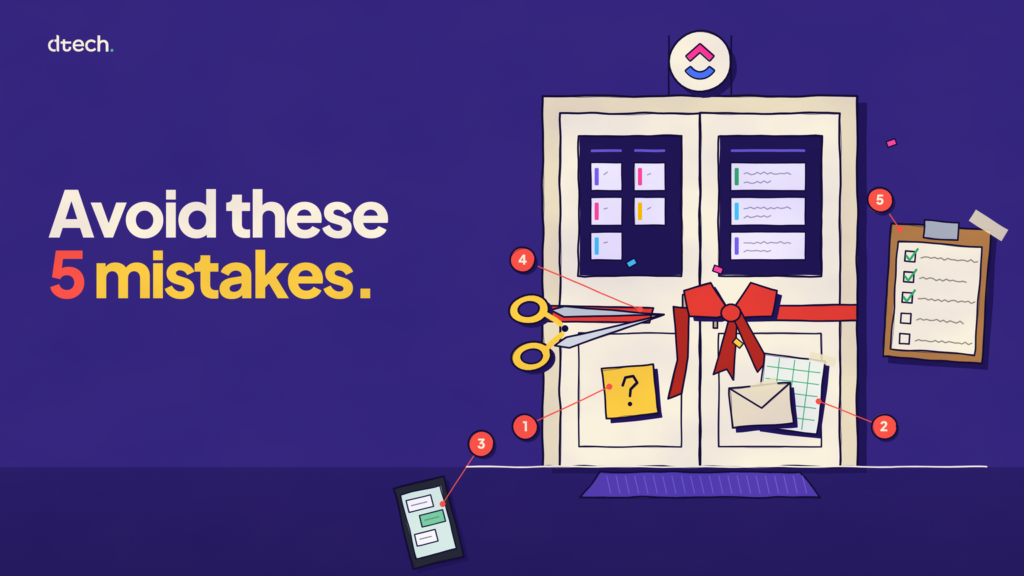
Most ClickUp rollouts don’t stall because of the tool. They stall because of decisions made before launch and habits that never changed after it.
It’s not just a ClickUp problem. In a 2023 survey of UK CIOs and IT leaders by Userlane and PwC, only 45% said their software purchases met or exceeded the expected return. The CIOs also estimated that employees use just 40% of the features available in the apps they need for their jobs.
If you’re leading a ClickUp rollout, here are the five mistakes to watch for.

1. Launching without a clear reason
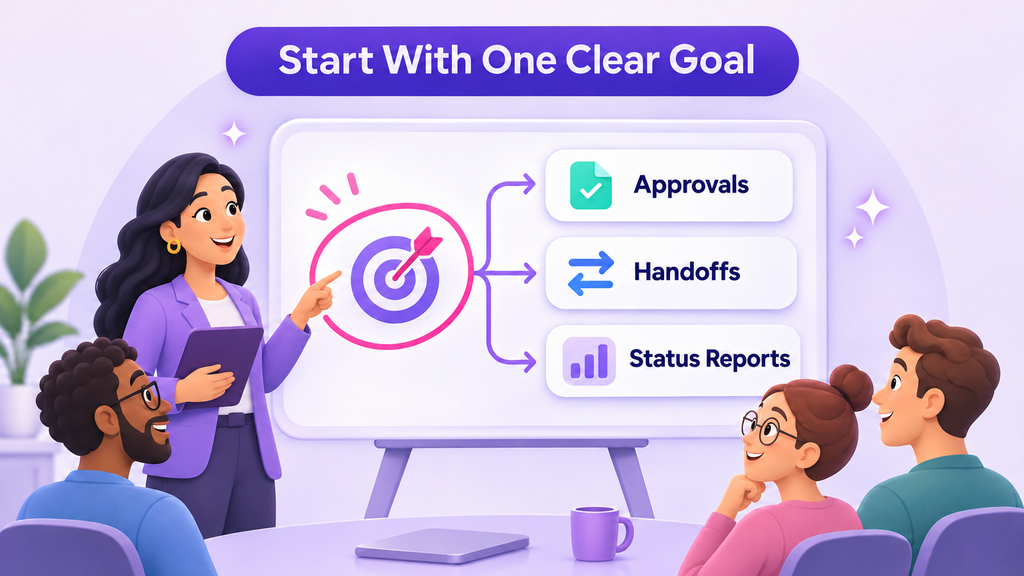
“Move the team to ClickUp” is a project, not a goal. Without a clear reason, nobody knows what success looks like or when to change course.
Change management research firm Prosci recommends that sponsors define success early and connect project milestones to adoption measures.
What leaders can do: Name one business problem the rollout should solve, such as slow approvals, missed handoffs, or time lost on status reports. Share it with the team before launch and refer back to it during reviews.
2. Adding ClickUp on top of the old process
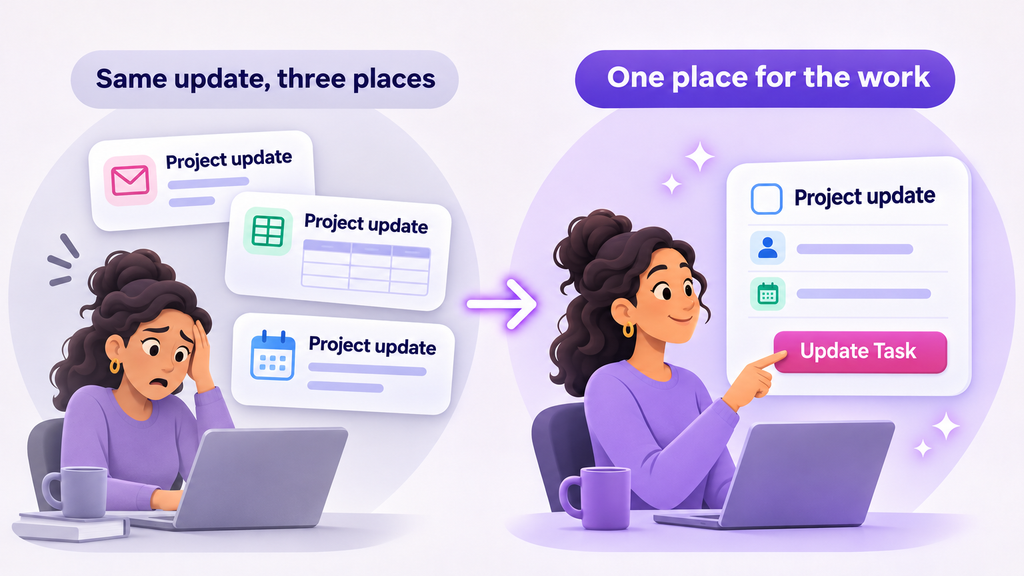
If people still send the same update by email, report it in a meeting, and enter it in ClickUp, the rollout has added work instead of removing it.
People will drop the part that feels optional. Usually, that’s the new tool.
What leaders can do: Decide what ClickUp replaces before launch. If a weekly report moves to a dashboard, stop asking for the spreadsheet version. Keep a separate report only when a client or business requirement needs it.
3. Leaders don’t work in it themselves
Teams follow what managers do, not what they announce. If a manager asks for updates in private messages, people learn that ClickUp isn’t where decisions happen.
Research backs this up. Prosci found that projects with extremely effective sponsors were 79% likely to meet their objectives, compared with 27% for extremely ineffective sponsors. In a 2024 McKinsey survey, organizations where leaders modeled the behaviors they expected from employees were 1.6 times more likely to report outperforming their peers.
What leaders can do: Run team reviews from the agreed ClickUp view. Ask questions in task comments, record decisions on the task, and check the dashboard before asking someone for an update.

4. Treating the training session as the finish line
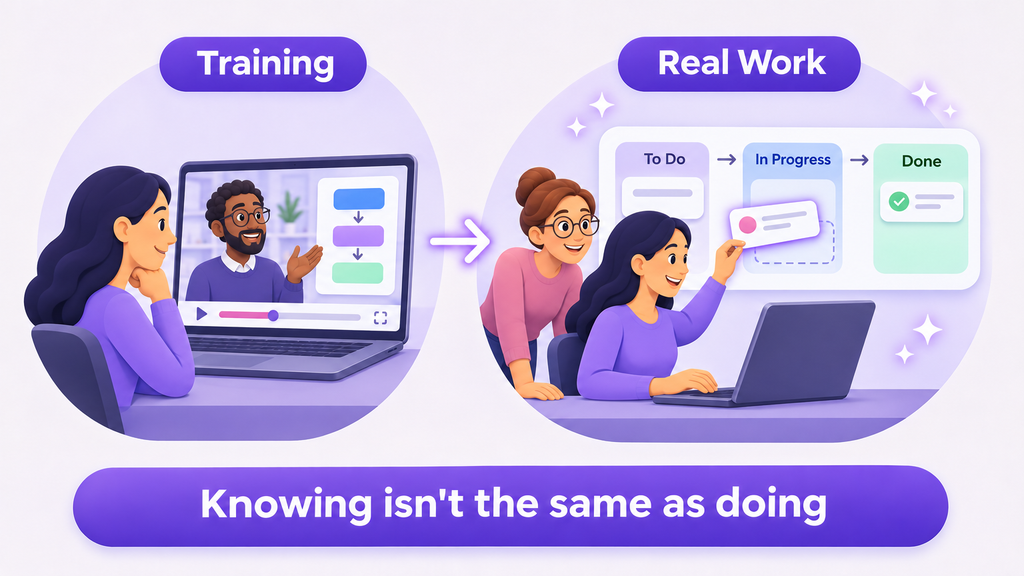
A training session gives people knowledge, but knowing how a feature works isn’t the same as using it in daily work. Prosci’s ADKAR model separates the two: people need both the knowledge and the ability to apply it on the job.
What leaders can do: Make time for people to practice with their own work in the first few weeks. Expect questions, and treat them as useful feedback, not resistance.
5. Going quiet after launch
New habits fade without reinforcement. The first few weeks matter most, because that’s when people decide whether the new way is worth the effort.
Peer influence helps here. According to McKinsey, organizations that engaged champions to influence others were almost four times as likely to see their efforts succeed.
What leaders can do: Choose a respected team member as the internal point of contact, and give them time for the role. Hold a short check-in each week for the first month to remove blockers and recognize good examples.

A leader’s checklist for your ClickUp rollout
Before and after launch, ask yourself:
- Can the team explain why we’re using ClickUp in one sentence?
- Have we stopped at least one old reporting habit?
- Do I review work and give feedback inside ClickUp?
- Has anyone been given time to support colleagues?
- Are fewer “where are we on this?” messages coming in?
If you answered no to two or more, focus on those first. Adding more features won’t solve them.
How Dtech can help
Dtech works with leaders to plan and run ClickUp rollouts that fit how their teams actually work. Depending on the agreed scope, that can include setting rollout goals, leadership and role-based training, workspace improvements, and adoption follow-up.
Book a free ClickUp consultation atdtechsystems.coto review your rollout plan or find out why your current one has stalled.
Configuration and ongoing support are scoped separately.


