Quick answer: ClickUp 4.07 (released 2026) adds four major features: Custom fields grouped by task type, Slack imports that map to existing channels instead of duplicating them, support for connecting any external MCP server to Super Agents, and AI Notetaker capturing in-meeting chat from Zoom, Google Meet, and Microsoft Teams. Together, these updates reduce manual workspace cleanup and expand what ClickUp’s AI agents can access and record.
What is new in ClickUp 4.07?
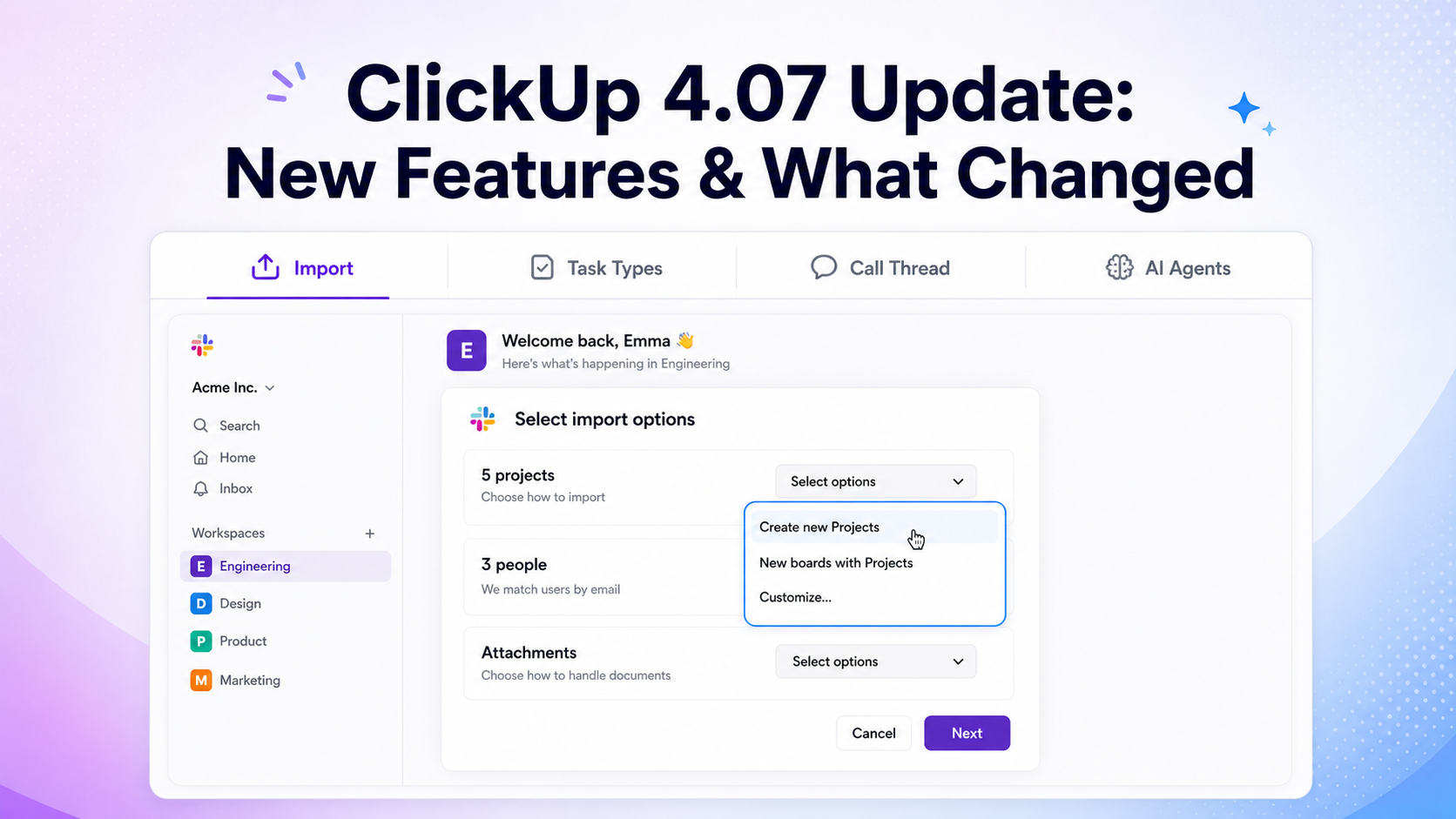
ClickUp 4.07 includes four core updates:
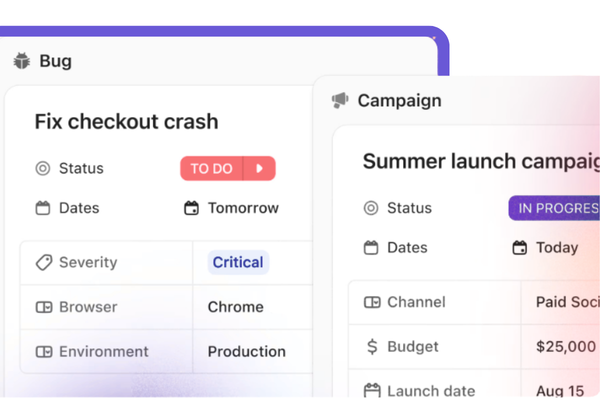
- Custom Fields by Task Type—fields are now grouped and prioritized by the type of task (Bug, Account, Campaign, etc.)
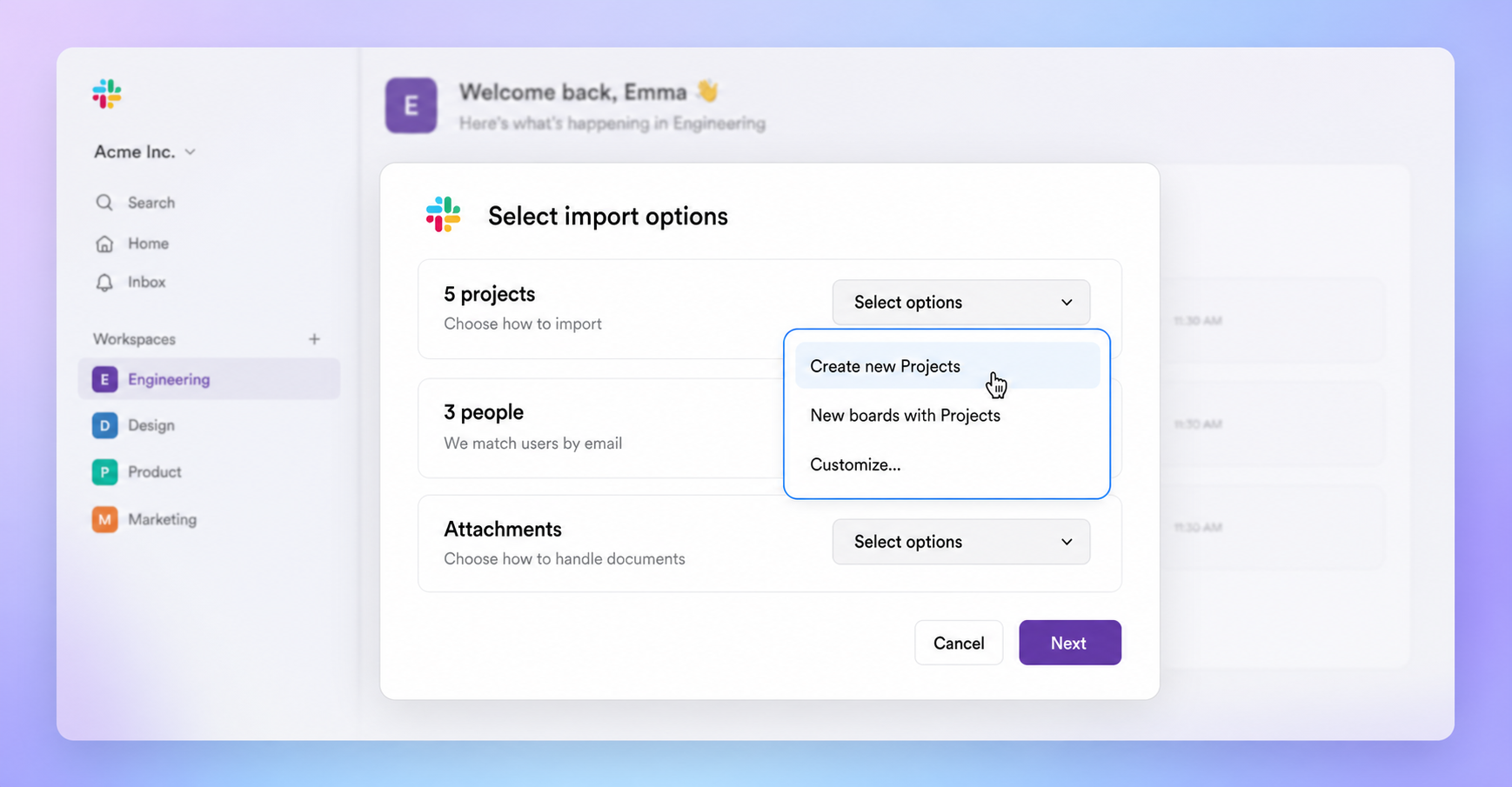
- Slack import mapping—Slack history can be imported into existing ClickUp Channels, Spaces, Folders, or Lists instead of creating new ones
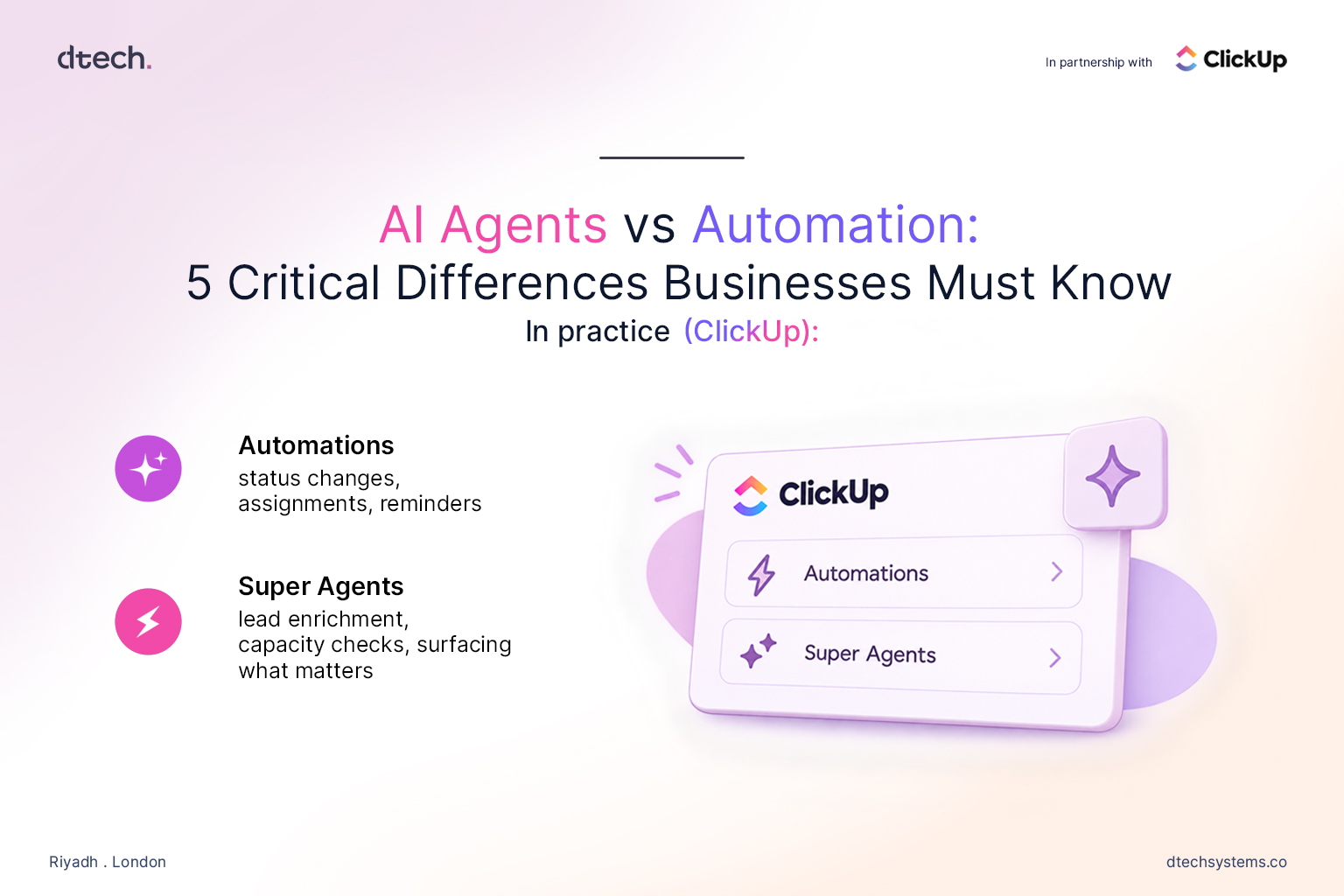
- External MCP server support—Super Agents can connect to any publicly hosted MCP server (CRM, support desk, data warehouse, etc.)
- AI Notetaker chat capture—in-meeting chat messages from Zoom, Google Meet, and Microsoft Teams are now included in AI-generated meeting notes
What does Custom Fields by Task Type do?
It sorts custom fields so that the fields relevant to a specific task type appear first, instead of showing all fields in one long undifferentiated list.
- A Bug task shows severity, environment, and reproduction steps at the top
- An Account task shows contract value, renewal date, and owner at the top
- A Campaign task shows budget, channel, and launch date at the top
Where to set it up: Custom Field Manager, the Fields sidebar, or directly inside a task view.
Who benefits: Teams running multiple functions (support, sales, marketing, engineering) in one ClickUp workspace. New team members see only the fields relevant to their task type, which reduces onboarding time and field clutter.
How do the Slack import improvements work?
Direct answer: ClickUp 4.07 lets you map incoming Slack channels to existing ClickUp Channels, Spaces, Folders, or Lists, instead of automatically creating new destinations on every import run.
Where to start an import: Settings > Imports/Exports.
Problem it solves: Slack-to-ClickUp migrations usually happen in multiple passes, not one clean cutover. Previously, every additional import created duplicate Channels. Now imports can be run incrementally without creating cleanup work.
Can ClickUp Super Agents connect to external tools?
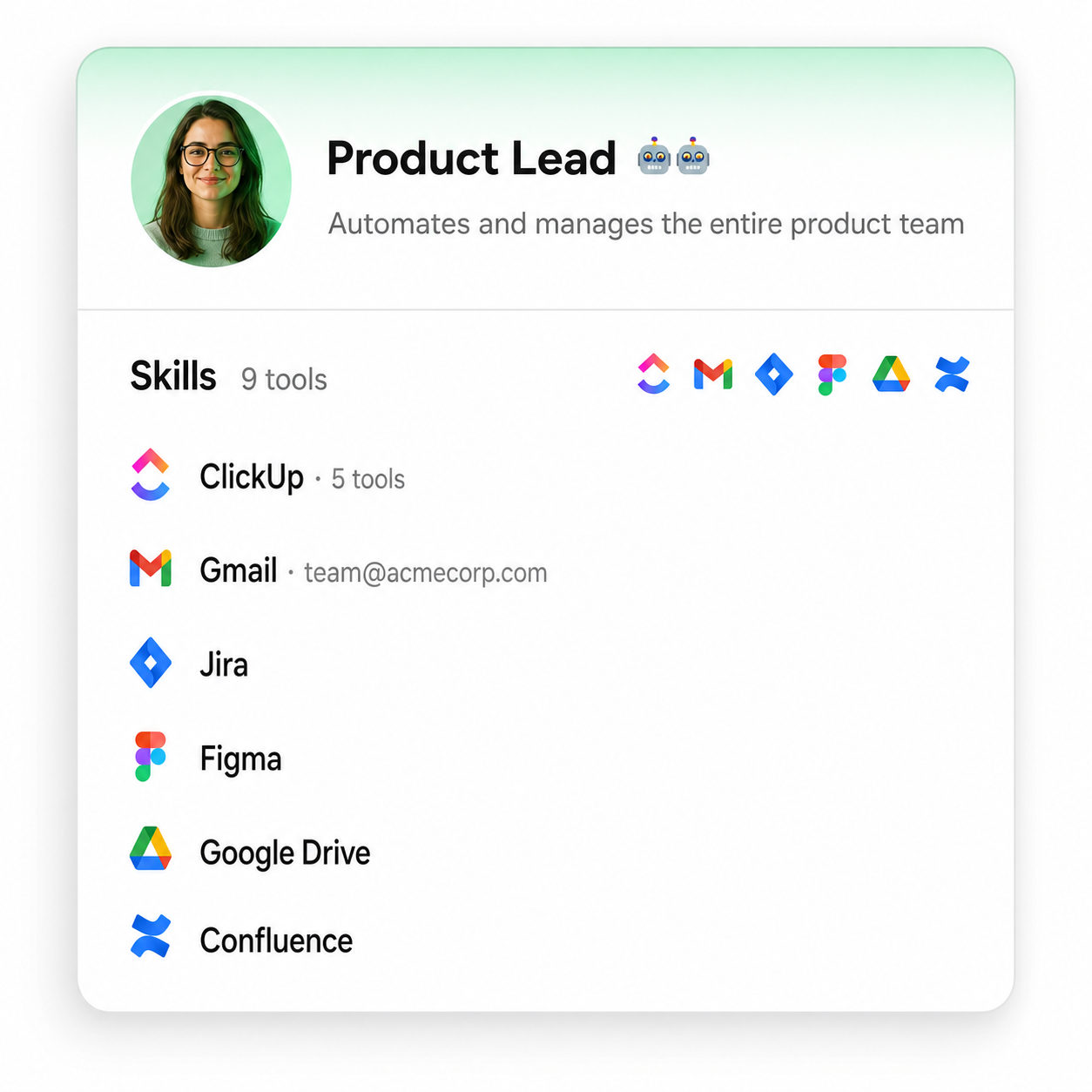
Yes. As of 4.07, ClickUp Super Agents can connect to any publicly hosted MCP (Model Context Protocol) server—including CRMs, support desks, and data warehouses—not just ClickUp’s native integrations.
How to connect:
- Go to the App Center
- Connect a server using OAuth or an API token
- Add that server’s tools to any Super Agent
- Supports both personal and workspace-level connections
Why it matters: Before 4.07, Super Agents were limited to tools. ClickUp had built native integrations for. Open MCP support removes that ceiling—any tool that exposes an MCP endpoint can now be used by a ClickUp AI agent, regardless of whether ClickUp officially supports it.
Does ClickUp AI Notetaker capture meeting chat?
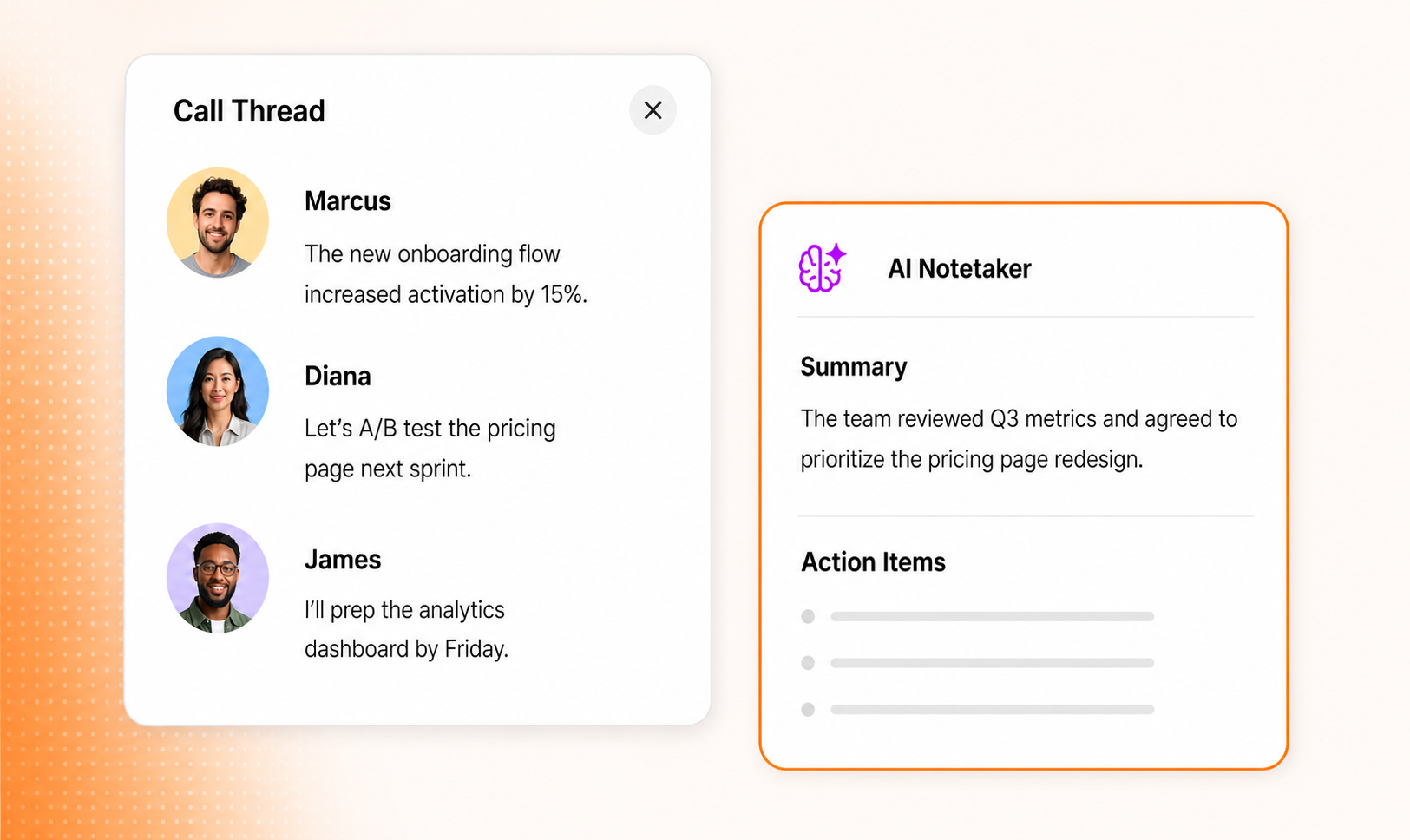
Direct answer: Yes, as of 4.07. AI Notetaker now captures in-meeting chat messages from Zoom, Google Meet, and Microsoft Teams, in addition to the spoken transcript.
- Every chat message is included in the generated notes
- Messages are attributed to the sender who sent them
- This applies across all three supported platforms: Zoom, Google Meet, Microsoft Teams
Why it matters: Meeting chat often contains links, corrections, and side comments that never get said out loud. Capturing it means AI-generated meeting notes are a complete record, not a partial one.
Frequently Asked Questions
Everything you need to know about ClickUp 4.07.
What version number is this ClickUp update?
ClickUp 4.07.
Does ClickUp 4.07 support external AI tool connections?
Yes — Super Agents can connect to any publicly hosted MCP server via the App Center, using OAuth or an API token.
Can I import Slack history into a Channel I already created?
Yes — 4.07 lets you map Slack imports to existing ClickUp Channels, Spaces, Folders, or Lists.
Does AI Notetaker record chat messages, or only spoken audio?
Both. As of 4.07, it records spoken audio and in-meeting chat, with sender attribution, across Zoom, Google Meet, and Microsoft Teams.
Are Custom Fields still shared across all Task Types?
Fields can still apply across types, but the display is now grouped and prioritized by Task Type first, so the most relevant fields appear at the top of each task.