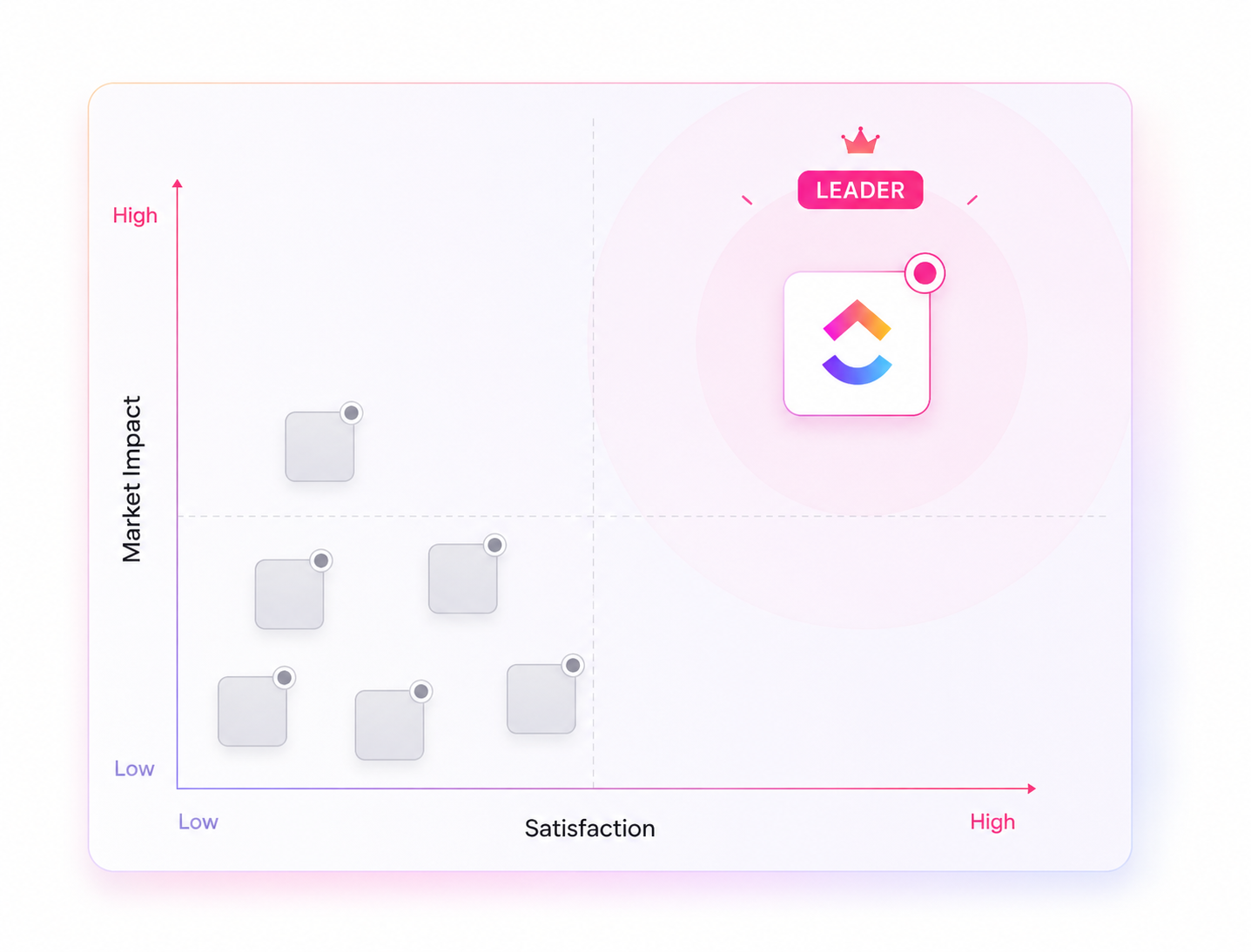
Quick answer: ClickUp for the Operations Team is a single work platform that combines task management, documentation, chat, automations, and dashboards, so operations leaders can replace 5-10 disconnected tools with one connected system. It is used by more than 3 million teams, is rated 4.6/5 across 25,000+ reviews, and supports 1,000+ integrations and 100+ automation actions — making it one of the most complete operations management platforms available today.
What Is ClickUp for the Operations Team, Exactly?
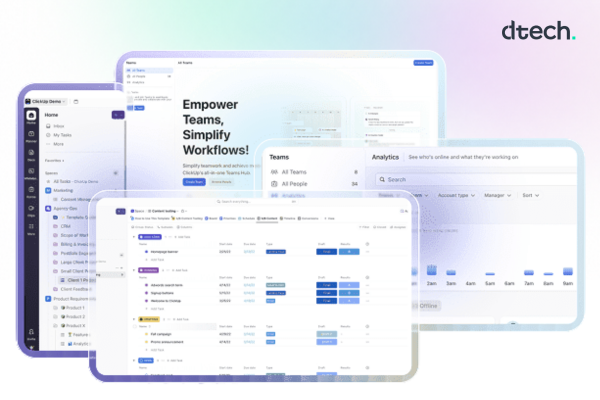
At its core, ClickUp for the Operations Team is a work management platform designed to give operations groups total visibility into priorities, risk, and capacity — without switching between a project tool, a chat app, a spreadsheet, and a documentation wiki. Instead of scattered processes and delayed reporting, teams get automated requests, real-time collaboration, and one source of truth for every workflow.
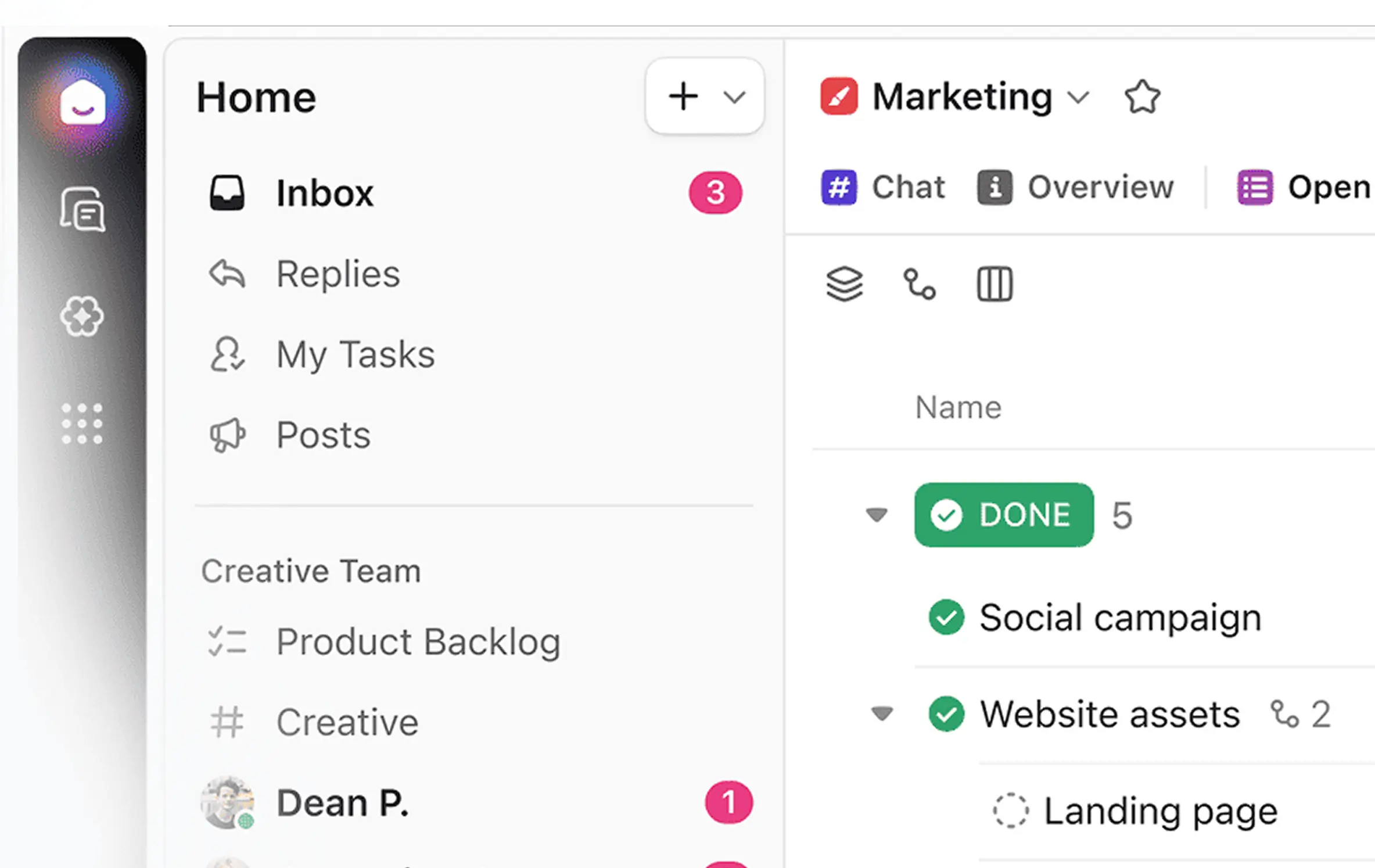
The shift is simple but significant: the old way of running operations means unclear ownership, manual approvals, and compliance risk hiding in someone’s inbox. ClickUp for the Operations Team replaces that with processes, docs, and chat living in one place, with automation handling the busywork in between.
Core Features That Make ClickUp for the Operations Team Work
Resource Planning and Workload Visibility
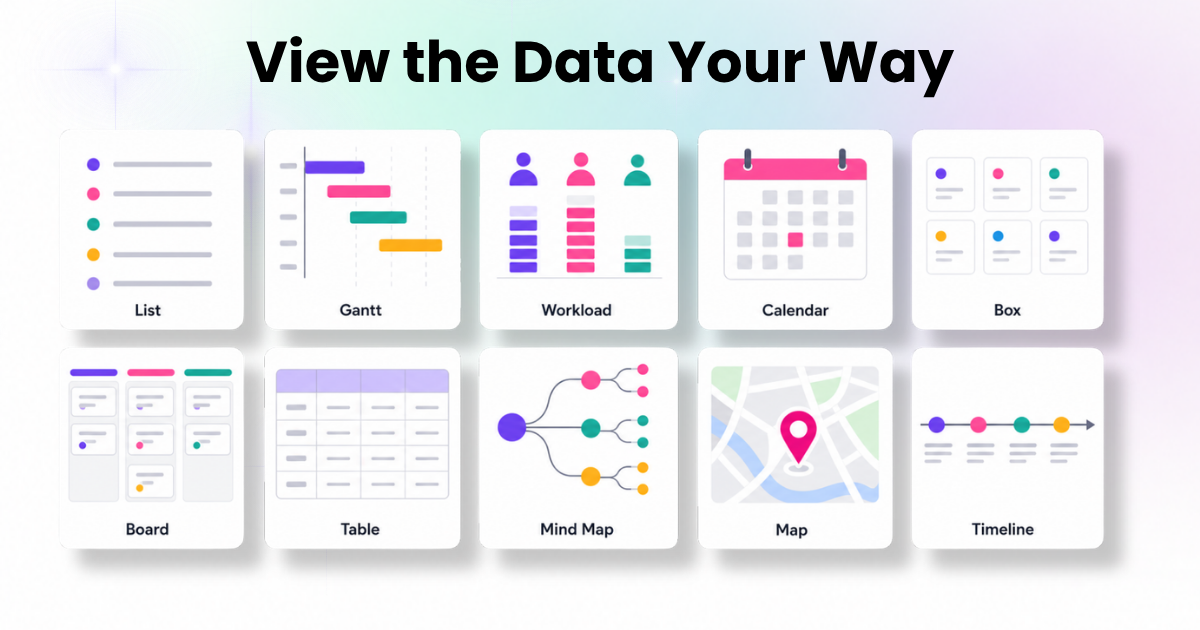
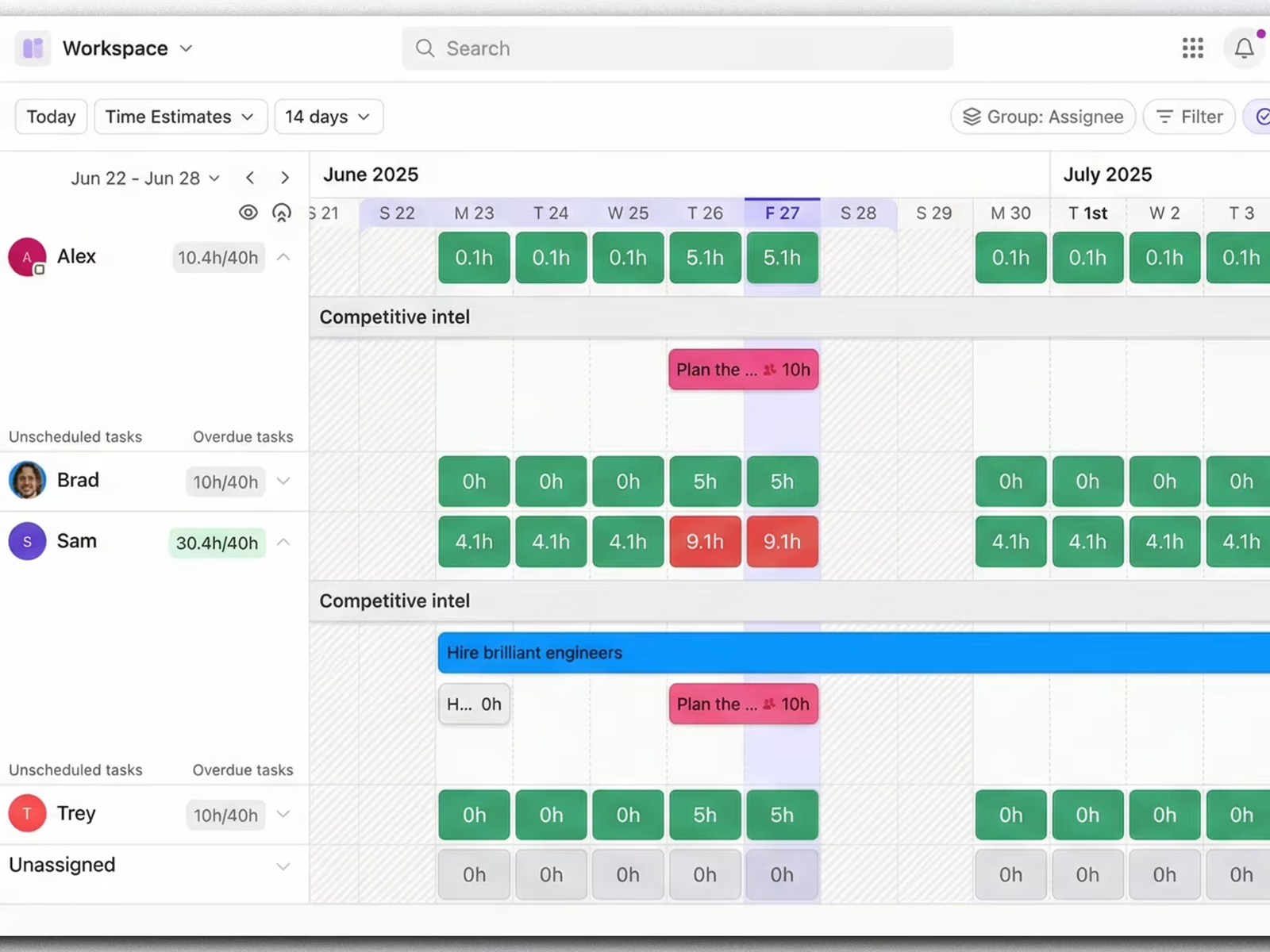
Operations leaders need to know who’s overloaded before it becomes a bottleneck. The Workload view gives instant visibility into team capacity so work can be redistributed before burnout sets in, while Gantt charts make task dependencies and handoffs visible with drag-and-drop scheduling. Interactive, spreadsheet-style Custom Fields also let teams track budgets and vendor details without leaving the platform.
Workflow Automation Without the Manual Grind
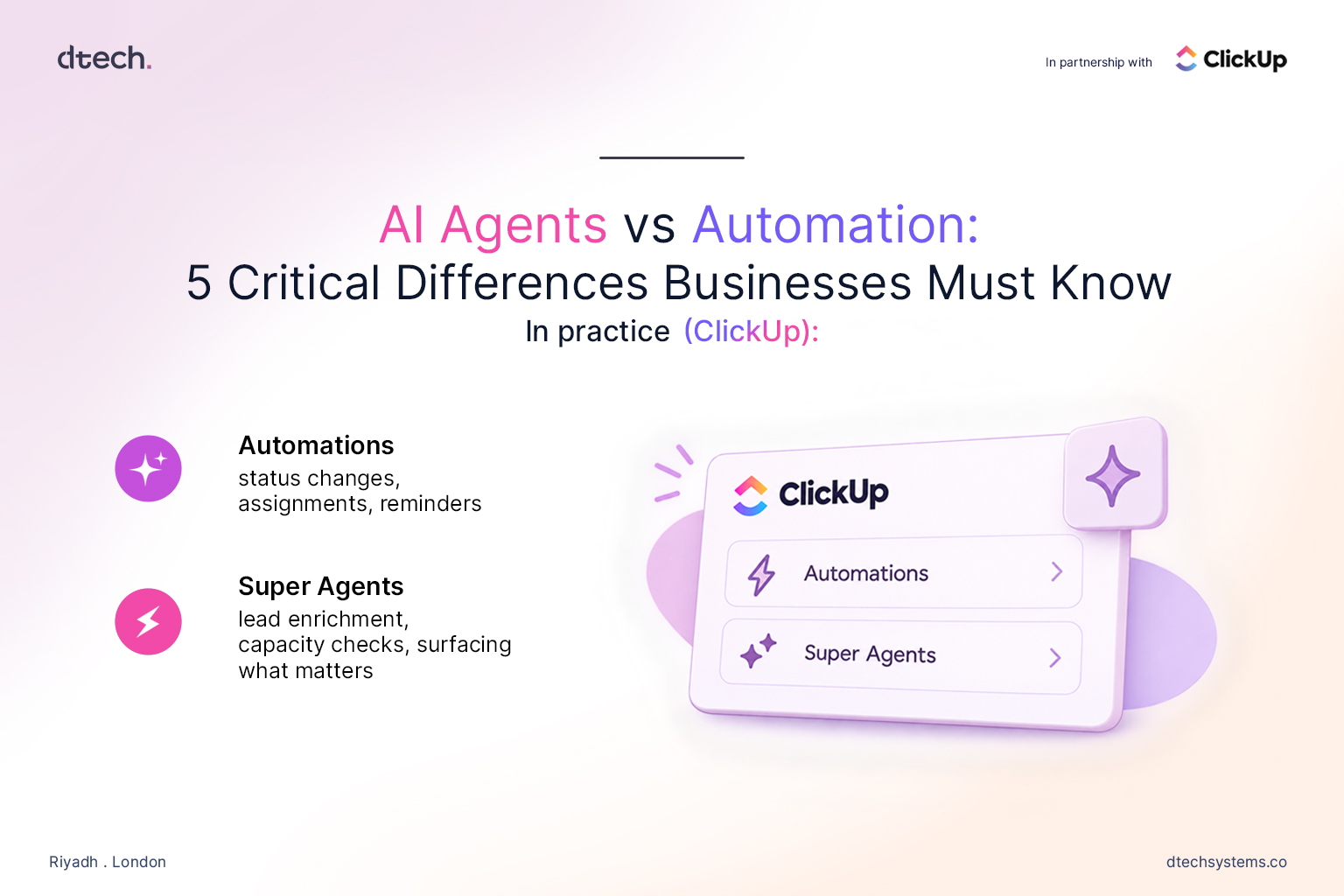
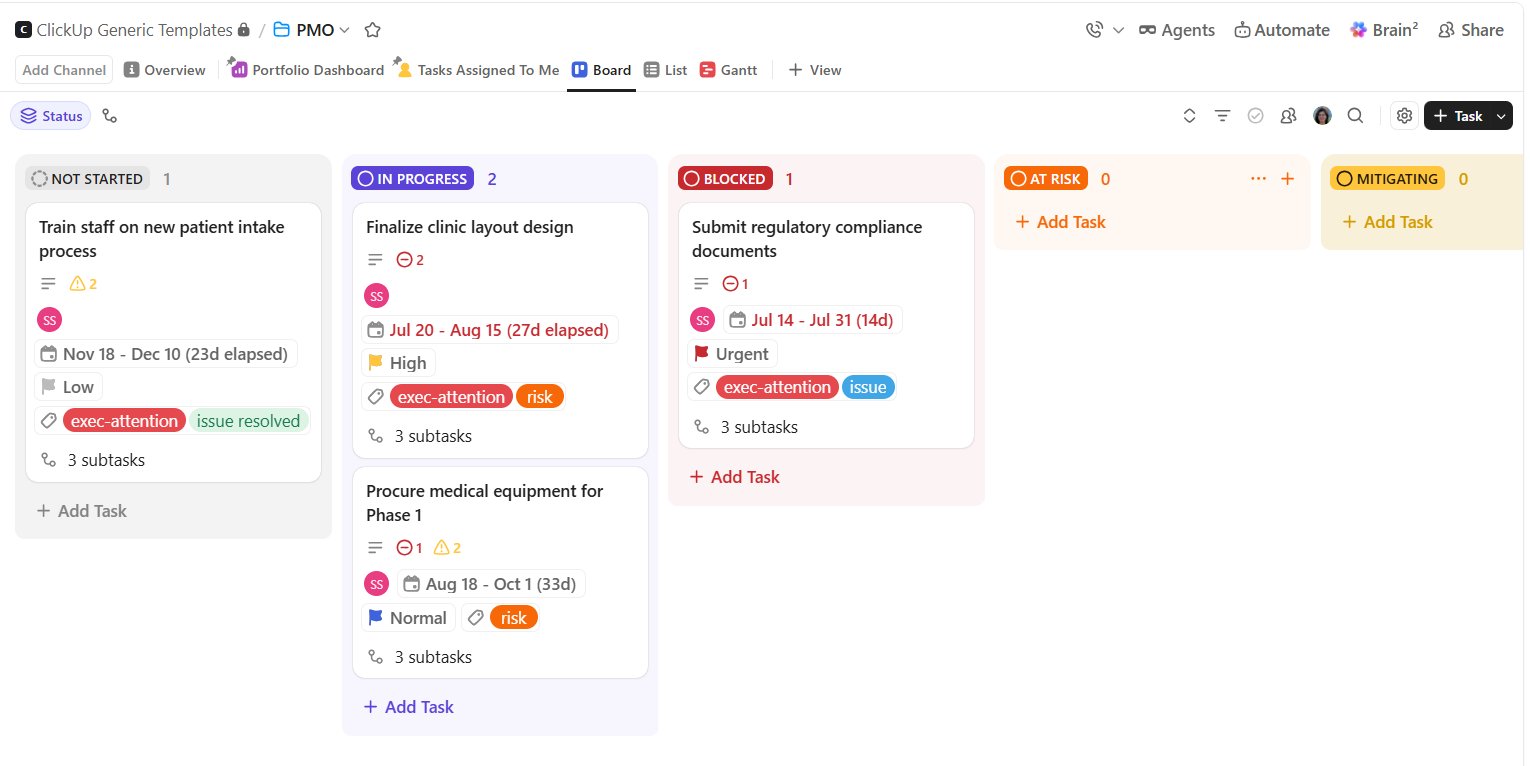
This is where ClickUp for the Operations Team earns its “all-in-one” label. With 100+ automation actions, teams can auto-assign tasks, update statuses, and standardize intake through forms that route approvals instantly. Chat turns conversations into trackable tasks in real time, and Docs centralize SOPs and policies so compliance doesn’t depend on institutional memory.
AI Built Into Every Process
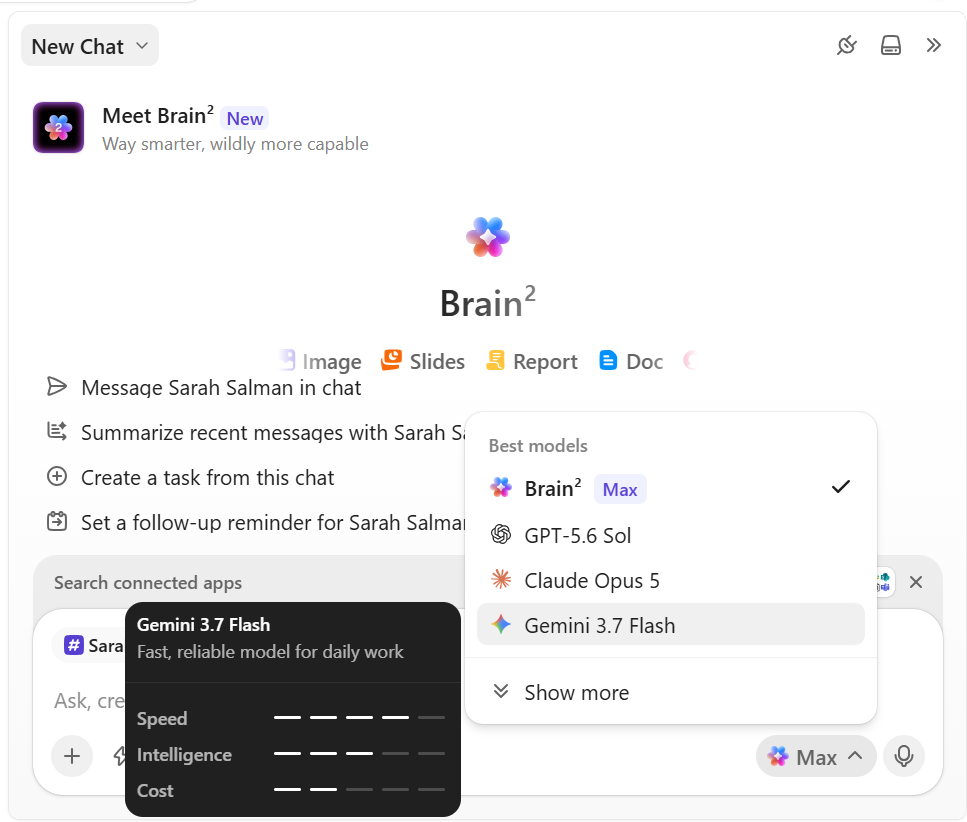
ClickUp’s AI layer automates task creation, predicts risk, and turns meeting conversations into action items and summaries automatically. Connected search finds SOPs, reports, and files across ClickUp and any integrated app—so operations teams stop losing hours hunting for the “right” document version.
Together, these three pillars — planning, automation, and AI — are why ClickUp for the Operations Team consistently comes up in comparisons of the best project and operations management tools.
Check our blog on AI and operations.
Real Operations Teams, Real Results with ClickUp for the Operations Team
The impact shows up in how teams actually talk about it. One operations leader described automating nearly half of their manual tasks after switching, freeing up time for higher-value work. Another highlighted how replacing multiple point tools with one platform cut the constant app-switching that used to eat into the workday. A third noted that reusable templates reduced errors and saved real time during recurring processes like workshop prep.
Across industries—the pattern is consistent: operations teams that consolidate onto one platform report faster execution and fewer dropped handoffs than teams juggling five or six disconnected apps.
How Dtech Systems Makes ClickUp for the Operations Team Actually Stick
Here’s the part most vendors skip: buying ClickUp is easy, but making it match how your operations team actually works — and getting the whole team to actually use it — is a different problem. That’s where Dtech Systems comes in.
Dtech Systems is a ClickUp Diamond Partner based in Riyadh and London, working with teams across the GCC, wider EMEA, and beyond. Rather than handing over a license and a blank workspace, Dtech builds ClickUp for the Operations Team around your real processes and stays involved until it’s a habit, not just a login.
Dtech’s Four-Stage Delivery Process
- Business Consulting – Dtech starts by mapping how your operations team actually runs today: the pain points, the gaps, and where handoffs break down.
- Implementation – Hierarchy, automations, integrations, dashboards, and migration are built around that diagnosis — not a generic template.
- AI in Context – AI is layered in only where it solves a real problem, using your actual business context instead of guesswork.
- Adoption – Live coaching on real work continues until ClickUp becomes second nature for the team, with one free adoption hour included per license.
Buying ClickUp Direct vs. Partnering with Dtech
Going direct means you configure everything yourself, work from generic templates that ignore your workflow, and rely on support tickets from people who don’t know your business — often billed in USD with no local time zone support. Partnering with Dtech instead means senior consultants rebuild your workflows live on your own work, a named team stays with your account, and billing is local to the KSA and UK, delivered in English or Arabic.
FAQs
Everything you need to know about ClickUp Data Views.
Is ClickUp for the Operations Team suitable for small teams, or only large enterprises?
Both. ClickUp is free to start with no credit card required, which is why it's used by everyone from ten-person startups to enterprise operations functions with thousands of seats. Dtech Systems, for example, structures its engagements the same way — from "Startups & Growing Businesses" needing one clean workspace, up to enterprise rollouts with governance and change management built in.
How long does it typically take an operations team to see ROI from ClickUp?
Most teams see measurable time savings within the first automated workflow — often the approval or intake process, since that's usually the biggest source of delay. Teams that pair the rollout with structured adoption support (rather than a self-serve setup) tend to reach habitual daily use faster, since the biggest failure point for any new operations software isn't the tool — it's whether people actually keep using it after week two.
What's the biggest mistake operations teams make when adopting ClickUp?
Turning on every feature at once. Operations teams get the best results by starting with a single high-friction workflow — one form, one automation, one dashboard — proving it works, and expanding from there. This mirrors why Dtech Systems runs a scoped, single-workflow session before any larger implementation: it isolates what's broken instead of trying to fix everything simultaneously.