Dtech Insights
How Saudi Businesses Can Use AI Agentic Workflows to Get Work Done
Your team already has the tools. The CRM, the project platform, the chat app, maybe a few AI apps too. So why does someone still spend their morning copying updates and chasing follow-ups?
Businesses in Saudi Arabia are adopting AI fast. But adding AI tools does not automatically make a workflow smarter. This is where AI agentic workflows come in. Traditional automation follows fixed rules. AI agentic workflows go further: they understand information, make decisions, and take action based on the situation.
This guide explains what they are, where they fit, and how to build your first one without changing everything at once.
What Are AI Agentic Workflows?
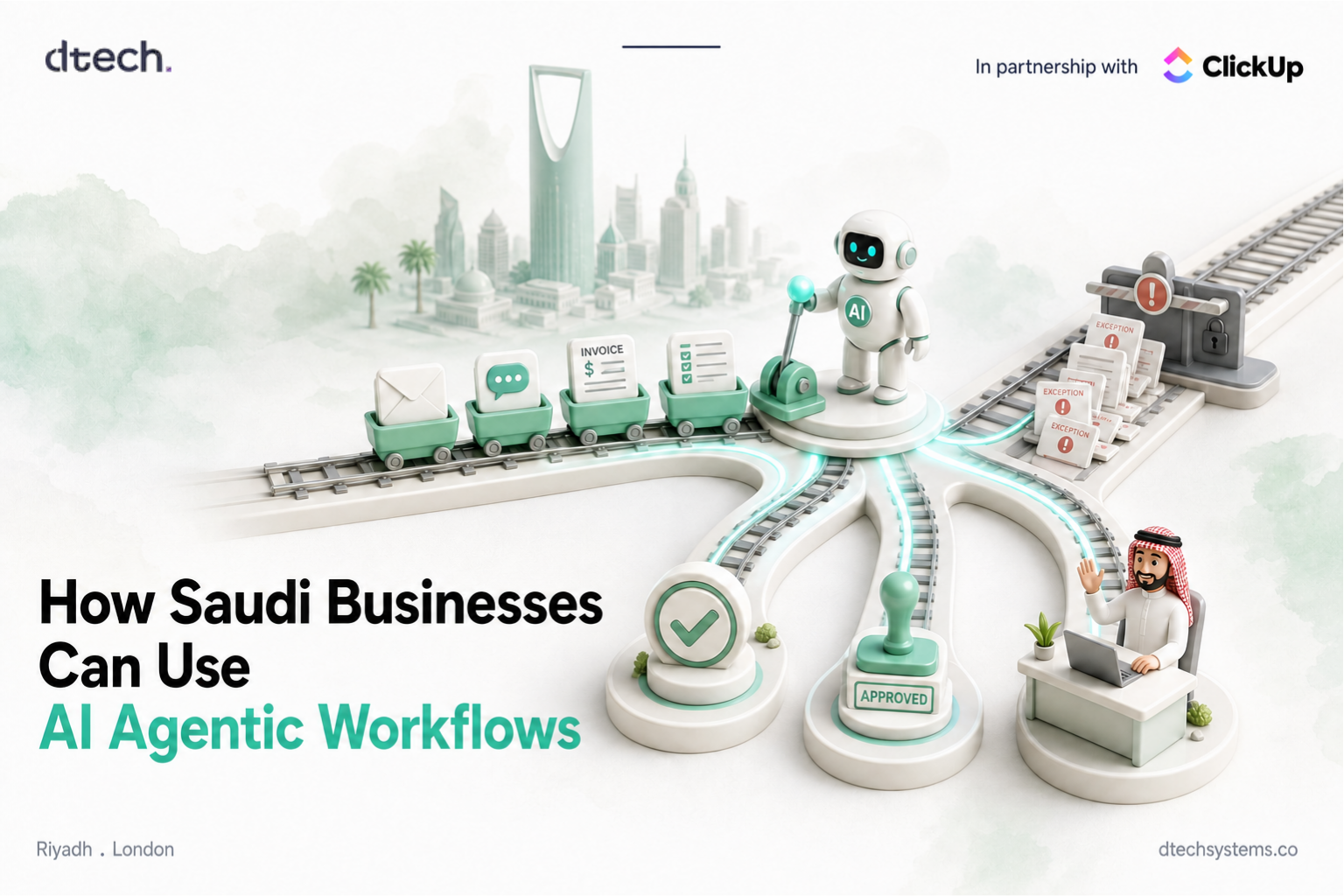
An AI agentic workflow is a business process where an AI agent can understand information, decide what needs to happen next, and take action with limited human input.
Here is a simple customer service example:
- Customer request
- AI understands it
- Identifies the issue
- Checks priority
- Takes the next action
- Escalates complex cases to a person
The difference is simple. Traditional automation follows a set rule. An AI agent can respond based on the situation, even when the request does not match a template.
Automation vs. AI Agentic Workflows
Both are useful. The real skill is knowing when to use each one. Using AI where a simple rule would do adds cost and risk. Using a rule where judgment is needed creates exceptions that land back on someone's desk.
Traditional automation
- Follows predefined rules
- Works well for predictable tasks
- Performs the same action each time
AI agentic workflows
- Understand information
- Make decisions based on context
- Choose the right next step
An automation looks like this:
- Task completed
- Status changes
- Team member notified
An AI agent handles something messier:
- New lead arrives
- AI reviews the lead
- Understands the request
- Checks priority
- Assigns the right salesperson
- Prepares follow-up tasks
Automation or AI agent? Sort these 5 tasks
Pick what you would use for each task. The answer appears after you choose.
1. When a task is marked complete, notify the project manager.
Automation. Same trigger, same action, every time. No judgment needed.
2. Read incoming client emails and decide which team should handle each one.
AI agent. Every email is worded differently. Routing it means understanding what the client actually wants.
3. Move a task to "In Review" when a file is attached.
Automation. A clear if-then rule. An agent here just adds cost.
4. Check overdue tasks every morning and flag which ones put a client deadline at risk.
AI agent. Spotting real impact means reading related work, not just checking a due date.
5. Turn meeting notes into tasks with owners and due dates.
AI agent. Notes are unstructured. Someone, or something, has to understand who agreed to do what.
Why AI Agentic Workflows Matter for Saudi Businesses
Many Saudi companies already use CRMs, project management platforms, communication tools, and AI applications. Yet employees still spend hours moving information between systems, checking tasks, preparing updates, and following up.
The challenge is often not a lack of technology. It is how that technology works together. As organizations grow and take on bigger projects, the gaps between tools grow with them.
AI agentic workflows help connect these processes and remove manual steps that nobody enjoys. So instead of asking, "Which AI tool should we add?", ask a better question:
"Which business process would work better if AI could understand the situation and take the next step?"
Where Can Businesses Use AI Agentic Workflows?
AI agents can support many everyday processes. Pick your team to see what a typical workflow looks like.
Sales and lead management
- New lead
- AI reviews lead info
- Identifies needs
- Checks priority
- Assigns salesperson
- Prepares follow-up
Where people stay in charge: pricing, negotiation, and relationship calls.
Customer support
- Customer request
- AI identifies the issue
- Checks relevant info
- Prepares a response
- Resolves simple requests
- Escalates complex cases
Where people stay in charge: complaints, refunds, and sensitive cases.
Project management
- Task becomes overdue
- AI reviews related work
- Identifies possible impact
- Alerts the team
- Creates follow-up actions
Where people stay in charge: reprioritizing scope and talking to the client.
Marketing operations
- Content approved
- AI identifies required tasks
- Creates social media tasks
- Prepares drafts
- Sends for review
- Tracks publishing
Where people stay in charge: brand voice, creative direction, and final approval.
Human involvement still matters. Strategy, creativity, approvals, and any decision that carries real responsibility should stay with your people. The agent handles the legwork around those decisions.
How to Build an AI Agentic Workflow in 4 Steps
You do not need to change every process at once. Start with one workflow where AI can make a clear difference, prove it works, then expand.
1. Find the right process
Look for work that involves:
- Repetitive manual tasks
- Frequent delays
- Too many handoffs
- Routine decisions
- Information moving between different tools
2. Map the workflow
Write down how the process works today, not how it should work:
- Trigger
- Steps
- Decisions
- People
- Tools
- Outcome
This shows you where simple automation is enough and where AI could add real value. If the map is unclear, fix the process first. AI will not fix a broken process. It will only run it faster.
3. Decide where AI should step in
Use automation for predictable actions. Use AI when a step needs understanding or judgment. For example, a status change can trigger an automation that updates the workflow. A customer request needs an AI agent that understands it and decides what should happen next.
4. Test and improve
Start small and measure the results.
- Test
- Measure
- Improve
- Scale
Track time saved, errors reduced, response times, and how often employees still need to step in. That last number tells you how much the agent can really be trusted.
How ClickUp Supports AI Agentic Workflows
ClickUp brings tasks, projects, docs, chat, automation, and AI together in one workspace. That matters, because an AI agent is only as good as the context it can see.
With ClickUp Super Agents, teams can create AI teammates that can be assigned tasks, mentioned in comments, and triggered to run multi-step work in the background. You control which tools and data each agent can access. Pair them with regular ClickUp Automations for the predictable steps, and you get a workflow like this:
- New task created
- AI reviews the task
- Sets priority
- Assigns the right person
- Automation updates status
- Team member takes action
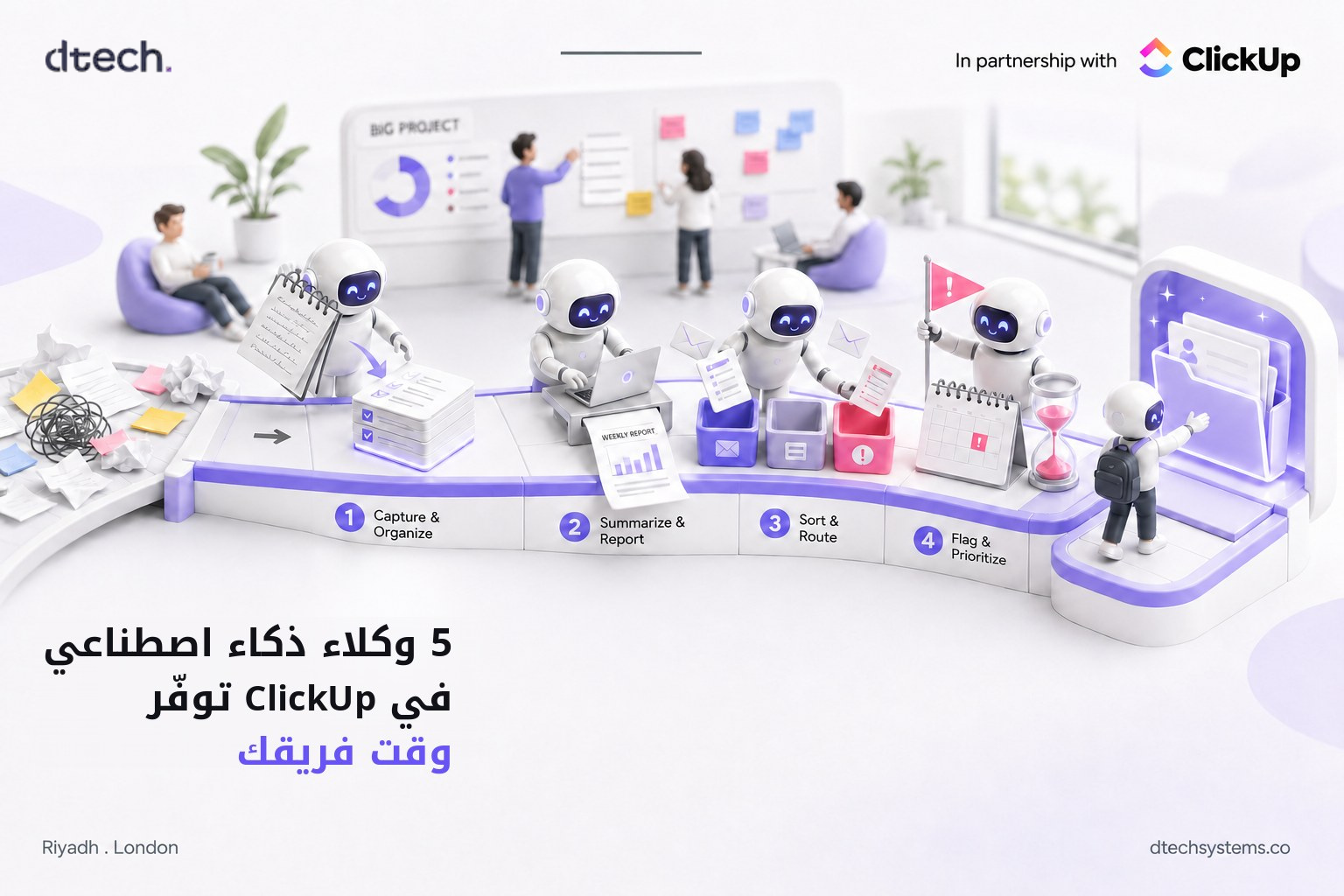
If you want ideas to start with, see our guide to 5 ClickUp AI agents you can start using this week, or read how ClickUp AI automates your workflow.
But AI alone does not create an efficient operation. The workflow around it does.
Benefits of AI Agentic Workflows
When designed properly, AI agentic workflows can help businesses:
- Reduce repetitive work
- Speed up routine processes
- Cut unnecessary handoffs
- Improve consistency
- Spot issues earlier
- Give teams faster access to information
- Free employees for higher-value work
- Grow without adding manual work at the same rate
The goal is not to make AI do more. It is to help people spend less time managing work and more time doing meaningful work.
Is Your Team Ready? A 1-Minute Check
Tick everything that is true for the process you have in mind. Your score shows whether to start building or fix the foundation first.
0 / 6
Tick the statements that apply to see your verdict.
FAQ: AI Agentic Workflows
What is the difference between AI agentic workflows and automation?
Automation follows fixed if-then rules and does the same thing every time. AI agentic workflows can read information, understand context, and choose the next step. Most good workflows use both.
Do AI agentic workflows replace employees?
No. They take over repetitive coordination work like sorting, routing, and follow-ups. People stay in charge of strategy, approvals, and decisions that carry responsibility.
Which process should we start with?
Pick one process that happens often, involves several handoffs, and already causes delays. Lead routing, support triage, and overdue task follow-ups are common first choices.
Can we build AI agentic workflows in ClickUp?
Yes. ClickUp combines tasks, docs, chat, Automations, and Super Agents in one workspace, so agents can work with the full context of your projects. Availability depends on your ClickUp plan.
How do we measure if it is working?
Track time saved, error rates, response times, and how often a person needs to step in. If those numbers improve over a few weeks, scale the workflow to the next process.