Dtech Insights
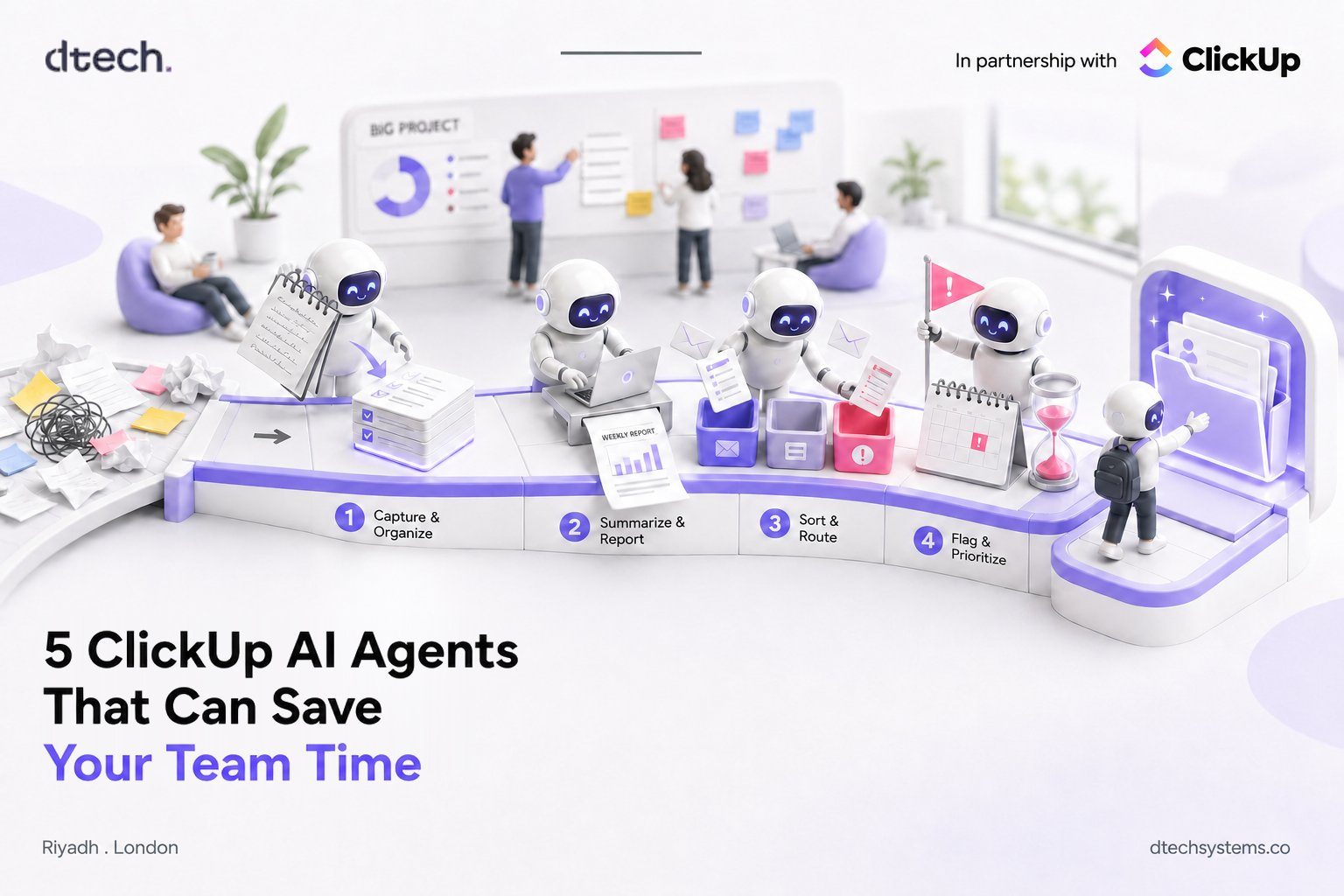
5 ClickUp AI Agents You Can Start Using This Week
What if your team spent less time on repetitive work and more time on work that actually matters?
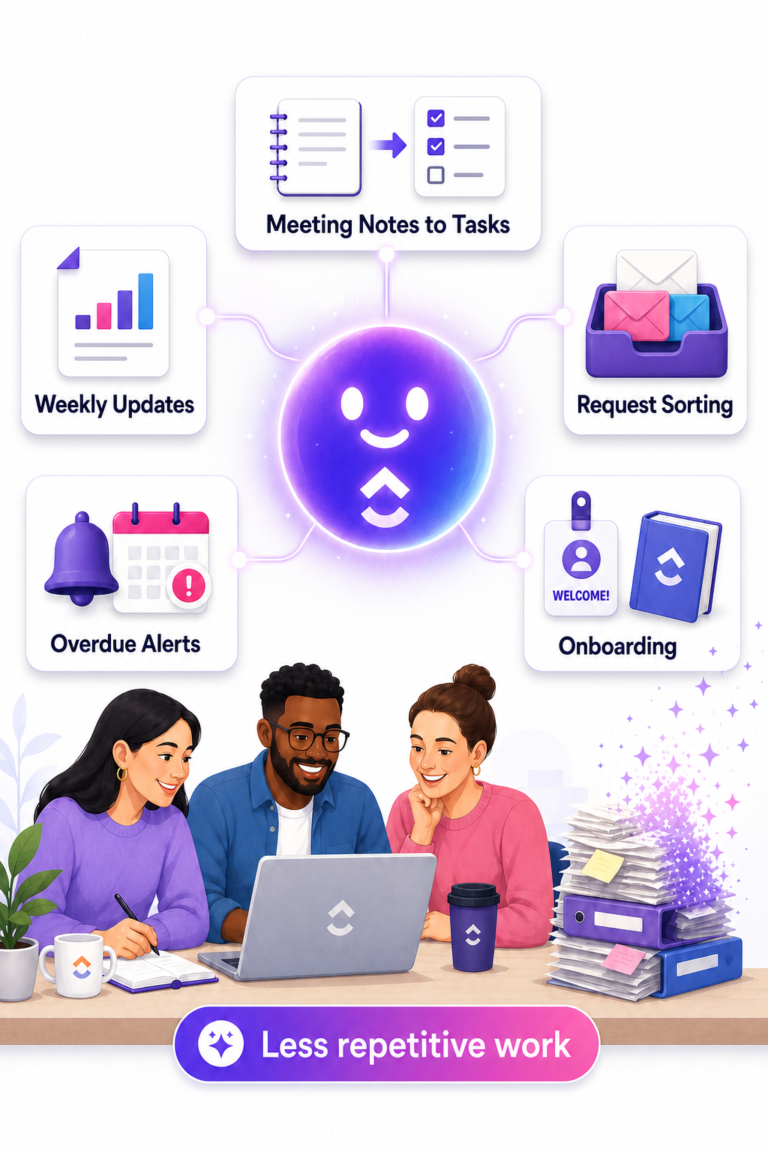
Writing weekly updates, turning meeting notes into tasks, sorting requests and checking overdue work all seem small. But they add up fast. That is where ClickUp AI agents come in.
With ClickUp AI, ClickUp Brain and AI agents, teams can automate parts of everyday work without changing everything at once. The question is simple: what repetitive task could ClickUp AI handle for your team?
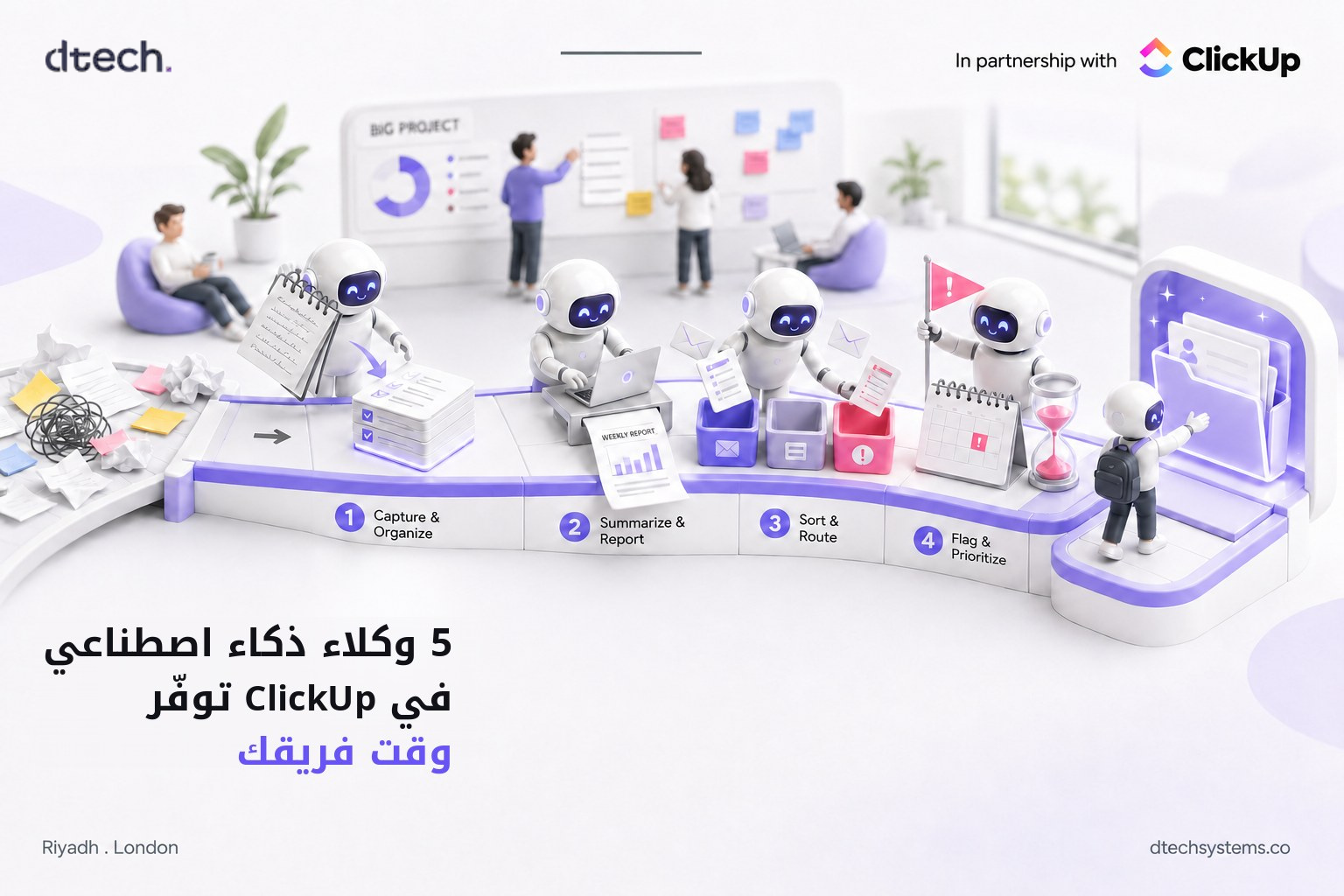
Here are five practical ways businesses can use ClickUp AI agents and AI workflow automation, plus a quick tool to find the one worth starting with.
Which ClickUp AI Agent Should You Start With?
Pick the thing that eats the most of your team's week.
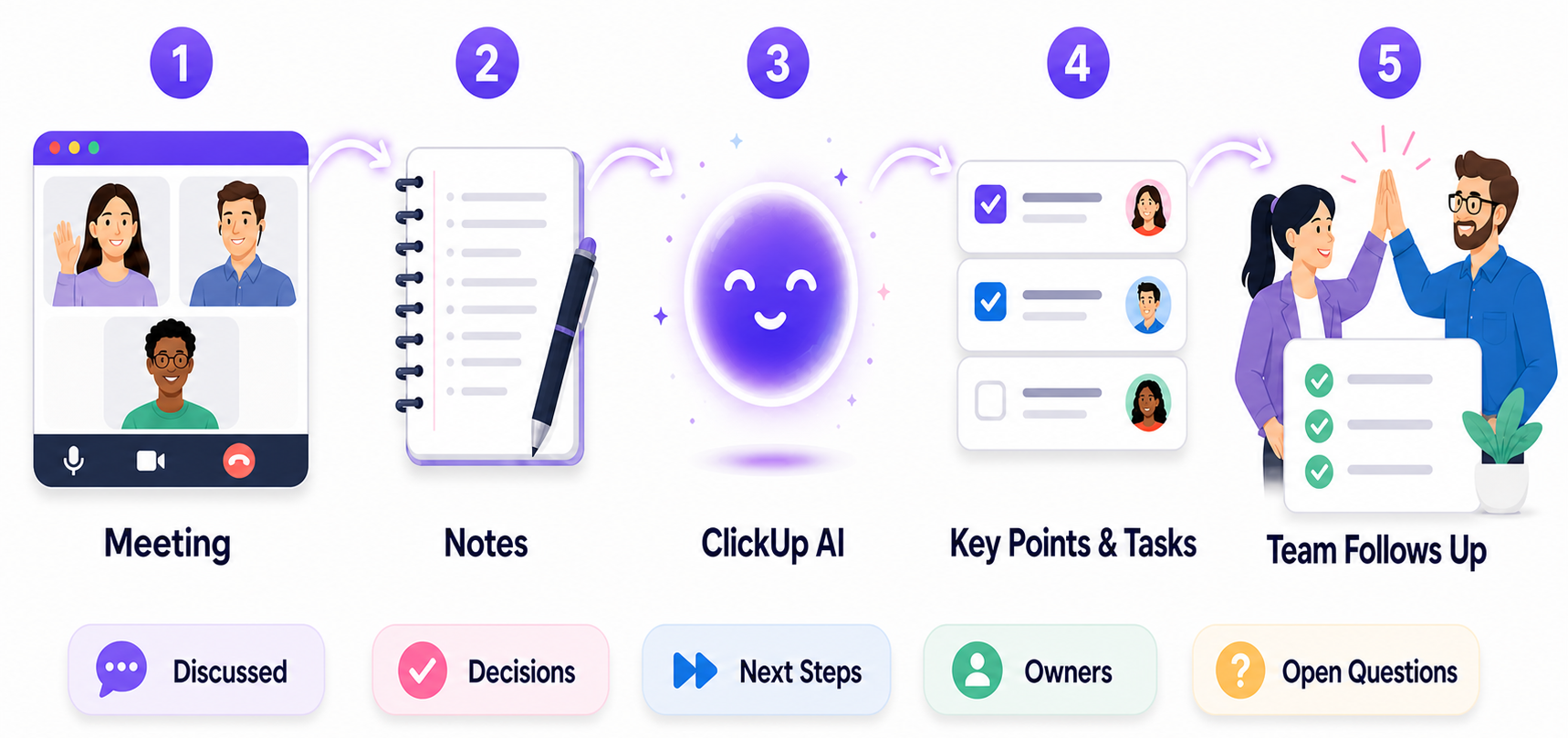
1. Use ClickUp AI to Turn Meeting Notes Into Tasks
Meetings often end with a clear list of next steps. The problem is what happens after everyone leaves the call.
Someone needs to update a task. Someone else needs to send a document. Another person needs to follow up with a client. Before long, those small action items get buried in notes, messages or someone's memory.
Instead of asking someone to read through meeting notes and manually turn every detail into work, AI can pull out the important information and organize it inside your Workspace.
Imagine your company uses a ClickUp Form for new requests. When someone submits it, AI could review the request and organize the information before your team starts working on it. It could help identify:
- What the request is about
- Which team should handle it
- Whether important information is missing
- What the next step should be
- Which person or team should review it
ClickUp provides AI tools that can search Workspace information, create tasks, update tasks, post comments and perform other actions. ClickUp Brain and agents can use these tools depending on the setup and permissions.
Your people still make the important decisions. AI takes care of the repetitive sorting that happens before the real work begins.
4. Let ClickUp AI Agents Flag Problems Before They Grow
A project rarely goes wrong in one day. Usually, there are small warning signs first.
A task has not been updated for a week. A deadline is getting close. One person is waiting for another. A project has several unfinished tasks but no recent update. These are easy to miss when a team is busy.
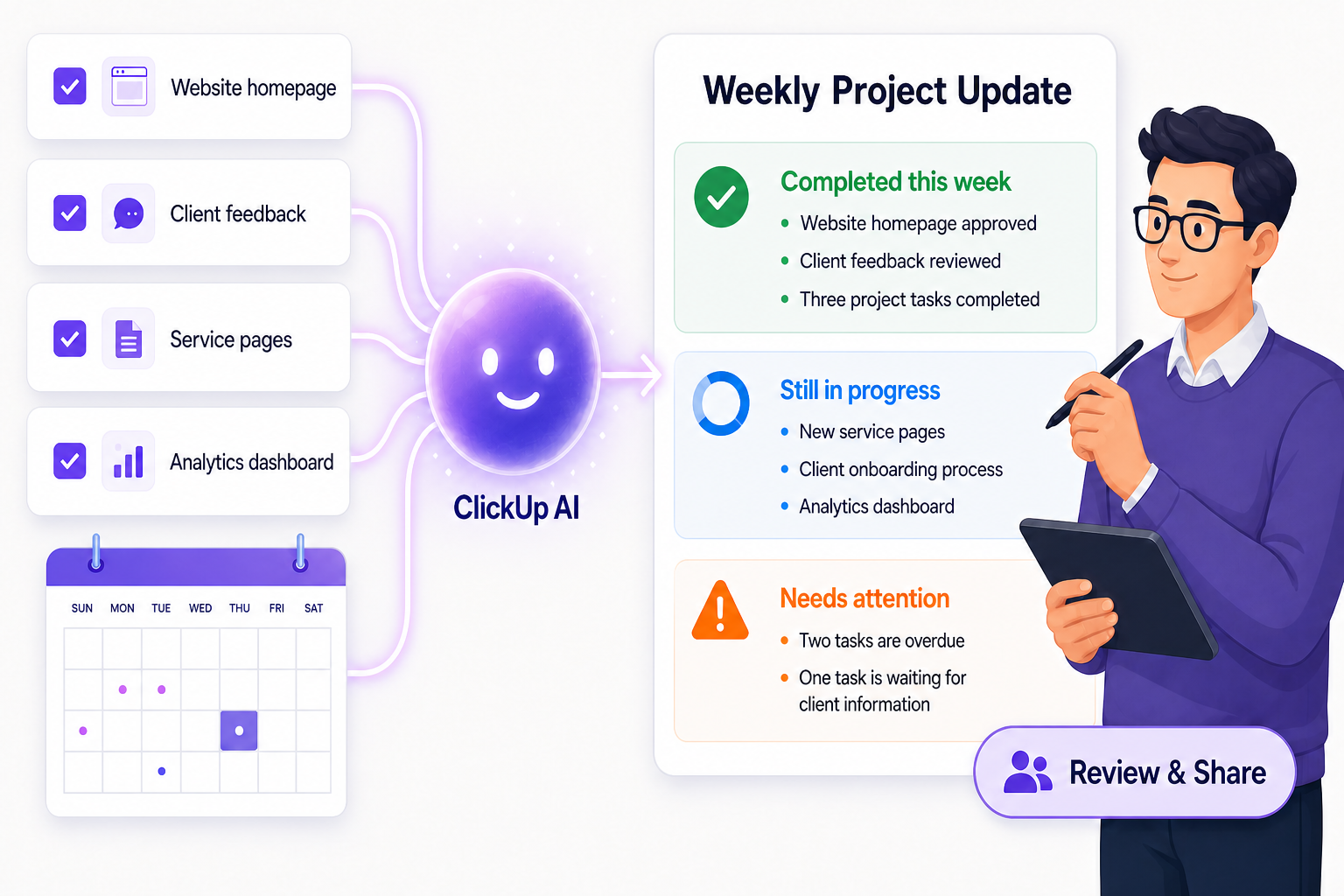
With ClickUp AI, a team can use existing task information to create summaries and updates. ClickUp supports AI-generated personal and team updates, task summaries and other insights based on work already in the Workspace.
A weekly project update could look like this:
Completed this week
- Website homepage approved
- Client feedback reviewed
- Three project tasks completed
Still in progress
- New service pages
- Client onboarding process
- Analytics dashboard
Needs attention
- Two tasks are overdue
- One task is waiting for client information
The manager reviews the update, makes changes and shares it with the team. This does not remove the manager from the process. It just removes the need to start the report from an empty page every Friday.
3. Use AI Workflow Automation to Organize New Requests
Every business receives requests. A client asks for a change. A team member needs help. Marketing needs a landing page. Sales wants support with a proposal.
Usually, someone has to read each request, understand it, decide where it belongs and send it to the right person. That is a good opportunity for ClickUp automation.
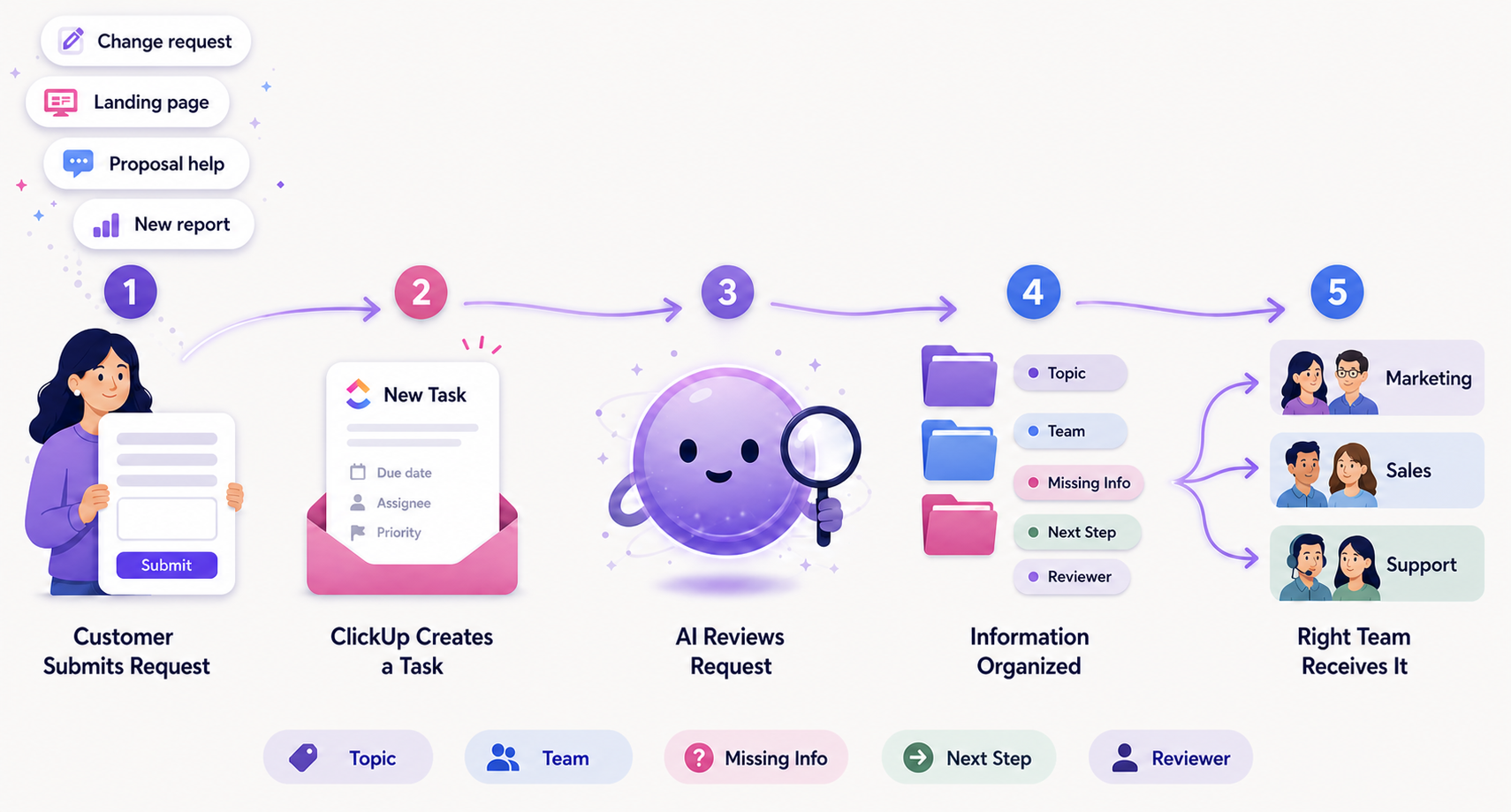
Imagine your company uses a ClickUp Form for new requests. When someone submits it, AI could review the request and organize the information before your team starts working on it. It could help identify:
- What the request is about
- Which team should handle it
- Whether important information is missing
- What the next step should be
- Which person or team should review it
ClickUp provides AI tools that can search Workspace information, create tasks, update tasks, post comments and perform other actions. ClickUp Brain and agents can use these tools depending on the setup and permissions.
Your people still make the important decisions. AI takes care of the repetitive sorting that happens before the real work begins.
4. Let ClickUp AI Agents Flag Problems Before They Grow
A project rarely goes wrong in one day. Usually, there are small warning signs first.
A task has not been updated for a week. A deadline is getting close. One person is waiting for another. A project has several unfinished tasks but no recent update. These are easy to miss when a team is busy.
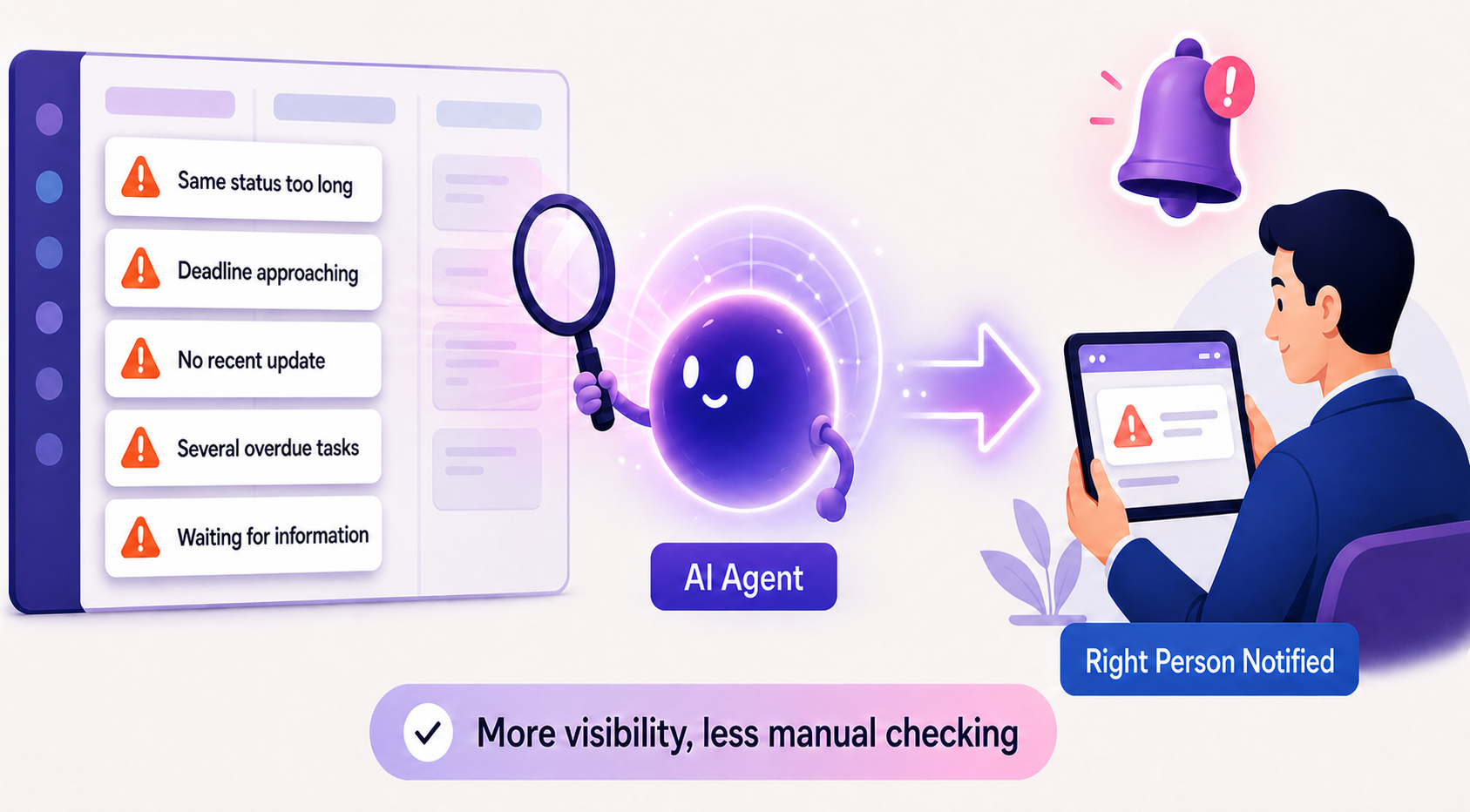
This is where ClickUp AI agents shine. ClickUp's Autopilot Agents respond to specific triggers and conditions, then act based on the instructions, knowledge and tools they have been given.
For example, a company could set up an agent to flag situations like:
- A task has been sitting in the same status for too long
- An important deadline is approaching
- A task has not received an update
- A project has several overdue tasks
- A team member is waiting for information before they can continue
The AI does not need to decide what the company should do. It simply brings the issue to the right person's attention. Managers get more visibility without manually checking every task in every project.
5. Make Employee Onboarding Easier With ClickUp Brain
Starting a new job means learning a lot in a short time. A new employee needs to understand the company, their team, current projects, key processes and the people they will work with. They also need to know where all of it lives.
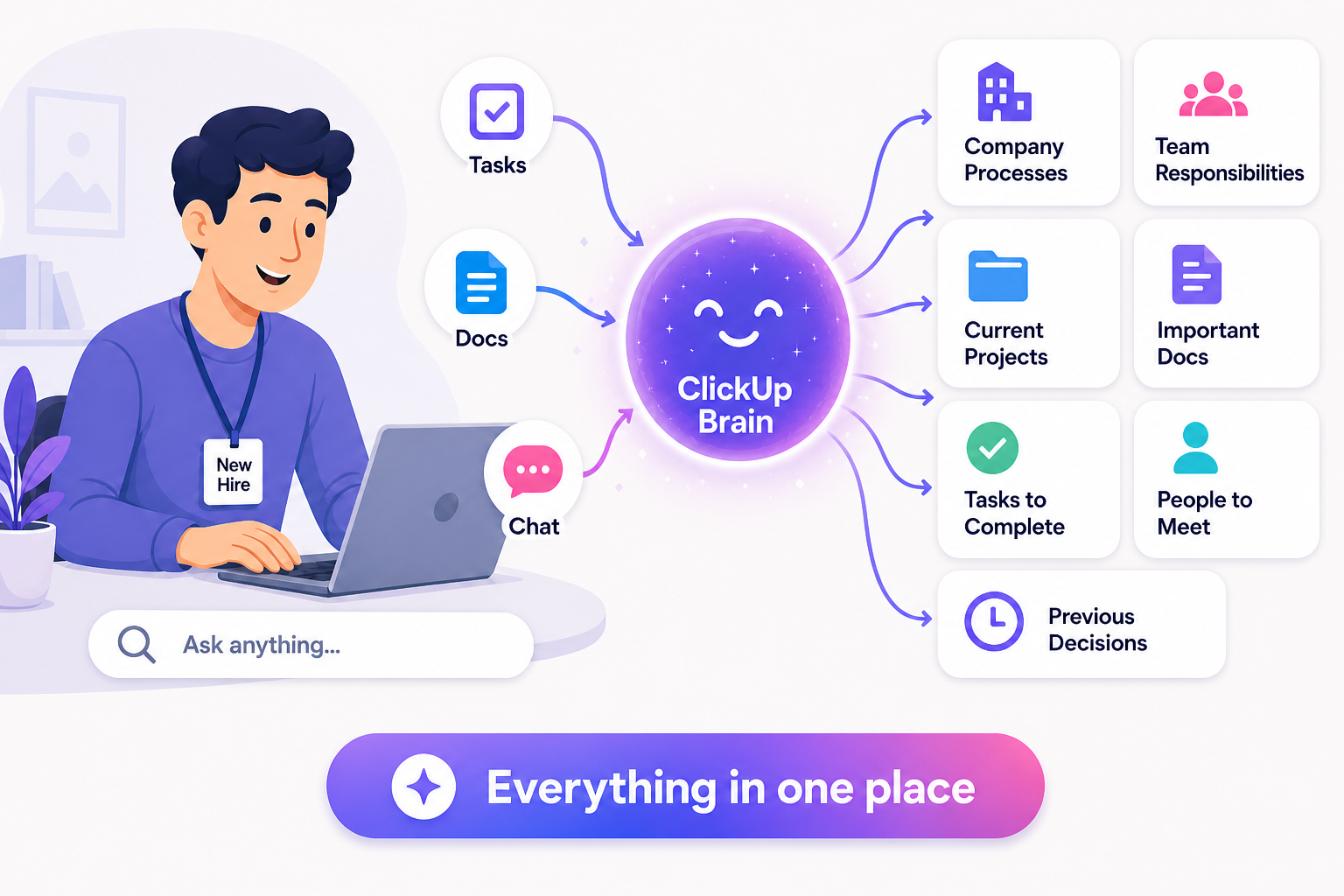
The information may already exist in ClickUp, but finding it still takes time. With ClickUp Brain and AI agents, a new employee could quickly find:
- Company processes
- Team responsibilities
- Current projects
- Important Docs
- Tasks they need to complete
- People they should meet
- Previous decisions that affect their work
ClickUp Brain can use information from tasks, Docs, Chat and other Workspace content. Agents can also be given specific knowledge sources and tools, depending on how they are configured.
Instead of asking several people the same basic questions, a new hire starts by finding answers in one place. Onboarding gets faster, and people settle into the company's way of working sooner. If your team is still struggling to use ClickUp at all, start with our guide on why teams drift away from ClickUp.
ClickUp AI Agents Work Best When Your Workflow Is Clear
There is one important thing to remember before adding AI to your Workspace: AI cannot fix a confusing process by itself.
If your team does not update tasks, an agent will not have enough information to write a useful report. If everyone uses different statuses, progress is hard to read. If key information is spread across emails, spreadsheets, chats and personal notes, AI will not have the full picture.
This is why ClickUp implementation and workflow design matter.
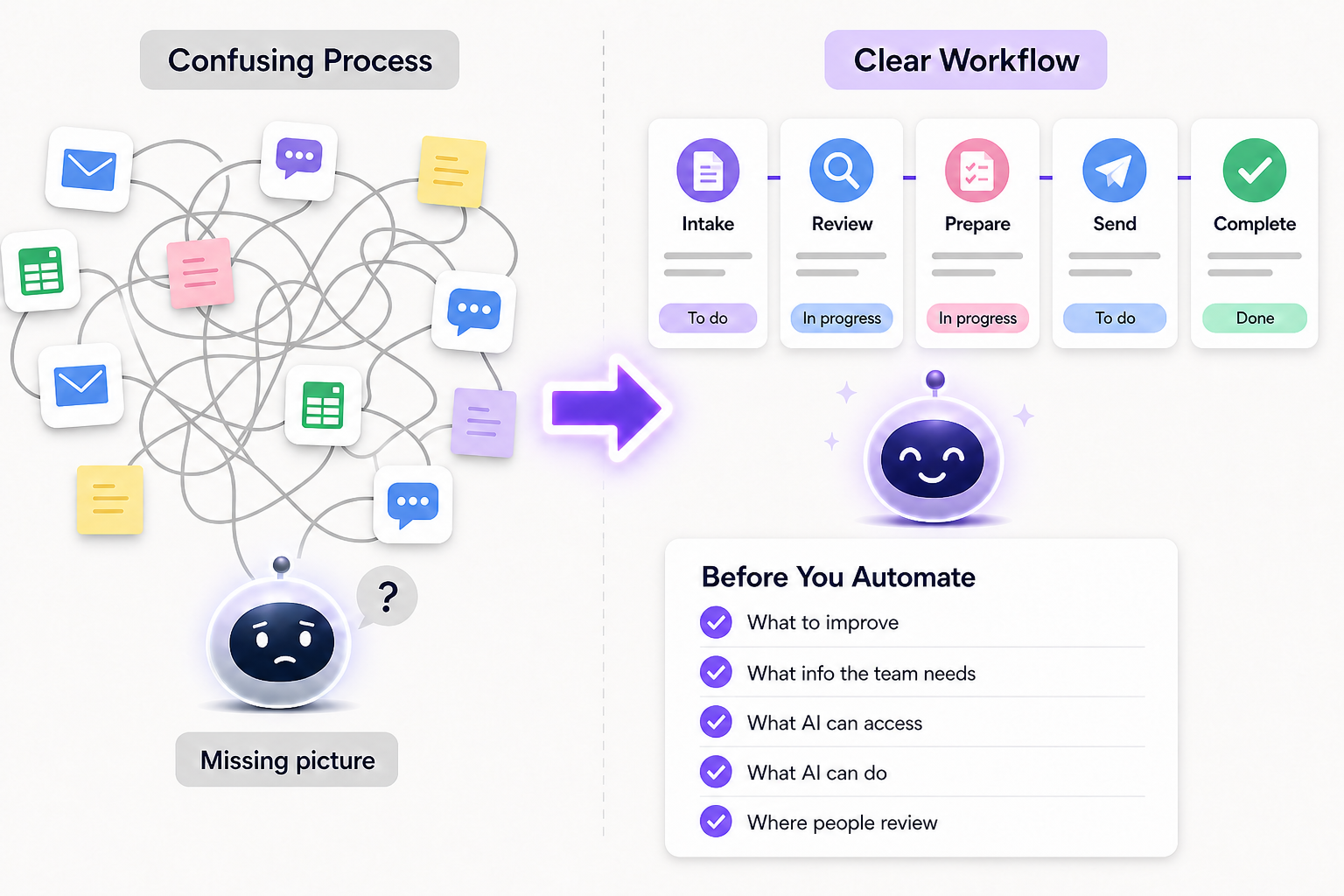
ClickUp lets you configure agents with instructions, knowledge, tools, triggers and conditions. That gives you control over what an agent does and when it does it. The better your workflow is organized, the more useful AI becomes.
Is Your Workflow Ready for AI?
Tick every statement that is true for the process you want to automate.
You Don't Need to Automate Everything
One of the biggest mistakes companies make with AI is trying to change everything at once. You do not need dozens of agents. You do not need to automate every department. And you do not need to replace the way your team works overnight.
Start with one repetitive process.
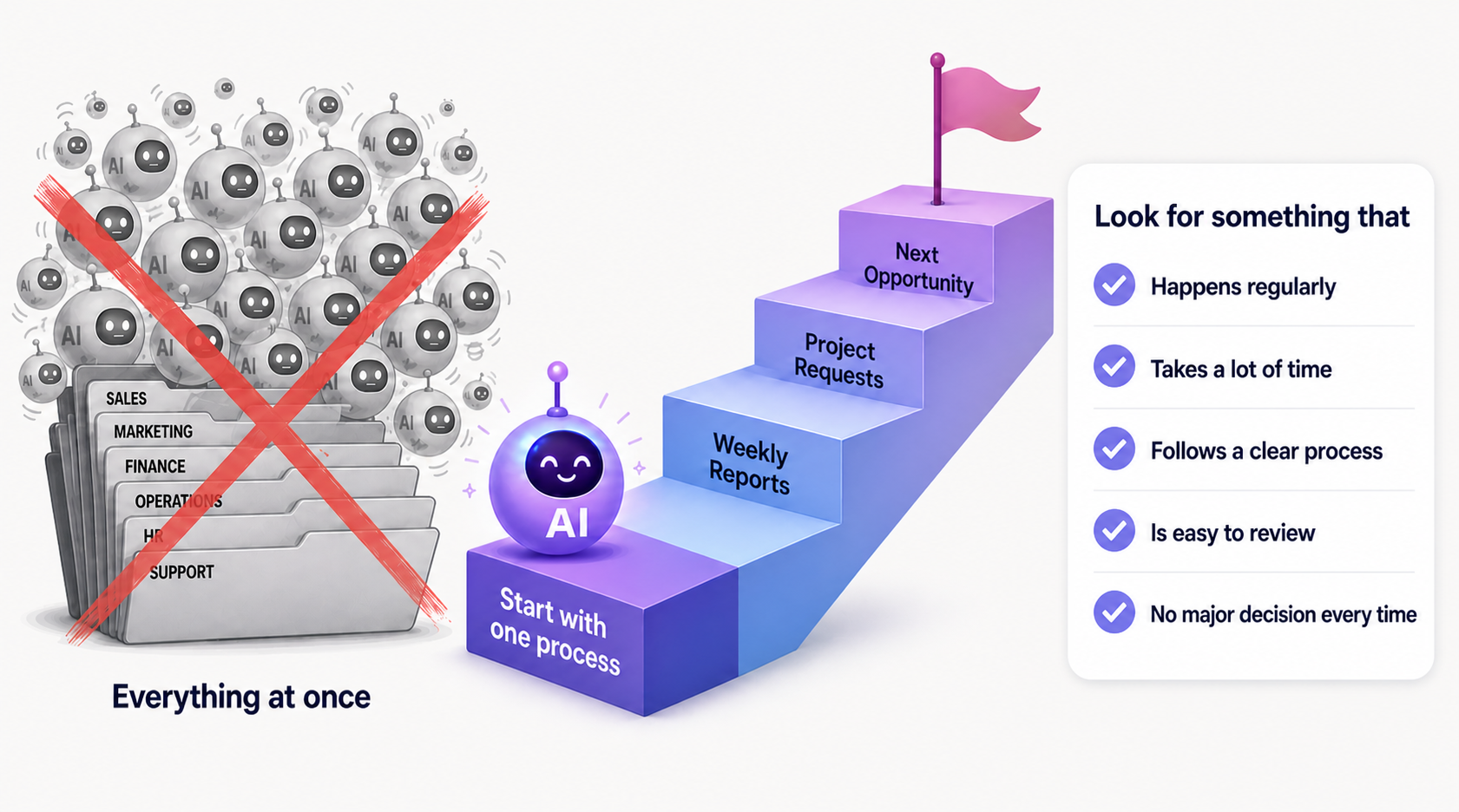
Look for something that:
- Happens regularly
- Takes people a lot of time
- Follows a fairly clear process
- Is easy for someone to review
- Does not involve a major business decision every time
Weekly reports or new project requests are great first picks. Once that workflow runs well, look for the next opportunity. This also makes it easier to test the AI, improve its instructions and confirm it is actually helping.
The Next Step for ClickUp AI
AI is becoming more than a tool that answers questions. With ClickUp AI, ClickUp Brain and AI agents, businesses can build AI into the way work actually gets done.
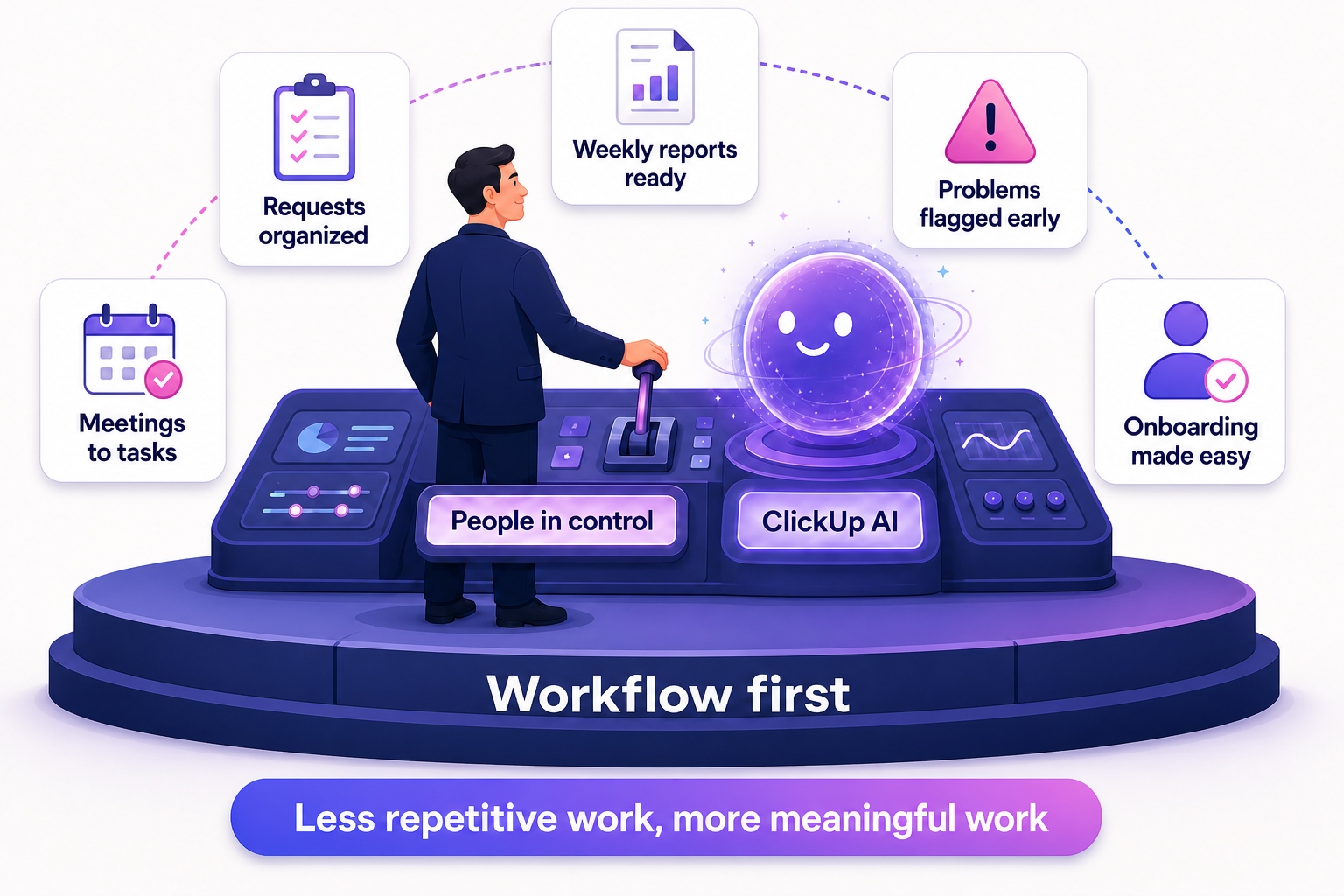
A request gets organized automatically. A meeting leads to clear tasks. A weekly report is prepared from existing work. A project is checked for risks. A new employee finds what they need without digging through dozens of documents.
FAQs
What are ClickUp AI agents?
ClickUp AI agents are AI teammates built into ClickUp. You give them instructions, knowledge and tools, and they handle work like summarizing tasks, organizing requests, posting updates or flagging risks inside your Workspace.
What is the difference between Super Agents and Autopilot Agents?
Autopilot Agents run in a specific location, such as a List, Folder, Space or Chat Channel, and act when a defined trigger and its conditions are met. Super Agents are more flexible AI teammates you can message, @mention or schedule, and they can handle multi-step work across your Workspace.
Will ClickUp AI agents replace my team?
No. They remove repetitive steps like sorting, summarizing and checking. Your people still review the output and make the important decisions.
Which ClickUp AI agent should I set up first?
Pick one process that happens often, takes real time and is easy to review. Weekly project updates and new request intake are usually the safest first wins.
Do I need to reorganize my Workspace before using AI?
Not completely, but consistent statuses, updated tasks and information kept in ClickUp make agents far more useful. If your setup is messy, fix the workflow first, then automate it.
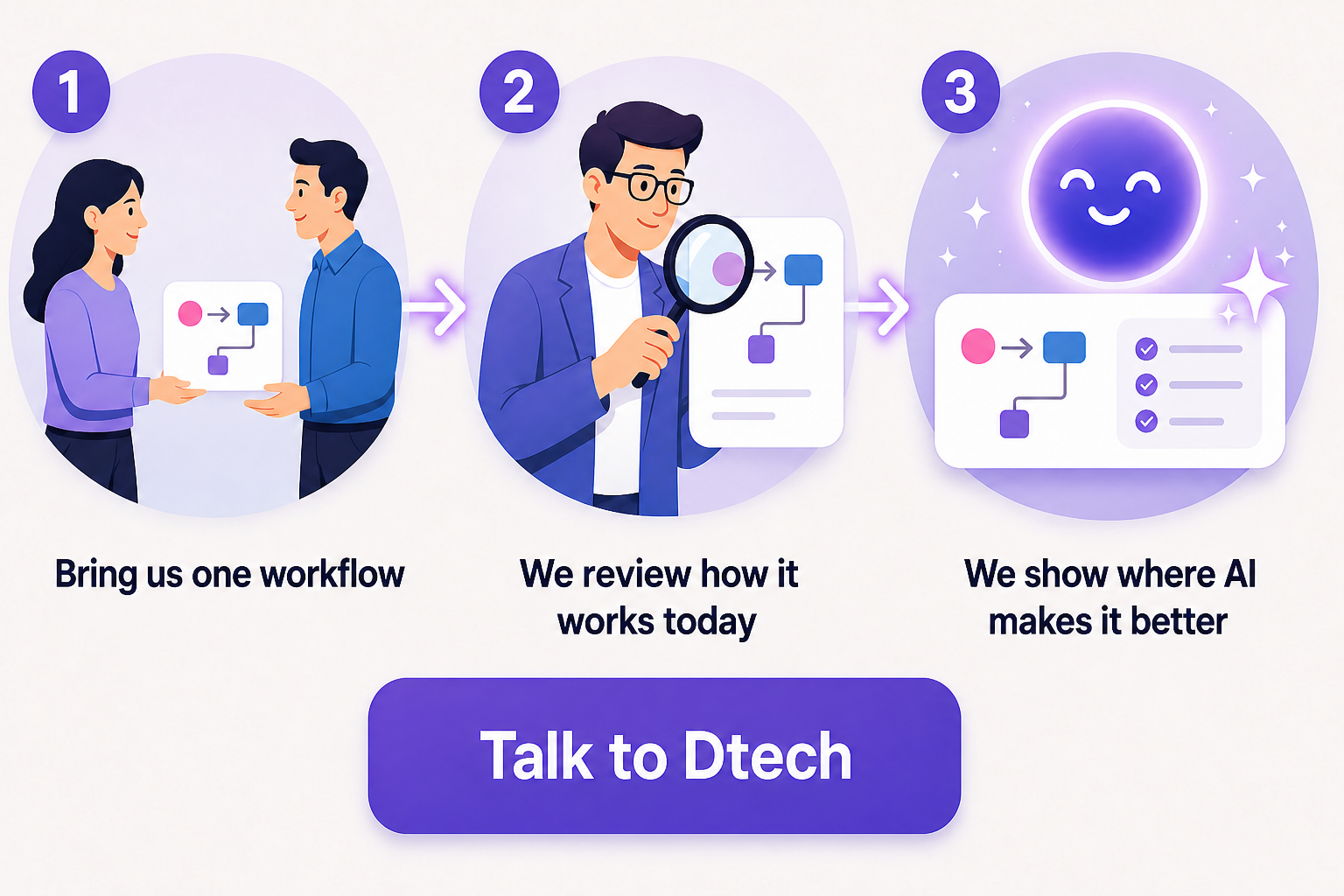
Dtech Systems is a ClickUp-authorized partner.
We help teams in Saudi Arabia and beyond review their workflows and set up ClickUp AI agents that save real time. Bring us one workflow. We will show you where ClickUp AI can make it better.
Book your free workflow session