DTECH INSIGHTS
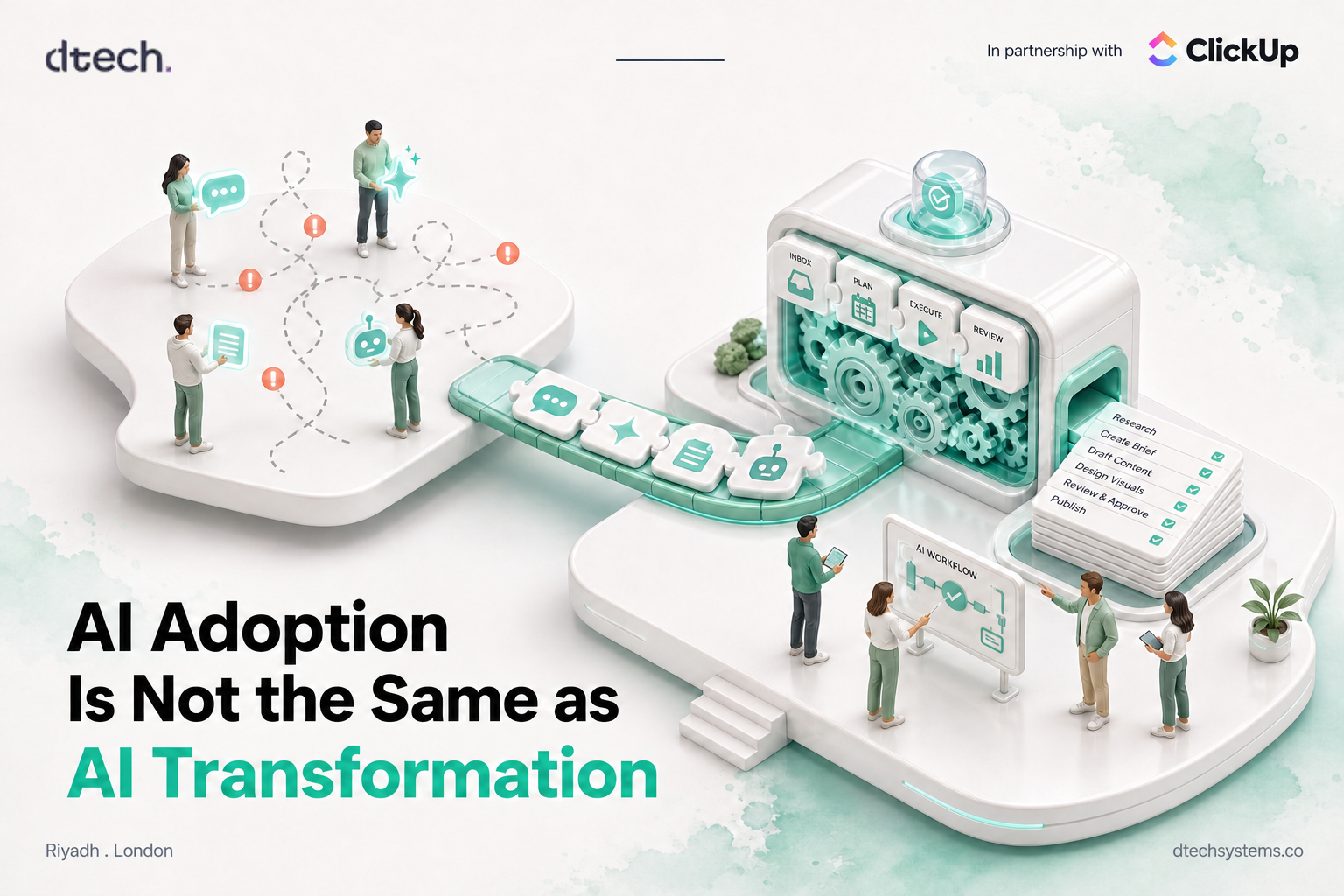
AI Adoption Is Not the Same as AI Transformation
Your team is already using AI. The real question is whether AI is changing how your company works, or just sitting next to it.

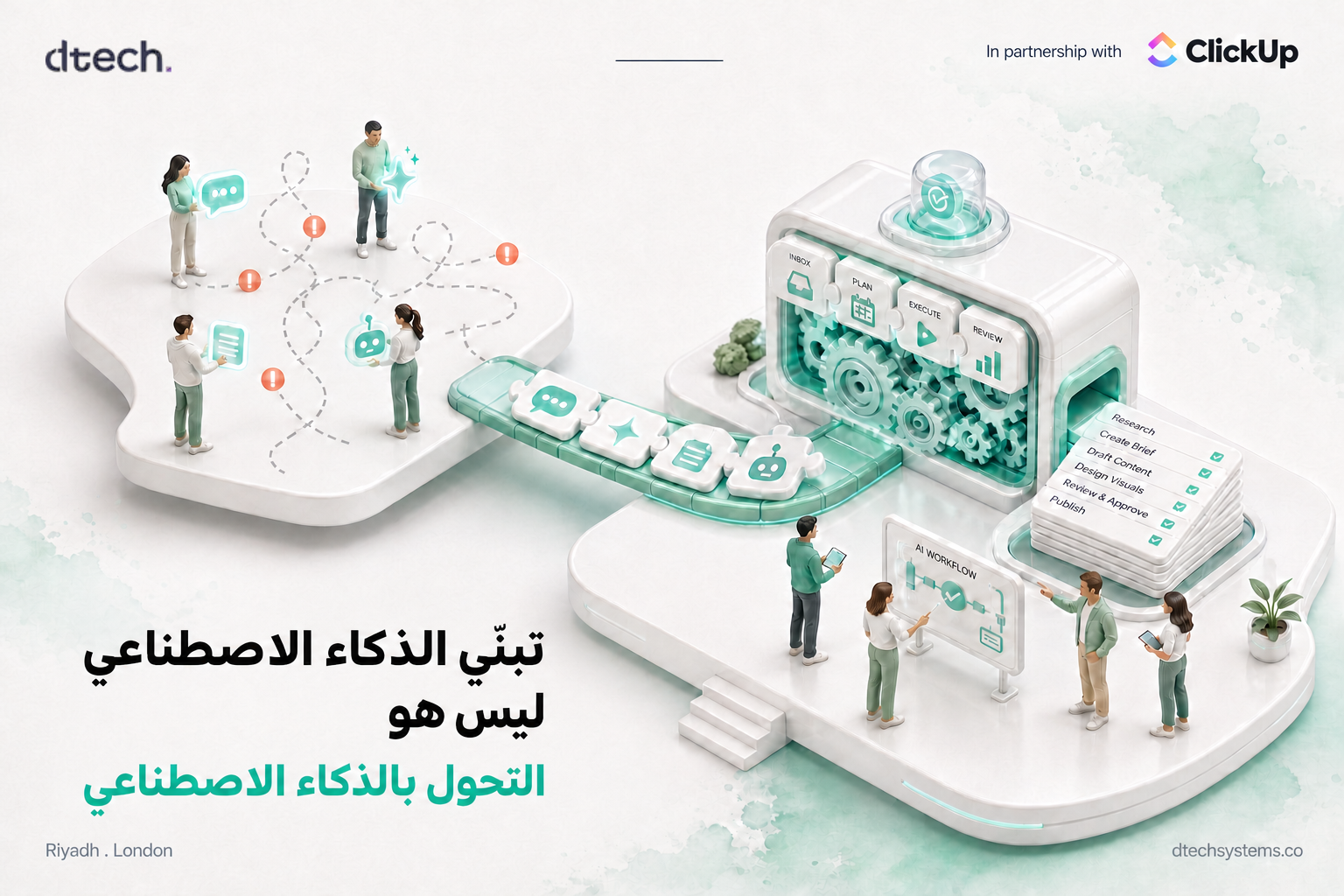
Your company may already be using AI. But AI adoption does not always mean AI is changing how your company works.
Employees may use AI to write emails, summarize documents, create reports or research ideas. The problem starts when everyone uses AI differently, managers do not know how to guide their teams, and useful AI workflows stay hidden with one person.
AI adoption is growing. The harder part is turning that adoption into real business value. Take the quick check below to see where your team stands today.
Health check
Is your team adopting AI, or transforming with it?
Tick every statement that is true for your team today.
Score: 0 / 6
Most teams start here. Tick the boxes above to get your verdict. Each one you cannot tick is a clear next step.
Giving People AI Is Only the First Step of AI Adoption
Buying AI tools is easy. Helping people use them well is much harder.
Gallup's 2026 research shows that AI works better when it fits into existing work systems and when managers actively support their teams. Manager support and workflow integration are the two conditions most strongly linked with frequent AI use.
Yet only 36% of employees in AI-integrating organizations strongly agree their manager actively supports their team's AI use. That gap is where AI adoption stalls. It is not only an IT project. Managers have an important role to play.
They can help their teams:
- Find repetitive tasks that AI could handle
- Try AI on real work instead of random experiments
- Share useful AI workflows with the rest of the team
- Review AI-generated work before it is used
- Show employees how AI can make their existing work easier
The goal is not to make every employee an AI expert. It is to help people understand where AI actually fits into their work.

More AI Tools Can Also Create More Problems
Many companies now use several AI tools across different teams. One department uses one tool for writing, another for research, and another for AI agents and automation.
That creates a new problem: AI becomes scattered across the company.
WRITER's 2026 enterprise AI survey found that 79% of organizations reported challenges with AI adoption, even as AI investment keeps growing. Many executives are struggling with strategy, security, governance and getting real value from AI.
Without a clear AI strategy, companies can end up with:
- Too many disconnected AI tools
- Employees creating their own processes
- Repeated work across different teams
- Unclear rules around company data
- AI workflows that nobody else knows how to use
- Tools that are purchased but rarely used
The answer is not necessarily fewer AI tools. It is a clearer way of using them.

Managers Turn AI Adoption Into Everyday Work
Think about a manager who tells their team, "We should start using AI." That sounds useful, but it does not tell employees what to actually do.
A better approach is to look at the team's daily work and ask simple questions:
- What takes the most time?
- What work is repeated every week?
- Where do people copy information from one place to another?
- Which reports take hours to prepare?
- Which tasks could AI prepare for a person to review?
These questions turn AI adoption into something practical. Once you know where the time goes, you can put a number on it.

Calculator
How much time is one repetitive task costing you?
Pick one task, like weekly status updates or turning call notes into tasks.
207 hours / year
That is about 4.5 hours back every week for the team.
Formula: hours × people × AI share × working weeks. We default to a conservative 30% because a person still reviews the work. This is an estimate for your own planning, not a benchmark.
Start With the Workflow, Not the Tool
A common mistake is starting with "Which AI tool should we buy?" A better question is "Where are our people losing time?"
Maybe a project manager spends every Friday collecting updates. Maybe a sales team spends hours entering information after calls. Maybe HR answers the same questions from employees again and again. These are better places to start with AI automation.
Once you understand the workflow, you can decide what AI should actually do. It might:
- Summarize information
- Create a task
- Write a first draft
- Find missing information
- Send a notification
- Update a status
- Prepare a report
- Start the next step in a workflow
The technology should support the process, not the other way around.

AI Adoption Needs Clear Rules
As AI becomes part of everyday work, companies also need to think about AI governance. Employees need to know what they can use AI for, what information they can share, and when human review is required.
A simple AI governance plan can cover:
- Which AI tools employees can use
- What company information can be entered
- Who can create AI agents and automations
- Which workflows need approval
- How AI-generated work should be reviewed
- How successful workflows are documented and shared
Good governance should not stop people from experimenting. It should give them a safe and clear way to experiment.
ClickUp Connects AI to the Work
For teams already working in ClickUp, AI can be added directly to the workflows where work is happening.
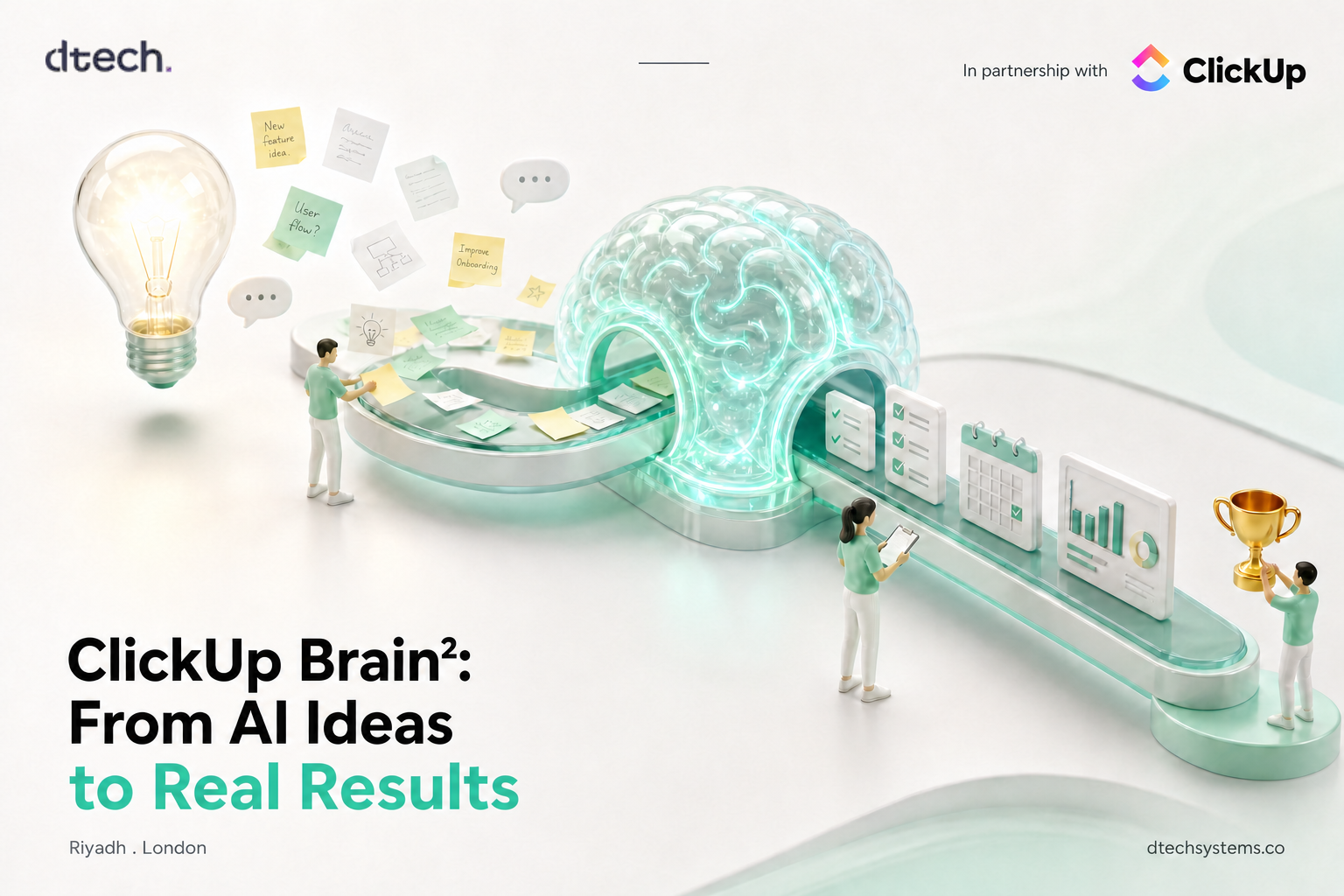
ClickUp Brain works with tasks and Workspace information. It can summarize tasks, create updates, suggest subtasks, create tasks and help teams work with information already inside ClickUp. We break down what it can do in ClickUp AI: how it automates your workflow.
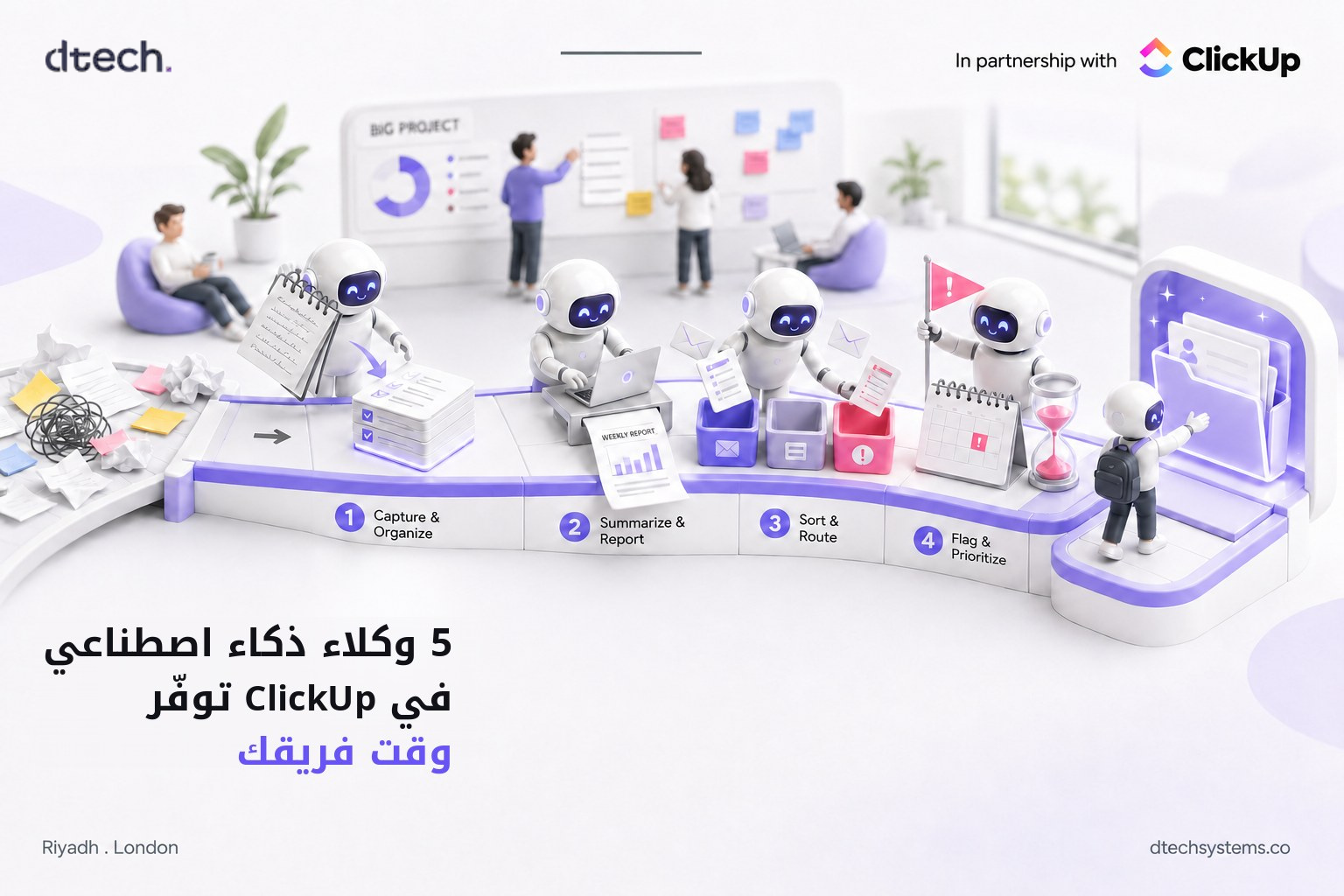
ClickUp also provides AI agents and automation that take actions based on how they are configured. This moves teams from simply asking AI questions to using AI as part of an actual workflow. For example:
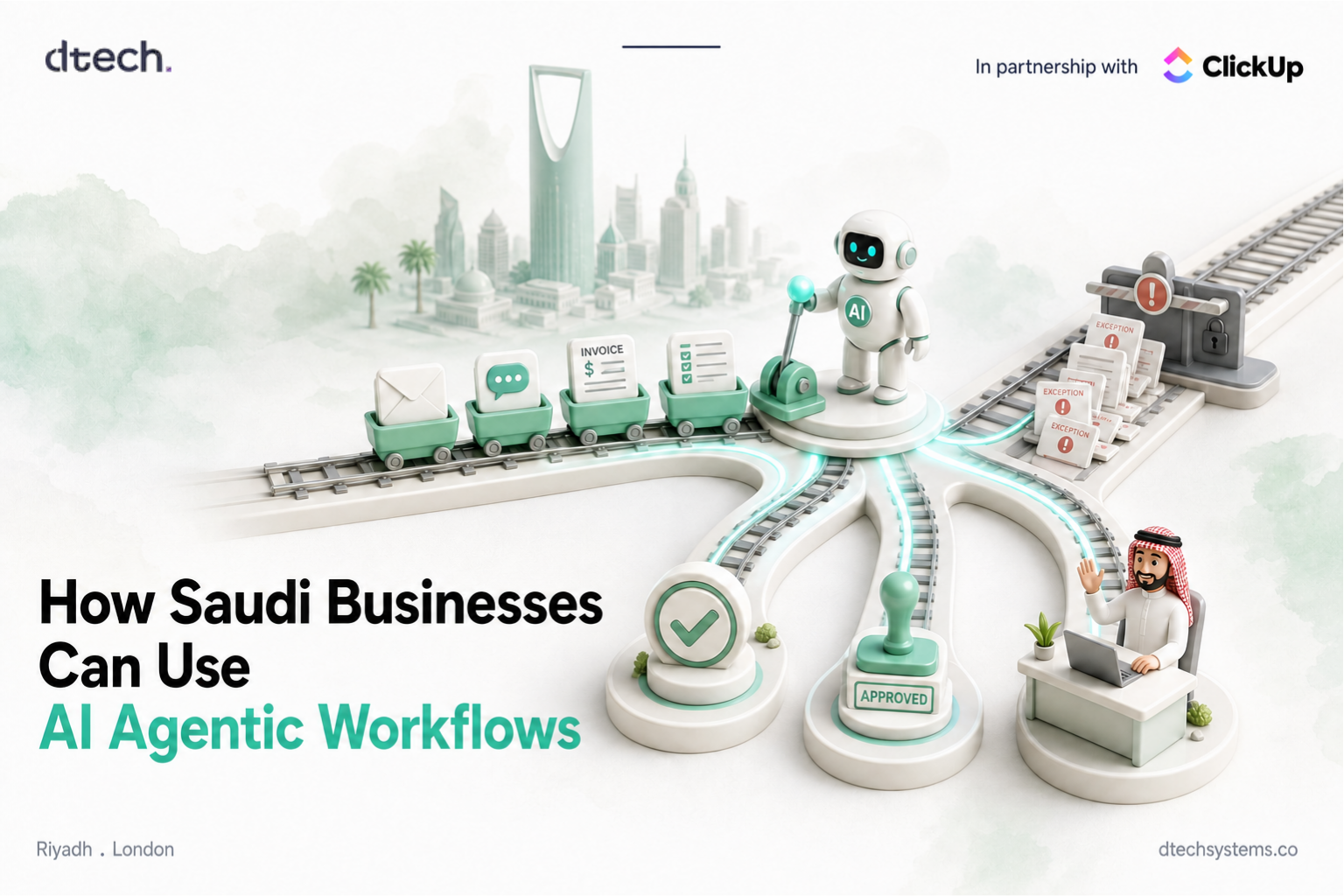
New request → AI reviews the information → Missing details are identified → Task is created → Team member is assigned → Work begins
The important part is that AI is connected to the process rather than being another separate tool.

You Do Not Need to Automate Everything
AI transformation does not mean automating every task in your company. In fact, starting too big can make AI adoption harder.
Start with one workflow. Find something repetitive, understand how it works today, and identify one part that AI could improve. Test it with the people who actually do the work. Then measure whether it saves time or makes the process clearer.
That is often more useful than launching ten AI projects at the same time. Walk through the six steps below.
Step by step
One problem → One workflow → Scale
1. One problem
Pick a single, repetitive pain point your team complains about every week. Example: chasing project updates every Friday.
2. One workflow
Map how that work happens today: who starts it, where the information lives and where it gets stuck.
3. One AI solution
Choose one part AI can prepare, such as summarizing task activity into a draft update for a person to review.
4. Test
Run it for two to four weeks with the people who actually do the work. Track time spent before and after.
5. Improve
Fix what people did not trust or use. Tighten the prompt, the inputs and the review step.
6. Scale
Document the workflow, share it with other teams and add it to your AI governance rules.

The Real Goal of AI Adoption
The next stage of workplace AI is not simply getting more people to use AI. It is helping people use AI as part of how work gets done.
That requires more than software. It requires managers who support experimentation, clear workflows, sensible AI governance and a way to share what works.
At Dtech, we believe AI adoption should start with the work itself. Before adding AI to a process, we look at how that process works today, where people lose time, and where technology can genuinely make it better.
AI does not transform a business by itself. Better workflows, better systems, and people who know how to use them do.
AI Adoption FAQ
What is the difference between AI adoption and AI transformation?
AI adoption means people are using AI tools. AI transformation means AI is built into how work flows, with shared workflows, clear rules and measurable results. You can have high adoption and still see little business value.
Why do managers matter so much for AI adoption?
Managers translate company direction into daily work. Gallup's 2026 data shows employees with strong manager support are far more likely to use AI frequently and to say it has changed how work gets done.
Should we reduce the number of AI tools we use?
Not always. The bigger issue is how tools are used. Connect AI to the systems where work already happens, and agree on which tools are approved for which jobs.
What should an AI governance plan include?
Approved tools, what company data can be shared, who can build agents and automations, which workflows need approval, how AI output is reviewed, and how successful workflows are documented.
Where should we start with AI workflow automation?
Start with one repetitive task that costs your team time every week. Map it, let AI prepare one part of it, test with real users, then improve and scale.
Dtech Systems is a ClickUp-authorized partner. We help teams in Saudi Arabia and beyond turn scattered AI use into connected, governed workflows that save real time.