Dtech Insights
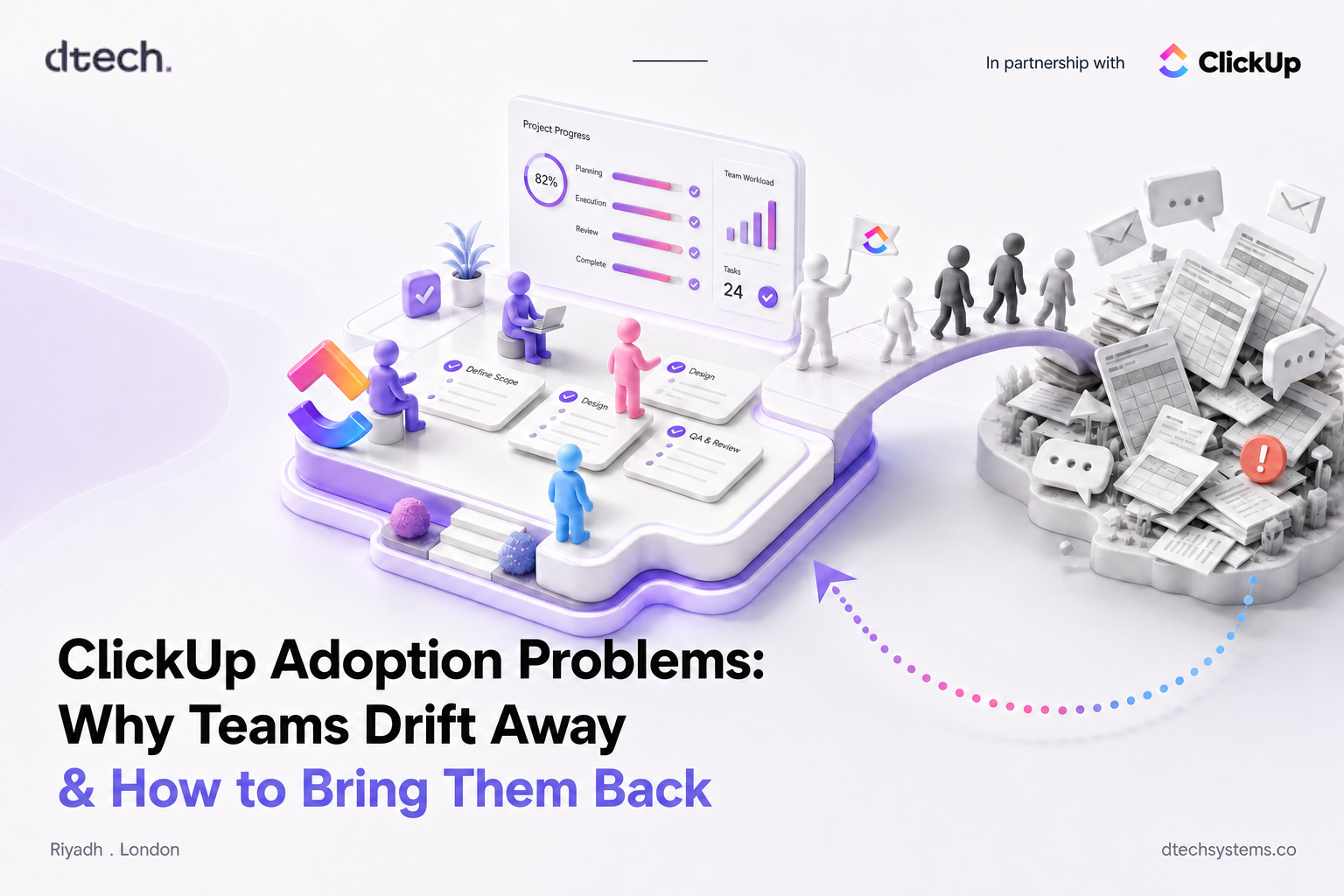
ClickUp Adoption Problems: Why Teams Drift Away and How to Bring Them Back
Implementing ClickUp is one step. Getting your team to use it consistently is another.
The workspace is built. The kickoff went well. Everyone nodded. Then, three weeks later, the project updates are back in a WhatsApp group and the weekly report lives in Excel again. If that sounds familiar, you don't have a software problem. You have a ClickUp adoption problem.
We see this pattern with teams across Saudi Arabia, the GCC and beyond. The tool is rarely the issue. What breaks is the bridge between "we bought ClickUp" and "this is where our work actually lives." This guide walks through why that bridge breaks, how to diagnose your own workspace, and what to do about it.
Why ClickUp Adoption Stalls After Setup
Most rollouts focus almost entirely on configuration: Spaces, Lists, statuses, custom fields, automations. That work matters. But configuration is the part you can finish in a week. Habits take longer, and habits are what decide whether ClickUp adoption sticks.
People don't resist new tools because they're stubborn. They resist because the old way is familiar, fast and still accepted. If a team member can send a quick WhatsApp message and nobody asks them to update the task, the message wins every time. Adoption only happens when the new way becomes the easiest and most expected way to get work done.
That's why the first few weeks after launch are so important. That's when old habits and the new tool compete, and without deliberate support, old habits usually win.
Warning Signs Your Team Has Drifted Away
Low ClickUp adoption is rarely announced. It shows up quietly. Watch for these signals:
- Tasks exist, but their statuses are days or weeks out of date.
- Managers still ask for updates in meetings or chat instead of checking ClickUp.
- A "master spreadsheet" is still being maintained alongside the workspace.
- Only one or two people (usually the admin) create most of the tasks.
- New hires learn the process from colleagues, not from the workspace.
Two or more of these and your ClickUp adoption has stalled: your team is using ClickUp as a side tab, not a system of record. The health check below will tell you how far the drift has gone.
Take the ClickUp Adoption Health Check
Answer honestly for your team as it works today. Tap Yes for each statement that's true. Each "yes" scores one point out of 8.
- Most team members open ClickUp every working day.
- Task statuses are usually accurate without anyone chasing them.
- Every team has one documented workflow and agreed meaning for each status.
- People were trained for their specific role, not just in a general demo.
- Leadership reviews progress in ClickUp dashboards, not in spreadsheets.
- Work requests arrive through ClickUp (forms or tasks), not chat or email.
- There is a named owner who keeps the workspace clean and answers questions.
- New hires are onboarded into ClickUp in their first week.
0/8
ClickUp adoption scoring guide: 7-8 means healthy adoption, 4-6 means the team is drifting, 0-3 means ClickUp has become a side tool and needs a reset.
5 Common ClickUp Adoption Challenges
When we audit a workspace with weak ClickUp adoption, the root causes almost always fall into one of these five buckets. Most teams have two or three at once.
1. Poor or one-size-fits-all training
A single kickoff demo is not onboarding. A designer, an account manager and an operations lead each use ClickUp differently, so a generic walkthrough leaves everyone unsure what they should do each morning. Role-based training fixes this: show each person the three or four actions they'll take every day, using their real work, not sample projects. ClickUp University offers free role-based learning paths that make a good supplement once the basics are in place.
2. Unclear workflows
If "In Progress" means three different things to three teams, nobody trusts the data. And when people don't trust the data, they stop updating it. Every team needs one agreed workflow: what each status means, who moves a task forward, and when work counts as done. Write it down in a ClickUp Doc and link it inside the List.
3. Spreadsheets, chat and email still win
Employees return to spreadsheets or other tools when those tools are still accepted. If a request sent on WhatsApp gets actioned just as fast as one logged in ClickUp, there's no reason to change. Close the side doors: route requests through forms, move updates into task comments, and retire the parallel spreadsheet on a specific date.
4. Leadership isn't using it
This is the most underrated ClickUp adoption challenge. If managers still ask for a weekly Excel report, the team will keep the Excel. When leaders review progress in dashboards, comment on tasks and ask "is it updated in ClickUp?", behaviour shifts quickly. Teams copy what leadership pays attention to.
5. Too much, too soon
An ambitious setup with dozens of custom fields, nested folders and automations can overwhelm people before they've built a basic habit. Start simple, with one Space, one active project and clear owners, then layer complexity once daily use is steady. Our beginner's guide to getting started with ClickUp covers this approach step by step.
What's Your Biggest Symptom?
Pick the ClickUp adoption problem you notice most and get the fix to start with.
Statuses are out of date
Likely cause: unclear workflows. Start here: cut each List down to 4-6 statuses, define each one in a short Doc, and set an automation to notify the owner when a task sits too long in one status.
We still use a master spreadsheet
Likely cause: leadership reporting still lives outside ClickUp. Start here: rebuild the spreadsheet's key numbers as a ClickUp dashboard, review it in the next leadership meeting, then set a retirement date for the sheet.
Updates happen in WhatsApp or email
Likely cause: the side doors are still open. Start here: create a request form for incoming work, ask managers to reply to chat updates with "please post it on the task", and use ClickUp Chat for team conversations tied to the work.
Only a few people use it
Likely cause: generic training. Start here: run 30-minute role-based sessions using each person's real tasks, and name a ClickUp champion in every team who people can ask first.
How to Fix ClickUp Adoption in 30 Days
You don't need a new rollout to rescue ClickUp adoption. You need a focused reset. Here's the four-week plan we use with teams whose workspace has gone quiet.
- Audit and simplify. Archive unused Lists, merge duplicate statuses, and identify the one or two workflows that matter most. Interview a few team members about where they actually track work today.
- Train by role. Run short sessions for each role using live work. Document each team's workflow in a ClickUp Doc and pin it where people will see it.
- Close the side doors. Launch request forms, move status updates into task comments, and agree a date to retire the parallel spreadsheet.
- Lead from the dashboard. Build a leadership dashboard and run the weekly review from it. Celebrate the teams that keep their work up to date.
After the 30 days, rerun the health check above. Most teams see the biggest jump from steps three and four, because that's when the old way stops being an option. For more on turning dashboards into the default view for leaders, see our guide to ClickUp for the operations team, and ClickUp's own team onboarding guide for setup tips.
ClickUp Adoption FAQs
How long does ClickUp adoption usually take?
A basic setup can be done in days, but building a daily habit typically takes several weeks of consistent use. The first month after launch is where adoption is won or lost, so plan support for that period, not just for setup.
Why do employees go back to spreadsheets after moving to ClickUp?
Usually because spreadsheets are still accepted. If leadership still asks for Excel reports, or if updates in chat get the same response as updates in ClickUp, people keep the familiar tool. Retiring the spreadsheet and leading from dashboards changes that.
Is poor ClickUp adoption a training problem or a setup problem?
Often both. Generic training leaves people unsure what to do, and overbuilt or unclear setups make the tool feel harder than the old way. The fix is role-based training on a simplified workspace with documented workflows.
Who should own ClickUp adoption inside a company?
A named workspace owner plus a champion in each team works best. The owner keeps structure clean; champions answer day-to-day questions. Leadership's role is to model the behaviour by reviewing work in ClickUp.
Can a ClickUp partner help improve adoption?
Yes. An experienced partner can audit your workspace, rebuild workflows around how your team actually works, and coach people on their real tasks. That hands-on approach usually moves ClickUp adoption faster than self-serve learning alone.
Dtech Systems is a ClickUp-authorized partner.
We help teams in Saudi Arabia and beyond turn ClickUp from another login into the place work actually happens, with role-based coaching, rebuilt workflows and adoption support that continues after setup. Talk to our adoption team.