ClickUp AI Notetaker: How to Turn Meeting Discussions into Tasks and Action Items
What Is ClickUp AI Notetaker?
Meetings are full of ideas, decisions, updates, and responsibilities. But how often do those discussions get lost once the meeting ends?
Someone forgets an assigned task, an important decision gets buried in meeting notes, or a deadline is missed because nobody followed up.
ClickUp AI Notetaker helps solve this problem by capturing meeting discussions and turning them into organised notes, summaries, and action items.
Instead of spending time writing everything down, team members can focus on the conversation while AI helps document what matters.
Its key capabilities include:
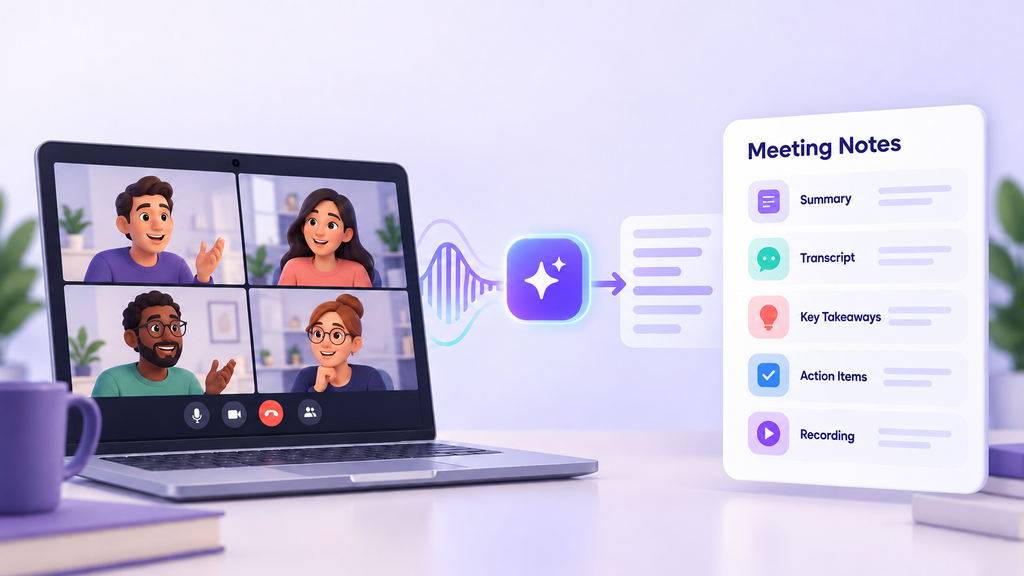
- Meeting summaries: Get a quick overview of what was discussed.
- Transcriptions: Access a written record of the conversation.
- Key takeaways: Identify important decisions and discussion points.
- Action items: Generate a checklist of tasks and next steps.
- Meeting recordings: Revisit recorded discussions where available.
Because meeting notes are stored in ClickUp Docs, teams can keep their discussions connected to their everyday work.
How Does ClickUp AI Notetaker Work?
ClickUp AI Notetaker can join supported meetings through connected Google or Outlook calendars, including meetings hosted on Zoom, Google Meet, and Microsoft Teams. It also supports ClickUp SyncUps.
The process is simple:
Capture the Discussion
AI Notetaker joins the meeting and captures the conversation, allowing participants to focus on discussing ideas rather than taking notes.
Generate Meeting Notes
After the meeting, ClickUp creates an organised document containing:
- Meeting overview and summary.
- Key discussion points.
- Important decisions.
- Next steps and action items.
- Meeting transcript.
- Attendee information.
Review and Share
Team members can access the generated notes through ClickUp and share them according to their workspace permissions.
This gives everyone a central place to revisit discussions and understand what was agreed.

Turning Meeting Discussions into Tasks
Capturing meeting notes is useful, but the real value comes from turning those notes into actionable work.
Consider a marketing team planning an upcoming campaign. During the meeting, they agree that:
- The marketing manager will finalise the campaign strategy.
- The designer will prepare three social media creatives.
- The content writer will draft the landing page.
- The campaign manager will review everything before Friday.
These decisions can easily get lost in a long document if nobody follows up.
With ClickUp, teams can use AI-generated action items and ClickUp Brain to turn meeting discussions into tasks.
| Meeting Discussion | Actionable Task |
| Finalise the campaign strategy. | Prepare and approve the campaign strategy. |
| Design the social media creatives. | Create three campaign graphics. |
| Complete the landing page copy. | Draft and submit landing page content. |
| Review everything before Friday. | Complete the campaign review by Friday. |
Once the tasks are created, teams can organise them using:
- Assignees to identify who is responsible.
- Due dates to establish deadlines.
- Priorities to highlight important work.
- Statuses to monitor progress.
- Dependencies to manage tasks that rely on one another.
ClickUp Brain can help generate action items from meeting documentation, which teams can review and turn into tasks. Responsibilities and deadlines should still be confirmed by the team.

How AI Meeting Notes Improve Project Management
For project managers, meetings are only one part of the job. They also need to track decisions, coordinate people, manage deadlines, and make sure work gets completed.
ClickUp AI Notetaker can make this process easier in several ways.
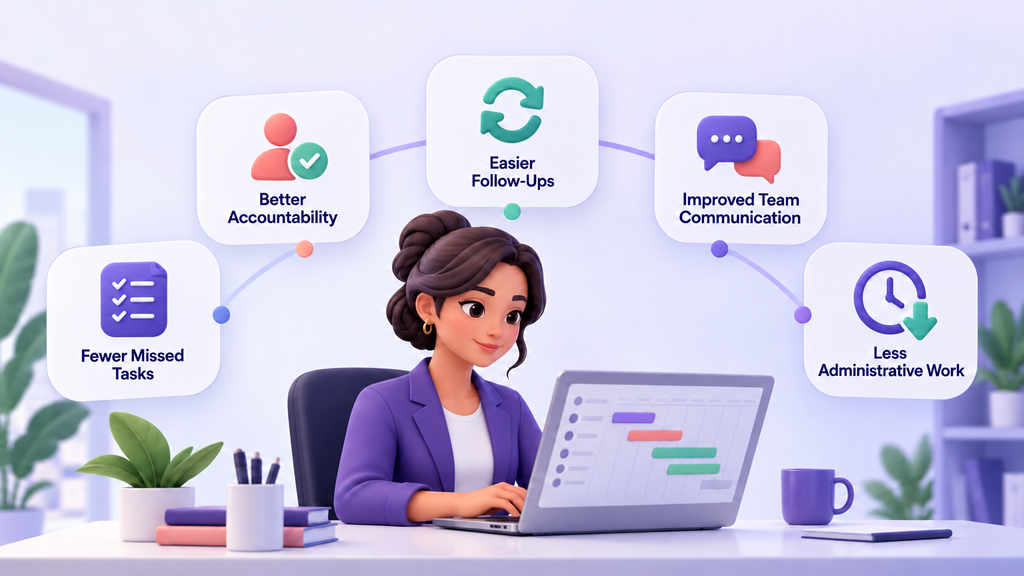
Fewer Missed Tasks
AI-generated summaries and action-item lists help teams keep track of important responsibilities.
Better Accountability
When discussions become assigned tasks with deadlines, everyone has a clearer understanding of what they need to do.
Easier Follow-Ups
Project managers can revisit previous meeting notes to check decisions, review progress, and follow up on outstanding work.
Improved Team Communication
Different departments can refer to the same meeting outcomes, reducing confusion and unnecessary back-and-forth communication.
Less Administrative Work
Automating parts of meeting documentation gives teams more time to focus on planning and execution.
How to Get Better Results from AI Notetaker
AI can make meeting documentation easier, but a few good practices can help teams get more value from it.
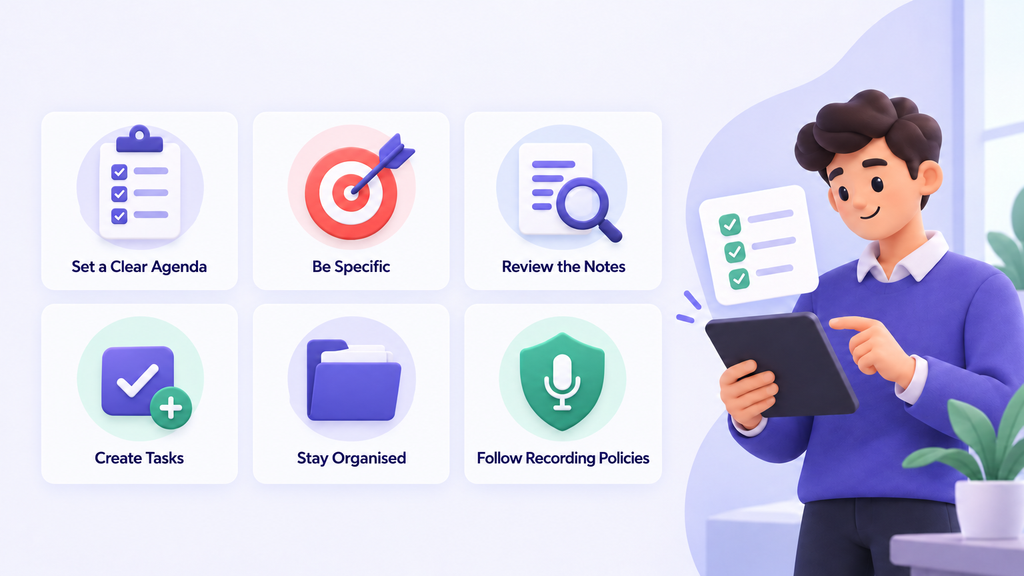
- Set a clear agenda: Know what needs to be discussed before the meeting begins.
- Be specific: Clearly mention responsibilities, deadlines, and expected outcomes.
- Review the generated notes: Check that important decisions and action items have been captured correctly.
- Create tasks: Turn relevant next steps into ClickUp tasks with owners and deadlines.
- Keep information organised: Store meeting notes where the relevant team members can easily access them.
- Follow recording policies: Inform participants when meetings are being recorded and follow applicable consent requirements.
Who Can Benefit from ClickUp AI Notetaker?
ClickUp AI Notetaker is useful for teams that regularly hold meetings and need a reliable way to document decisions and follow-up work.
Some examples include:
- Project Managers: Track project updates, decisions, blockers, and responsibilities.
- Marketing Teams: Document campaign planning, creative discussions, and content deadlines.
- Business Consultants: Keep records of client discussions and agreed deliverables.
- Operations Teams: Capture process improvements and operational decisions.
- Leadership Teams: Keep track of strategic discussions and important decisions.
- Remote Teams: Make meeting outcomes accessible to people working across different locations.

Make Every Meeting Count with ClickUp
Meetings should move projects forward, not leave teams with pages of notes and forgotten responsibilities.
ClickUp AI Notetaker helps bridge the gap between discussions and execution by capturing important information, organising decisions, and helping teams turn conversations into trackable work.
However, getting the most out of ClickUp requires more than simply using its features. Teams need the right workflows, processes, and structure to make sure everything works together.
At Dtech, we help businesses implement and optimise ClickUp to improve collaboration, organise workflows, and make everyday work more manageable.
Get in touch with us at dtechsystems.co to find out how we can help your team get more value from ClickUp.


