Dtech Insights
Why Dashboards Fail Without Process Documentation
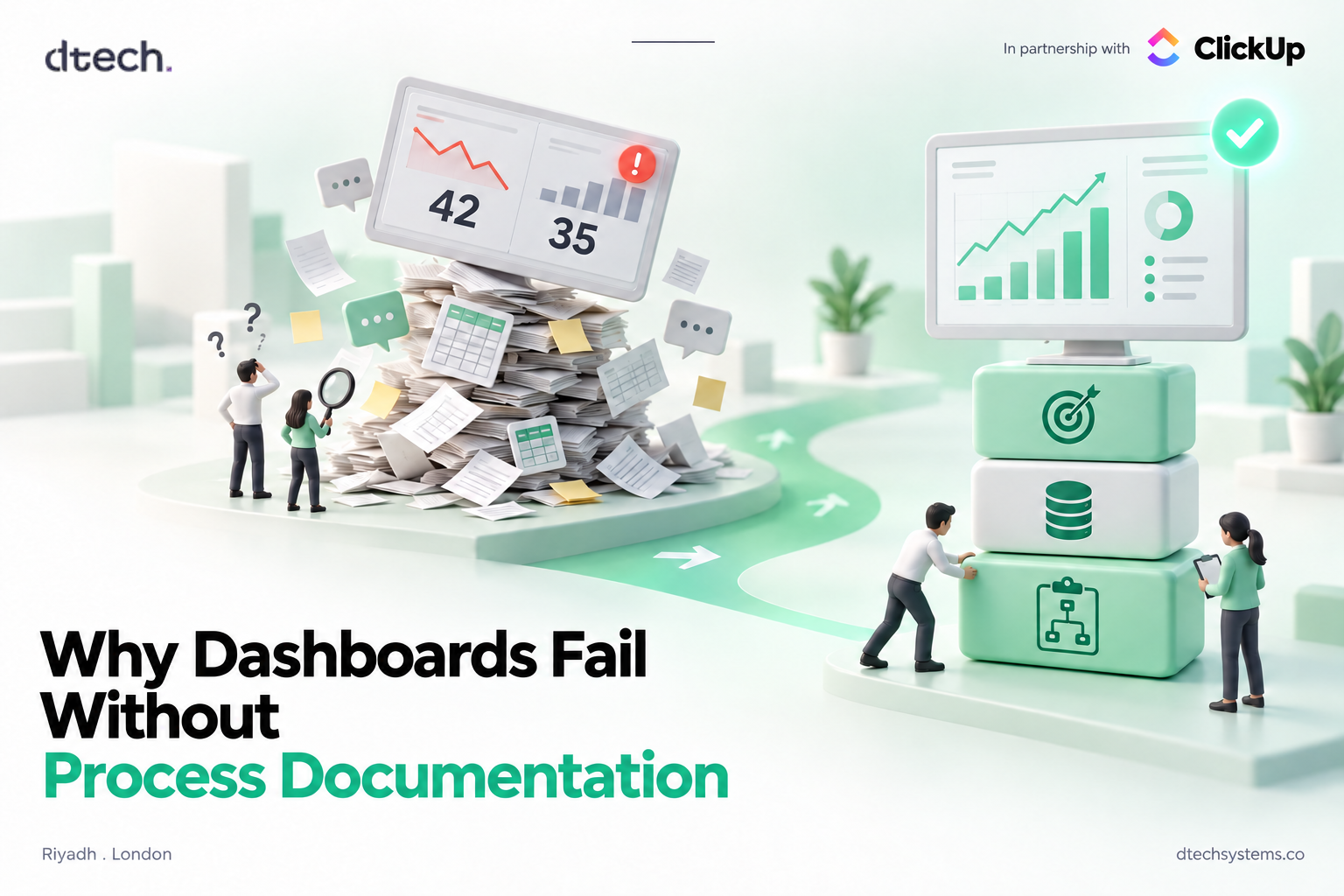
Your dashboard says 42 projects are complete. Your project manager says 35. Before you blame the charts, look at the process behind the numbers.
A company launches a new dashboard. The numbers are live, the charts look polished, and management can finally see what is happening across the business. Then someone notices the gap between 42 and 35. Another team has a third number. Without clear process documentation, nobody can say which one is right.
Suddenly, people are checking spreadsheets and emails again. The dashboard was supposed to create clarity. Instead, it created a new question: which number is actually correct?
The problem may not be the dashboard at all. It may be the process behind the data.
When the Same Work Happens Differently
Every business has processes, whether they are written down or not. Problems appear when different people follow different versions of the same process.
This usually shows up as:
- Tasks recorded at different stages
- Approvals happening through email or messages
- Information stored in multiple systems
- Employees creating their own spreadsheets
- Different definitions for the same KPI
- Managers receiving conflicting reports
A dashboard reflects what people actually recorded, not what the company intended them to record. If three teams record "done" at three different moments, the dashboard will faithfully show three different truths. That is what missing process documentation looks like in a report.
The Dashboard Is Not the Problem, Missing Process Documentation Is
A business dashboard turns information into charts, KPIs, reports, and trends. Tools like ClickUp Dashboards are very good at that job. But no dashboard can decide what the data should mean.
For example, a company must decide when a project officially starts and when it counts as complete. Those decisions come from the business process, not the reporting tool. Good process documentation creates that shared understanding.
It defines:
- Who owns the work
- What starts the process
- What happens next
- Where information is recorded
- What counts as completion
A KPI Can Be Correct and Still Mislead You
Take average project completion time. The calculation may be completely accurate. But if one team measures from project approval and another measures from the first task, the numbers cannot be compared.
A useful KPI needs three things: a clear definition, consistent data, and a reliable way to measure it. Try it yourself below. The four projects stay the same. Only the definition changes.
Try it: one KPI, four answers
Average project completion time
Illustrative example: four projects, measured in days from approval.
| Project | First task | Last task closed | Client sign-off |
|---|---|---|---|
| A | Day 6 | Day 30 | Day 38 |
| B | Day 10 | Day 41 | Day 45 |
| C | Day 3 | Day 22 | Day 31 |
| D | Day 12 | Day 50 | Day 52 |
Start the clock at
Stop the clock at
Same projects, same formula, a 13-day difference. Neither number is wrong. They just answer different questions, and only documentation can say which question the business is asking.
Without process documentation behind it, even accurate KPI tracking can lead to the wrong conclusion.
What the Dashboard Shows Is Not Always What Happened
A dashboard might show that customer requests take six days to complete. But that number alone does not explain the delay.
The work may be waiting for approval, moving between departments, or stuck because information is missing. This is where process mining helps. It shows how work actually moves through a process and reveals bottlenecks or unexpected delays.
If you want a practical way to start that analysis, our guide on finding operational waste walks through where team time quietly leaks out.
The Process on Paper May Not Be the Real Process
A documented workflow can look perfect while employees follow something completely different. The second version never appears in the official documentation, but it still shapes the data.
Toggle: paper vs practice
Official workflow
- Request submitted
- Manager review
- Approval recorded
- Work starts
Actual workflow
- Request submitted
- WhatsApp message to the manager
- Approval given in chat
- Work starts
- System updated days later
What the dashboard sees: the approval date is the day someone updated the system, not the day the decision was made. Every cycle-time chart built on it is off.
That is why effective workflow management, and any useful process documentation, has to reflect how work actually happens, not how it was drawn in a workshop.
Process Documentation Does Not Mean More Paperwork
Good process documentation is not a 60-page manual nobody opens. It is a short, shared way of working that lives next to the work itself.
It should make clear:
- Who owns the process
- What information is needed
- What steps are involved
- Where approvals happen
- What happens when something goes wrong
- What defines completion
Keep it where people already work. A one-page SOP in ClickUp Docs, linked to the List where the work happens, gets read. A PDF in a shared drive does not. Once this is clear, teams depend less on personal spreadsheets, side messages, and knowledge that lives in one person's head.
Start With the Business, Not the Dashboard
A common mistake is starting with the technology. Companies connect systems, add charts, and only then decide which KPIs to display. A better approach is to first understand what the business needs to know.
Look at:
- Where work enters the business
- Where delays occur
- Where information is duplicated
- Where manual workarounds appear
- Where ownership becomes unclear
Write simple process documentation for those points, then decide what is actually worth measuring. Those same friction points are often the best workflows to automate once the process is documented and stable.
A Dashboard Should Help People Act
A dashboard is useful when it helps someone decide what to do next.
For example, it might show that:
- Projects are repeatedly waiting for approval
- One process creates most of the delays
- A team is spending too much time on manual work
- Customer requests are growing faster than capacity
This is where data-driven decision making becomes practical. The goal is not more information. It is more useful information.
When People Stop Trusting the Dashboard
The biggest warning sign is not an ugly dashboard. It is when people stop opening it.
Once employees see numbers that do not match reality, they build their own alternatives: personal spreadsheets, manual reports, private trackers, and extra status meetings. The company has invested in business intelligence dashboards, but people are still working from Excel.
Now the business has multiple versions of the truth, which is the exact problem the dashboard was meant to solve. Winning that trust back starts with process documentation, not a redesign.
Check Your Process Documentation Health
Before you build another chart, see how strong the foundation under your current one is. Tap every statement that is true for your team today.
Dashboard foundation check
Tap the statements that are true. Each one is a part of the foundation your dashboard stands on.
The Real Foundation of a Business Dashboard
A dashboard is only the visible part of a much larger system. Behind every useful dashboard are processes people understand, data that can be trusted, and KPIs with a clear purpose.
When those foundations are weak, adding more technology will not fix the problem. When they are clear, the dashboard becomes far more valuable, and process documentation is what keeps them clear as the team grows.
Before Building Another Dashboard
When a dashboard produces confusing numbers, the answer is rarely another chart or reporting tool. Start with the process behind the numbers.
Understand how work actually moves. Make the important steps consistent. Capture them, along with what each key metric means, in short process documentation. Then build the dashboard around that reality.
A great dashboard does not begin with better charts. It begins with understanding how the business actually works.
FAQ: Process Documentation and Dashboards
Why do dashboards show different numbers for the same KPI?
Usually because teams follow different versions of the same process. One team marks work complete at the last task, another at client sign-off. The dashboard calculates correctly, but the inputs mean different things. Clear process documentation fixes the definitions so the numbers line up.
What should process documentation include?
Keep it short: the process owner, what triggers it, the steps, where approvals happen, where data is recorded, what happens when something goes wrong, and what counts as complete. If it fits on one page, people will use it.
Should we document processes before or after building a dashboard?
Before. Start with what the business needs to know, document how the work runs, define the KPIs, and only then build the dashboard. Building first usually means rebuilding later.
How often should process documentation be reviewed?
At least once a quarter, and any time the team, tools, or approval rules change. Compare the written process with what people actually do. If they differ, update the documentation or fix the practice.
Can ClickUp help keep processes and dashboards connected?
Yes. You can keep SOPs in ClickUp Docs, run the work in Lists with consistent statuses and fields, and report on it with ClickUp Dashboards. When the process, the work, and the reporting live in one place, the numbers stay much easier to trust.
Dtech Systems is a ClickUp-authorized partner.
We help teams in Saudi Arabia and beyond document how their work really runs, then build ClickUp dashboards people actually trust. Talk to Dtech