ClickUp just upgraded its AI, and if you’ve been using Brain 1.0, you’ll feel the difference from the first prompt.
If you’ve been using ClickUp Brain and thinking “this is fine but not quite there”, you were right. It was useful. It answered questions, helped with summaries, and saved a few minutes here and there. But it always felt like it was missing something.
That something was context. Memory. The ability to actually know your work instead of just being told about it.
Brain 2.0 changes that. And this isn’t a minor update, it’s a different product wearing the same name.
What Is the Use of ClickUp Brain?
ClickUp Brain is an AI assistant inside ClickUp that helps teams work faster. It answers questions about your tasks, generates content, writes status reports, summarizes docs, and connects to your entire work stack.
It replaces the time you spend digging through tasks, switching tabs, and writing updates from scratch, so your team can focus on actual work.
Why ClickUp Brain 1.0 Fell Short
To understand why Brain 2.0 matters, you have to understand the frustration that came before it.
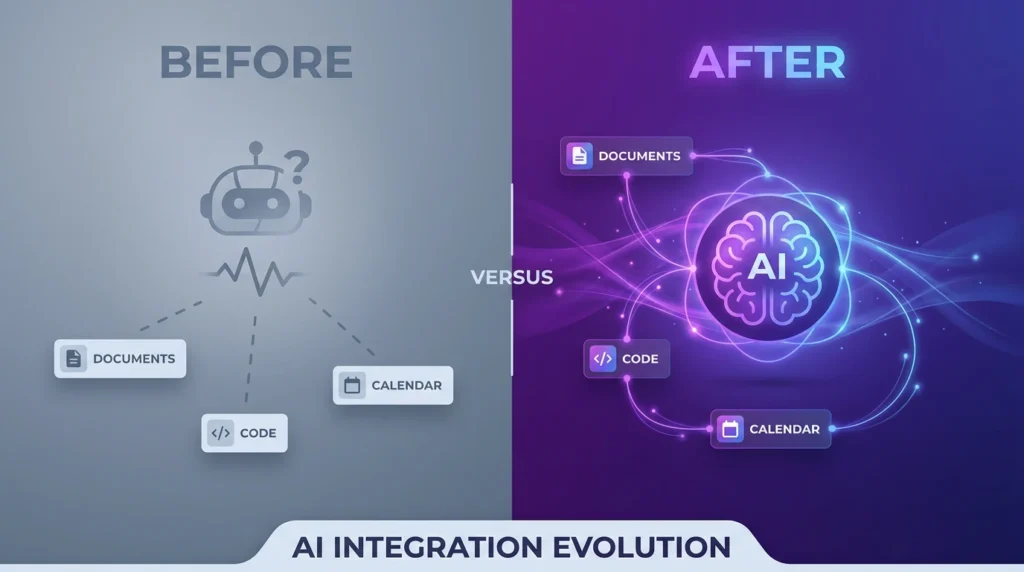
Every time you opened Brain 1.0, it started cold. No memory of your last conversation, your preferences, your team’s projects, or the context you’d built up over weeks of work. You’d explain your project, get a decent answer, close it, and the next day you’d be back to square one, explaining everything again.
On top of that, it was limited to ClickUp. Your Google Drive, GitHub, Salesforce, Figma, all out of reach. And when it gave you an answer, it rarely told you where it pulled the information from. You just had to trust it.
It answered. It forgot. Repeat.
For a lot of teams, that cycle got old fast.
What’s New in ClickUp Brain 2.0
Almost everything that made Brain 1.0 feel limited.
It remembers you.
Your tone, your preferences, your team’s terminology, carried forward into every session. No re-explaining yourself from scratch. Ever.
It picks the best AI for the job.
Brain 2.0 doesn’t lock you into one model. It automatically routes between GPT, Claude, Gemini and others depending on what your task needs. You don’t pick. You don’t think about it. Honestly, you shouldn’t have to.
It reaches outside ClickUp.
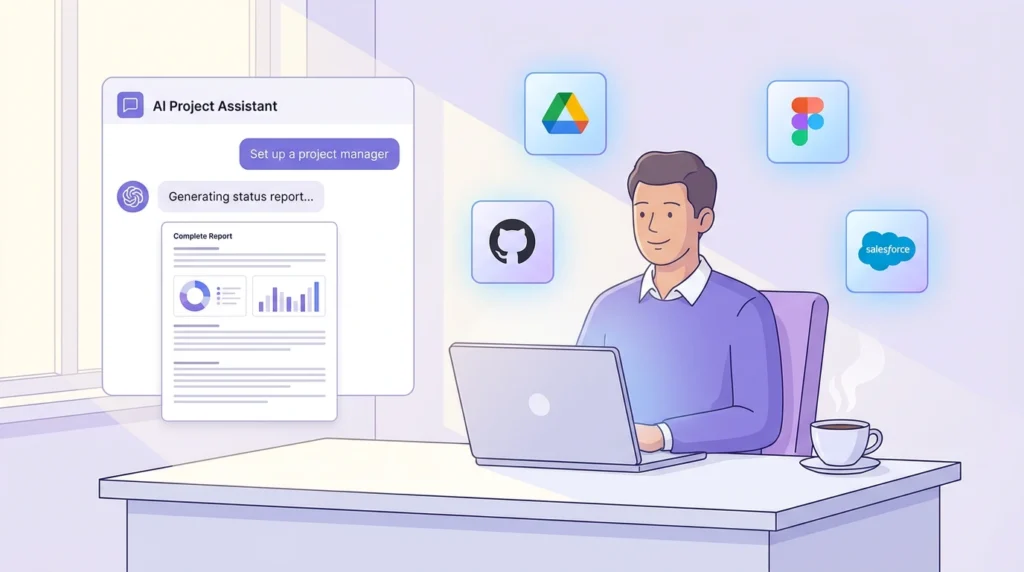
Google Drive, GitHub, Salesforce, Figma, all in scope now. Brain works from your whole information environment, not just one platform.
It delivers, not just answers.
One prompt can now produce a full slide deck, a dashboard, a report, or a website, built from your actual workspace data, not a generic template pulled from thin air.
It gets smarter for the whole team.
Brain 2.0 builds shared intelligence as your team works. The more your team uses ClickUp, the sharper and more accurate Brain becomes, for everyone, not just you.
ClickUp Brain 2.0 in Action: A Real Workday
Say you’re a project manager and it’s Monday morning. You need a status report for the Acme project before your 9am standup.
In Brain 1.0: You’d open it, explain the project, paste in task updates, and still end up writing most of it yourself.
In Brain 2.0: You type: “draft this week’s status report for the Acme project.” Brain already knows the project, who’s behind, what shipped, and what’s blocked. It pulls everything together and hands you a finished report before your coffee gets cold.
That’s not a small improvement. That’s a completely different experience.
Who Benefits Most from ClickUp Brain 2.0?
Brain 2.0 rewards teams that are already living in ClickUp. The richer your tasks, docs, and conversations are inside the platform, the more Brain has to work with, and the better it performs.
Project managers, marketing teams, and operations leads will feel the biggest shift right away. But honestly, anyone who was frustrated by Brain 1.0’s short memory and limited reach will notice the difference immediately.
ClickUp Brain 1.0 vs 2.0: The Bottom Line
Brain 1.0 a smart assistant you had to manage.
Brain 2.0: a coworker who already knows what’s going on.
If you’ve been on the fence about using AI inside your workflow, this is the version that actually makes the case for it. It’s not just a feature, it’s a shift in how AI fits into real work.
Get Started with ClickUp Brain 2.0
Brain 2.0 is rolling out to all ClickUp users now. Log in, open Brain, and just start typing. You’ll feel the difference immediately.
Plans start at $9/user/month (includes AI-powered search, summaries, and standups). The full AI stack at $28/user/month unlocks custom agents, cross-app integrations, and advanced outputs like slide decks and dashboards.
And if you’ve been on the fence about going deeper into ClickUp, this is a pretty good reason to commit.