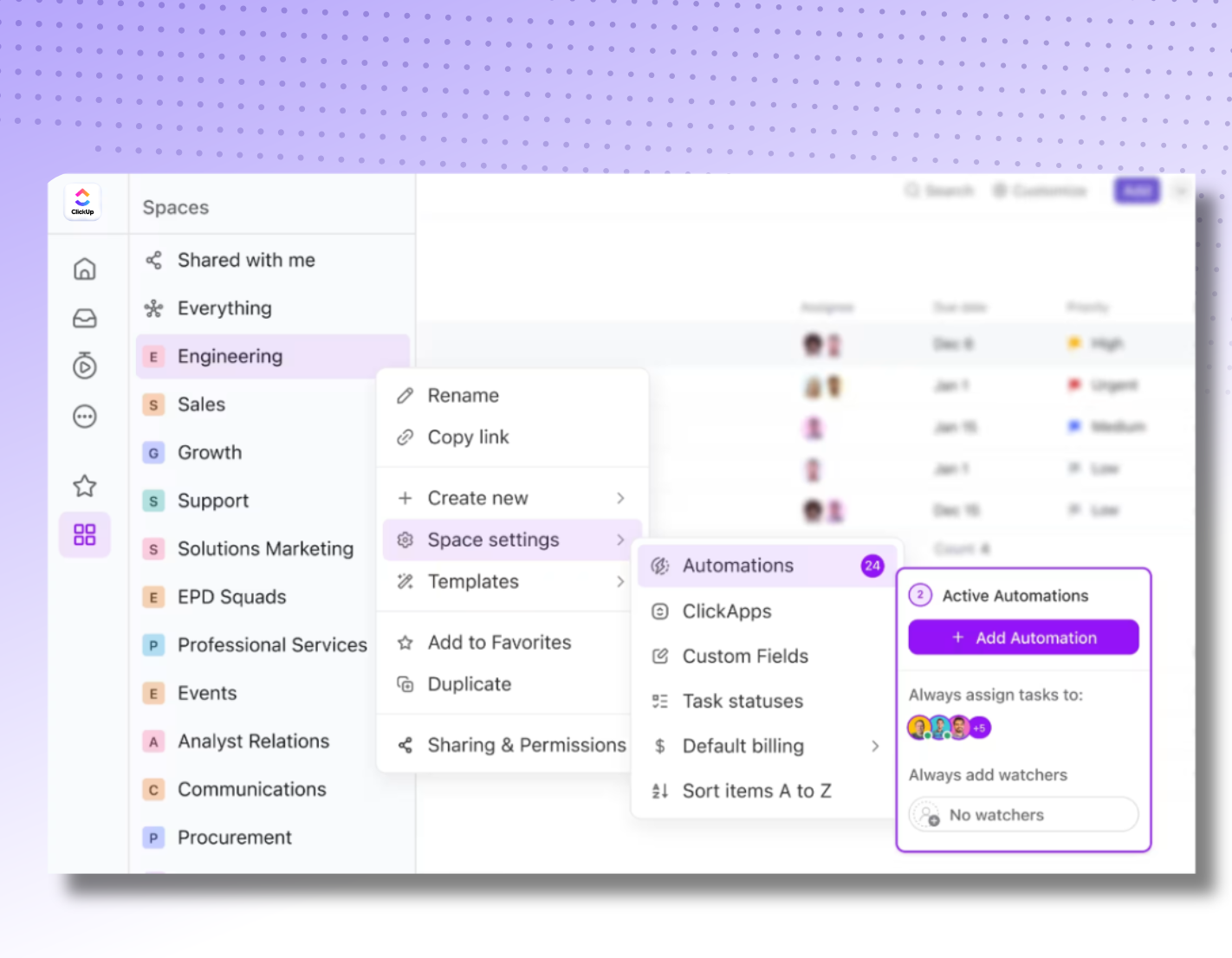
Quick answer: No code automation tools let teams build workflows, automations, and even AI-powered apps using visual, drag-and-drop interfaces instead of writing code — and among the platforms available today, ClickUp stands out because it combines project management, docs, chat, and no-code automation in one connected workspace, so nothing gets lost switching between tools. For teams that also want that automation to actually stick, working with a certified partner like Dtech Systems (a Diamond ClickUp and Anthropic partner) turns a license into a working system your team adopts, not another login they ignore.

What Are No Code Automation Tools, Exactly?
These are software platforms that let anyone—not just developers — build workflows, connect apps, and automate repetitive tasks using visual builders instead of programming languages. These platforms i.e.ClickUp, Zapier, Make, n8n, Microsoft Power Automate, etc. let users build workflows without programming knowledge, connecting things like email, spreadsheets, and project tools so tasks trigger automatically instead of being done by hand.
In practice, this means:
- Triggers and actions replace lines of code (e.g., “when a form is submitted, create a task”)
- Drag-and-drop builders replace developer sprints
- Pre-built templates replace custom scripts
- Business users — not IT teams — own the automation
For enterprise teams managing multiple workstreams, this isn’t minor friction. It’s the difference between AI that saves time and AI that creates more work.
Why Businesses Are Switching to No Code Automation Tools
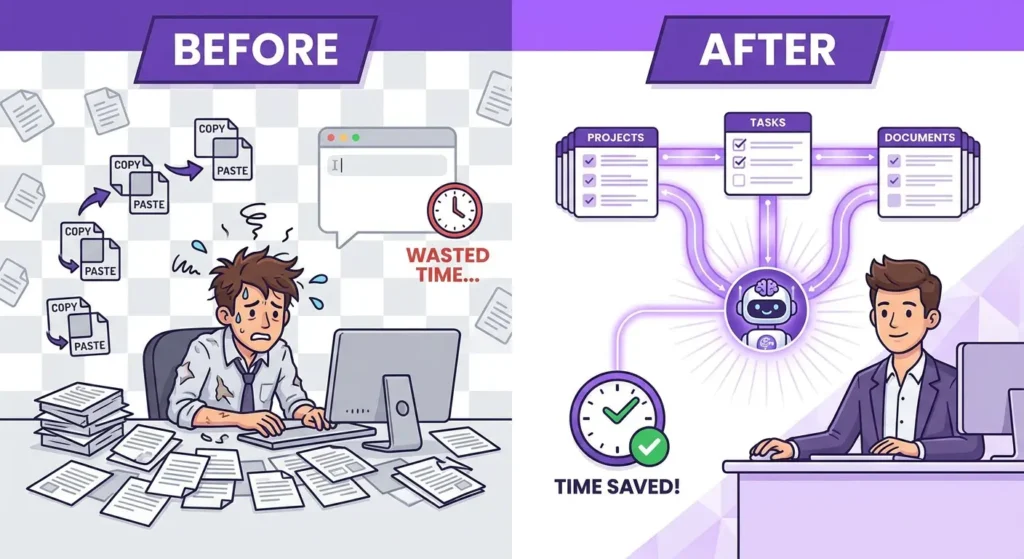
This shift isn’t just a developer trend anymore — it’s an operations trend. Teams that used to rely on IT tickets or third-party developers to automate a workflow can now do it themselves in an afternoon.
Faster Workflows Without Waiting on Developers
Every automated task — a status update, a task assignment, a client notification — used to mean writing a request, waiting in a dev queue, and hoping the fix matched the ask. Visual, drag-and-drop platforms remove that bottleneck entirely. Operations managers, marketers, and project leads can build and adjust automations themselves, in real time, as the business changes.
Lower Costs, Higher Adoption
Because these platforms don’t require engineering resources to build or maintain, the total cost of automating a process drops significantly. But cost savings only matter if people actually use the automation — which is where most companies quietly fall short (more on that below).
ClickUp: A No Code Automation Tools Platform Built for Whole Teams
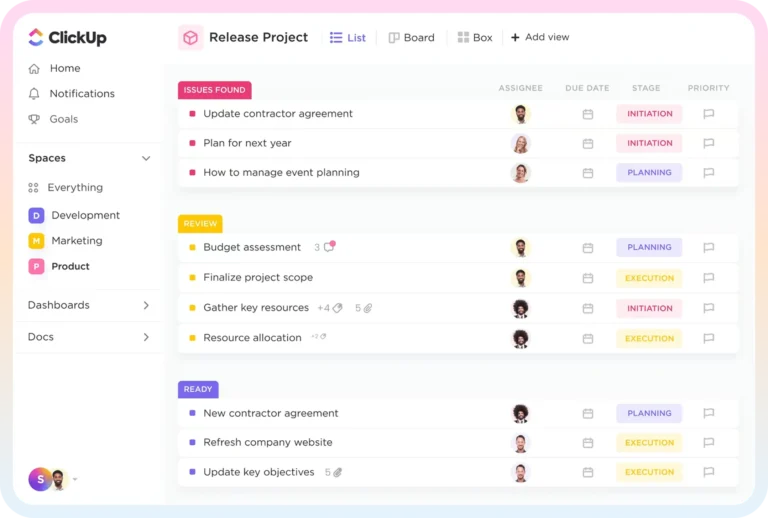
Among the many platforms competing in this space, ClickUp has positioned itself as one of the most complete options available — because it doesn’t just automate one function, it replaces the 20+ disconnected apps teams normally juggle (tasks, docs, chat, dashboards, and reporting) with a single connected workspace.
ClickApps: No-Code Customization Without Developers
ClickUp’s ClickApps let teams tailor their workspace using visual, no-code tools to build internal applications for work management, collaboration, organization, and reporting — all without writing a single line of code. This is a meaningful distinction from point-solution automation tools: instead of automating one app-to-app connection, ClickUp lets you reshape how an entire team’s work runs.
ClickUp Automations and AI-Powered Workflows
ClickUp’s built-in automation engine covers the essentials any comparison of this category should include — triggers, conditions, recurring tasks, and cross-tool integrations — while layering AI on top through ClickUp Brain. This lets teams route tasks, summarize updates, and trigger actions based on real project data, not just simple if-this-then-that logic. For teams evaluating their options specifically to reduce manual admin work, this AI layer is often the deciding factor over simpler point tools.
How Dtech Systems Makes ClickUp’s No Code Automation Tools Actually Work
This is where Dtech Systems comes in. Dtech is a Diamond ClickUp and Anthropic partner operating out of Riyadh and London, and its entire model is built around one honest observation: a licence is not a workflow, and a workspace nobody trusts is just another browser tab.
Rather than simply selling access to ClickUp’s automation features, Dtech maps and optimizes how a business actually works first — the processes, the approvals, the handoffs — and only then builds it out inside ClickUp, wiring in Claude (Anthropic’s AI) for the intelligence layer. As the team puts it, the tool is never the point; the result is.
What that looks like in practice, based on Dtech’s own delivery model:
- Business Consulting — process mapping, hierarchy, and KPIs, so a team isn’t automating an inefficient process
- Implementation — the technical build of hierarchy, automations, integrations, and dashboards inside ClickUp
- Adoption — live coaching on real work until the platform becomes habit, not homework.
- Support—ongoing fixes, tweaks, and optimization after go-live.
For companies that have tried buying automation software direct and watched it stall, this adoption-first model is often the missing piece.
Best Practices for Choosing No Code Automation Tools
Whether or not you work with a partner, a few principles hold true when evaluating platforms in this space for your team:
- Look for one workspace, not five point tools. Fragmented automation across disconnected apps recreates the exact problem this category is supposed to solve.
- Prioritize pre-built templates and AI assistance. Ready-made automation recipes and AI prompt support save weeks compared to building every workflow from scratch.
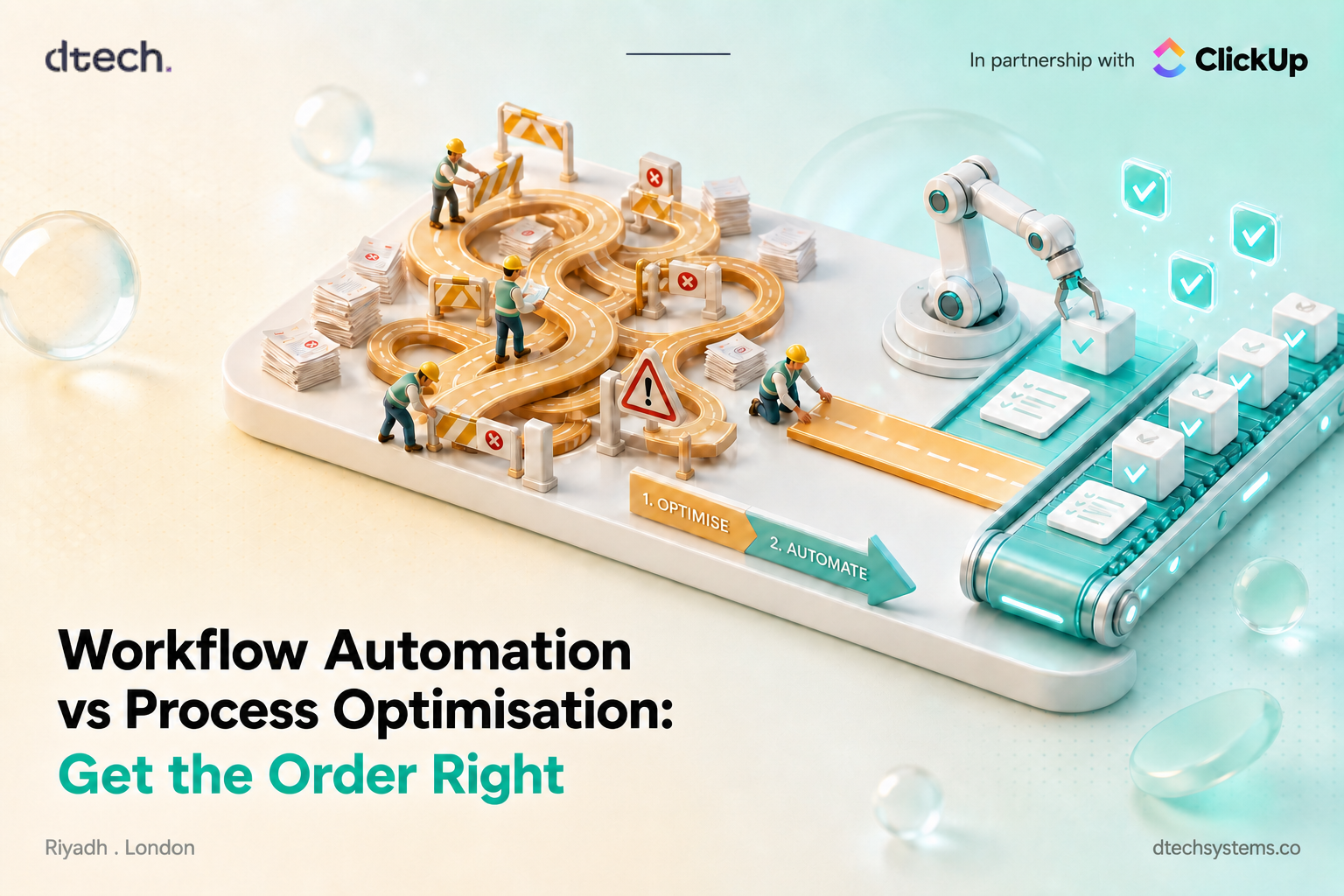
- Map the process before you automate it. Automating a broken process just makes the mess move faster — process clarity has to come first.
- Plan for adoption, not just implementation. The software is rarely the reason automation fails; unused automation is.
Frequently Asked Questions (FAQs)
Is ClickUp a no-code automation platform?
Yes. ClickUp is a no code automation platform that enables teams to automate repetitive tasks without writing code. Using customizable triggers, conditions, and actions, teams can automatically assign tasks, update statuses, apply templates, send emails, add comments, and launch workflows based on specific events. ClickUp also connects with popular tools such as Slack, Google Calendar, GitHub, HubSpot, and other business applications to streamline workflows across different platforms.
How much do no code automation platforms typically cost?
Most platforms price per user per month, usually in tiers based on the number of automations, tasks, or workflow “runs” included. Actual cost depends heavily on automation volume, not just seat count, since many platforms throttle or charge extra once you exceed included automation runs.
Do no code automation tools require any technical knowledge at all?
Basic automations (trigger → action) generally require no technical background. But multi-step workflows with conditional branches, data transformations, or third-party API connections often benefit from someone with light technical fluency — not a developer, but someone comfortable with logic and troubleshooting. This is why adoption support or a partner-led setup tends to matter more than the platform choice itself for complex use cases.
What’s the difference between no-code automation tools and low-code platforms?
No-code tools use only visual builders — triggers, actions, and templates — with zero scripting required, aimed at business users. Low-code platforms offer the same visual layer but allow developers to drop into custom code or APIs when a workflow needs logic the builder can’t express.
Can ClickUp replace Zapier?
According to Clickup: Yes, Sometimes, but not completely. ClickUp can replace Zapier for many automations that happen inside ClickUp or involve its supported integrations. Its native Automations can handle triggers, conditions, actions, emails, webhooks, and integrations without requiring code.
We are a team of experienced software professionals with years in delivering tailored solutions companies. We understand the local market, driving innovation and business success.