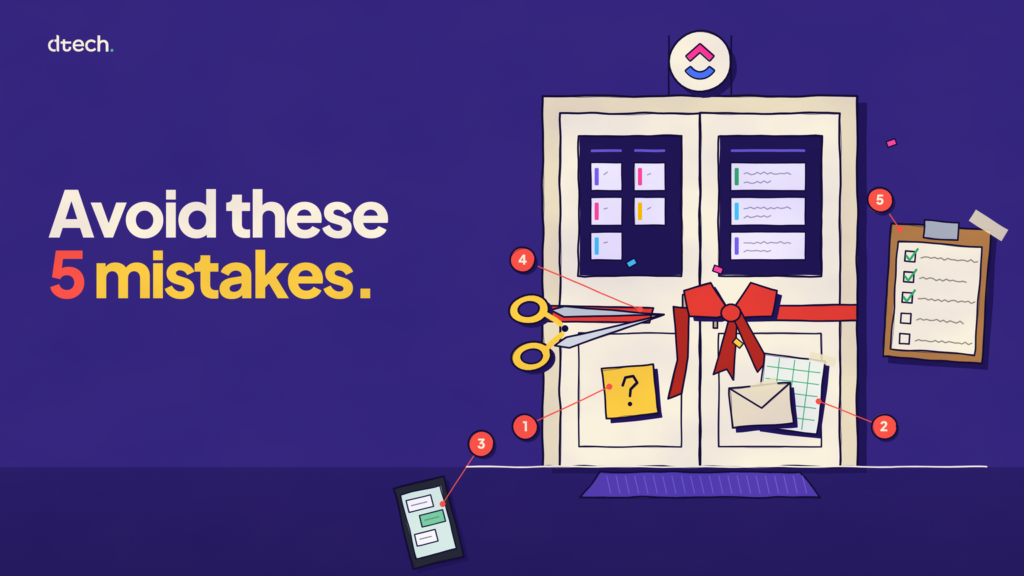
Leading a ClickUp Rollout? Avoid These 5 Mistakes
Most ClickUp rollouts don’t stall because of the tool. They stall because of decisions made before launch and habits that never changed after it. It’s…
Read articleDTECH INSIGHTS
Practical writing on ClickUp, AI and operations for teams in Saudi Arabia and the UK. In English and Arabic.
Browse all articles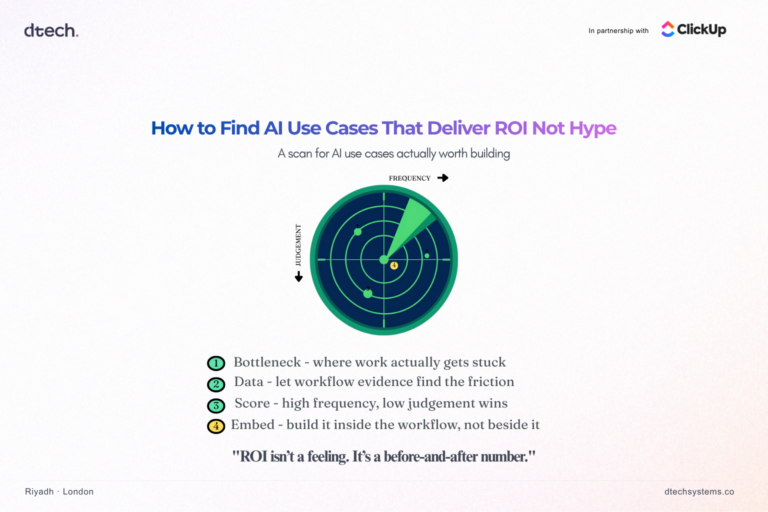
Finding AI use cases that deliver ROI starts with a different question than most companies ask. Most companies don’t have an AI problem. They…
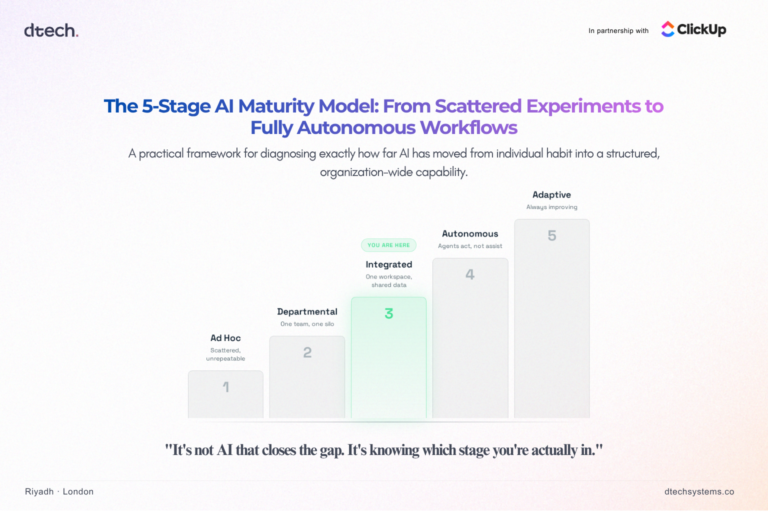
AI maturity model is the term more businesses should be searching before they buy another AI tool. Every company in Saudi Arabia now claims…
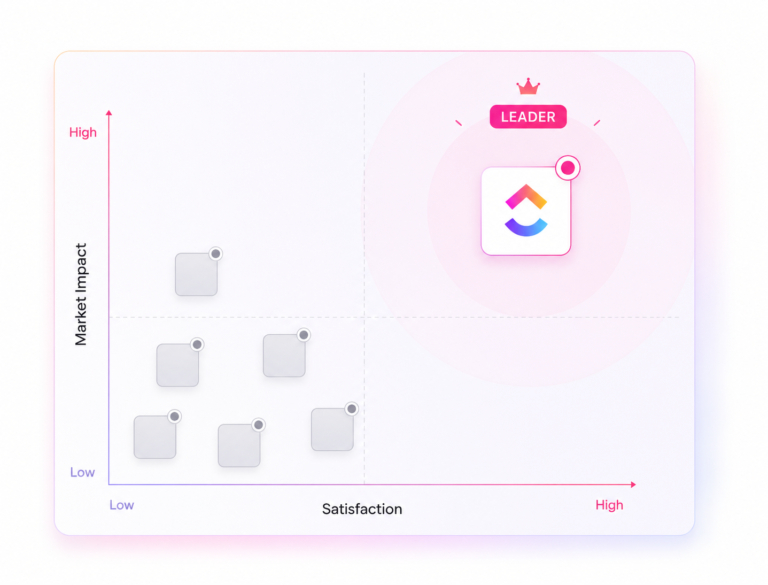
ClickUp is good for freelancers. ClickUp for freelancers works well because it combines task management, time tracking, invoicing-ready reports, and client-facing dashboards inside one…
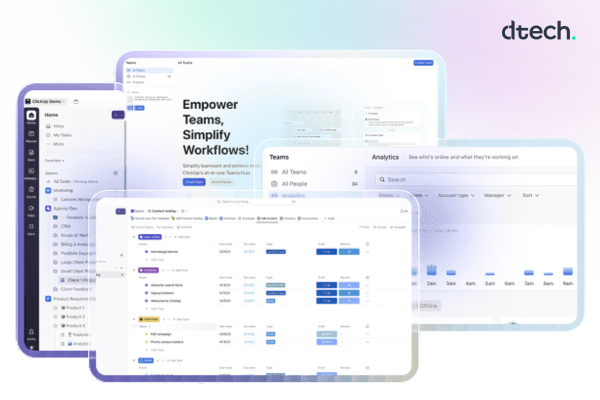
Quick answer: ClickUp reporting tools give teams a single, real-time view of task progress, time spent, workload, and goal status through Dashboards, Time Tracking…
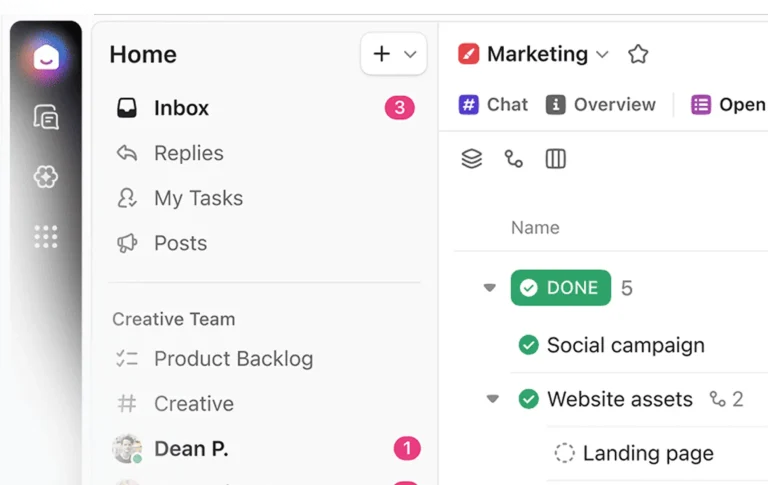
Quick answer: ClickUp for the Operations Team is a single work platform that combines task management, documentation, chat, automations, and dashboards, so operations leaders…

ClickUp gives every team 16 built-in options for viewing the data including List, Board, Gantt, Calendar, Table, Workload, Timeline, Mind Map, Map, and Box…
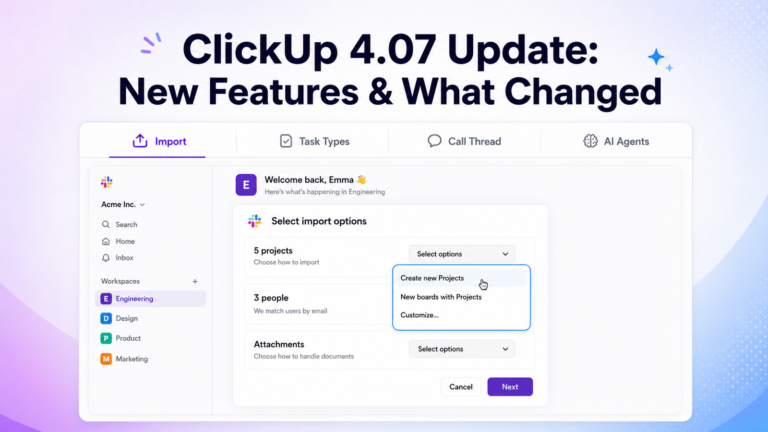
Quick answer: ClickUp 4.07 (released 2026) adds four major features: Custom fields grouped by task type, Slack imports that map to existing channels instead…

Quick Answer: The fastest way to fix a struggling team is to apply proven project management best practices: set clear outcomes, assign clear ownership,…
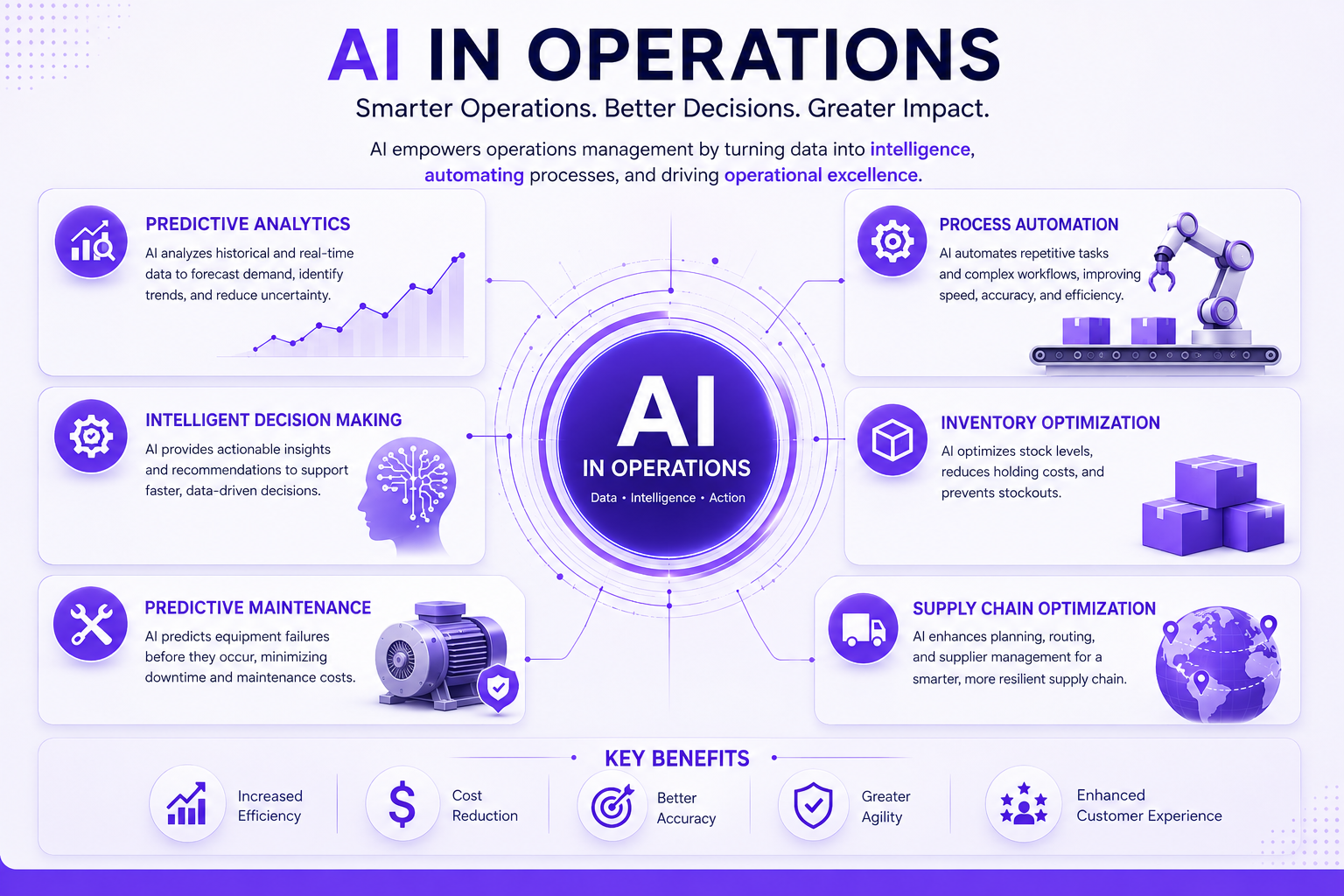
Quick Answer: AI and operations only work together when the operational foundation — documented processes, one connected data source, and daily-use habits—is built first…
BOOK THE FIRST HOUR
As a ClickUp Diamond Partner, we are measured on real adoption, not hours billed. If the first session works, your team will ask for more. If it does not, we stop there.
Book a Free Hour